Form analytics: see completion and drop-off rates for every form | Dashform
Автор: DashForm AI
Загружено: 2026-10-28
Просмотров: 4
Описание:
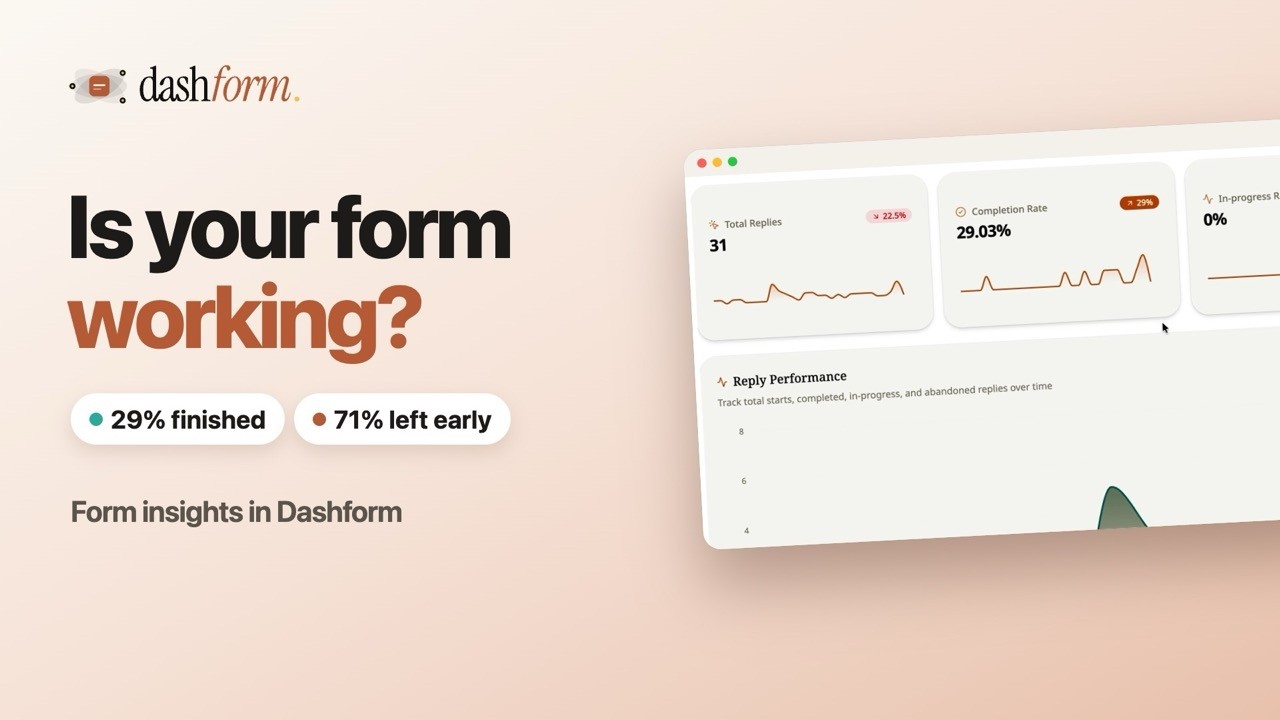
Form analytics tell you whether your form is actually working. In this Dashform demo, the Insights tab shows how many people started a form, how many finished, how many left early, and which questions they actually wrote answers for.
What are form analytics? They are the numbers behind your replies: total replies, completion rate, abandonment rate and average completion time, each compared with the period before. In Dashform you don't set anything up. Open Replies, switch to Insights, and the dashboard is already there.
How do I see where people drop off in my form? Open your form in Dashform, go to Replies, then Insights. Reply Performance shows every day at a glance: how many people started, finished, or dropped off. Question Reply Length shows where people actually write, and hovering any day shows the average answer length for each question. Change the range from the last seven days to all time.
When should I shorten my form? If seven in ten people leave before the end, that is your cue. Insights shows the abandonment rate next to the completion rate, so you can see it without guessing.
Who it's for: anyone running a lead form, intake form, feedback form or application form who wants to know if people are finishing it.
In this video:
• Opening Insights from Replies
• Total replies, completion rate, abandonment rate and average completion time
• Reply Performance: started, completed and abandoned replies by day
• Sentiment analysis of what people write
• Respondent details: who left a name or email, who stayed anonymous
• Question Reply Length, and hovering a day for per-question averages
• Changing the date range
Dashform is an AI form builder for AI agents: forms people can fill in, and agents can work with. Learn more at dashform.ai
Chapters:
00:00 Is your form working
00:09 The numbers that matter
00:20 Reply performance by day
00:28 Sentiment and respondents
00:37 Question reply length
00:51 When to shorten the form
Recorded product demo with a sample help and feedback form. The reply cards in the opening and the metric cards in the closing are illustrative. Some parts are sped up. Narration is AI generated.
#Dashform #FormAnalytics #FormInsights #CompletionRate #DropOffRate #FormBuilder #AIForms
Повторяем попытку...
Доступные форматы для скачивания:
Скачать видео
-
Информация по загрузке: