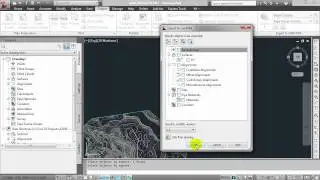
GT_PROFILE : Draw cross-sectional profile from 3D polyline | GeoTool Tutorials | Rakesh Rao
Автор: DESIGNSENSE (Rakesh Rao)
Загружено: 2016-09-18
Просмотров: 4087
Описание:
In this video we are going to cover GT_PROFILE Commands in GeoTools For AutoCAD, BricsCAD, ZWCAD and ARES Commander Software.
*******************************
Video Description:
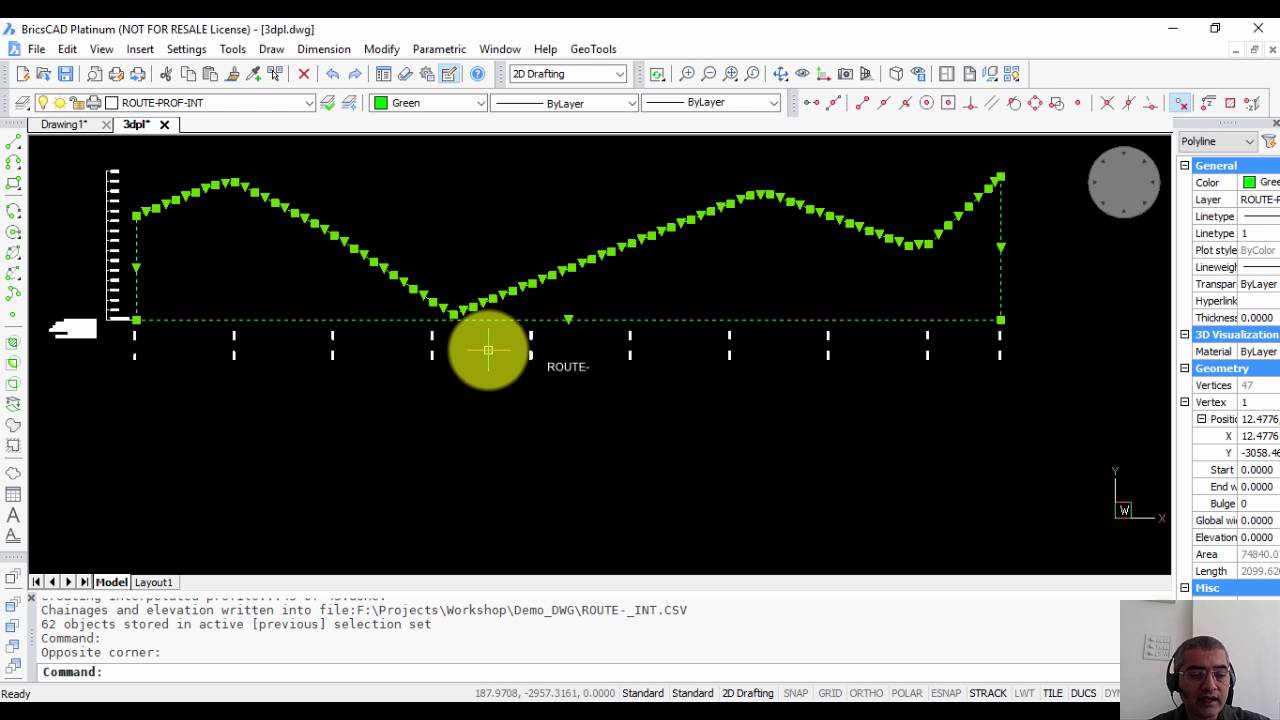
The GT_PROFILE command is used to create cross-sectional (longitudinal) profiles from 3d polylines. The elevation values (heights) are displayed along the Y axis while the chainages (distances) are displayed along the X axis. In addition, there are options to create named sections, segmental distance annotation, X and Y coordinates annotation as well.
The What to annotate section determines the points along the 3d polyline where the profile annotation is done. You can create annotations in several ways - either at each vertex of the polyline (Source) or at a fixed regular distance (Interpolate) along polyline, or both Source and Interpolate.
*******************************
CADPower Tutorials | CADPower Videos for AutoCAD BricsCAD ZWCAD ARES Commander | DesignSense Software Technologies | Rakesh Rao
https://bit.ly/3yZpJ0y
GeoTools Tutorials | GeoTools Videos for AutoCAD BricsCAD ZWCAD ARES Commander | DesignSense Software Technologies | Rakesh Rao
https://bit.ly/2U6z3ku
All Videos | GeoTools & CADPower Tutorials | DesignSense Software Technologies | Rakesh Rao | AutoCAD | BricsCAD | ZWCAD | ARES Commander
https://bit.ly/3r8TVU6
Please don’t forget to Subscribe | Like | Share our Channel:
https://bit.ly/2UXrvAx
Contact us at:
DesignSense Software Technologies Pvt. Ltd.
365/8, “Hasmitha Avenue”, First Floor
16th Main Road, Jayanagar 4T Block,
Bengaluru – 560 041, India.
Web: https://www.thedesignsense.com
Email: [email protected]
Contact: +91-9243438300
Thank You
#geotools #cadpower #designsense
Повторяем попытку...
Доступные форматы для скачивания:
Скачать видео
-
Информация по загрузке: