How to Withdraw LinkedIn Connection Requests Automatically | Konnector.ai Tutorial
Автор: Konnector AI
Загружено: 2025-06-20
Просмотров: 263
Описание:
Too many unanswered LinkedIn requests? Time to clean up your list!
This quick tutorial shows you how to automatically withdraw pending LinkedIn connection requests using Konnector.ai—so you stay under limits and focus on high-intent leads.
Timestamps:
00:00 – 00:03 → Introduction
00:03 – 00:10 → Navigate to Invitations Tab
00:10 – 00:14 → Select LinkedIn Account
00:14 – 00:18 → Choose the Date Range
00:18 – 00:24 → Select Leads via Checkbox
00:24 – 00:30 → Click “Select All” and Review
00:30 – 00:35 → Withdraw All Selected Requests
00:35 – 00:45 → Intro to Auto Withdraw Feature
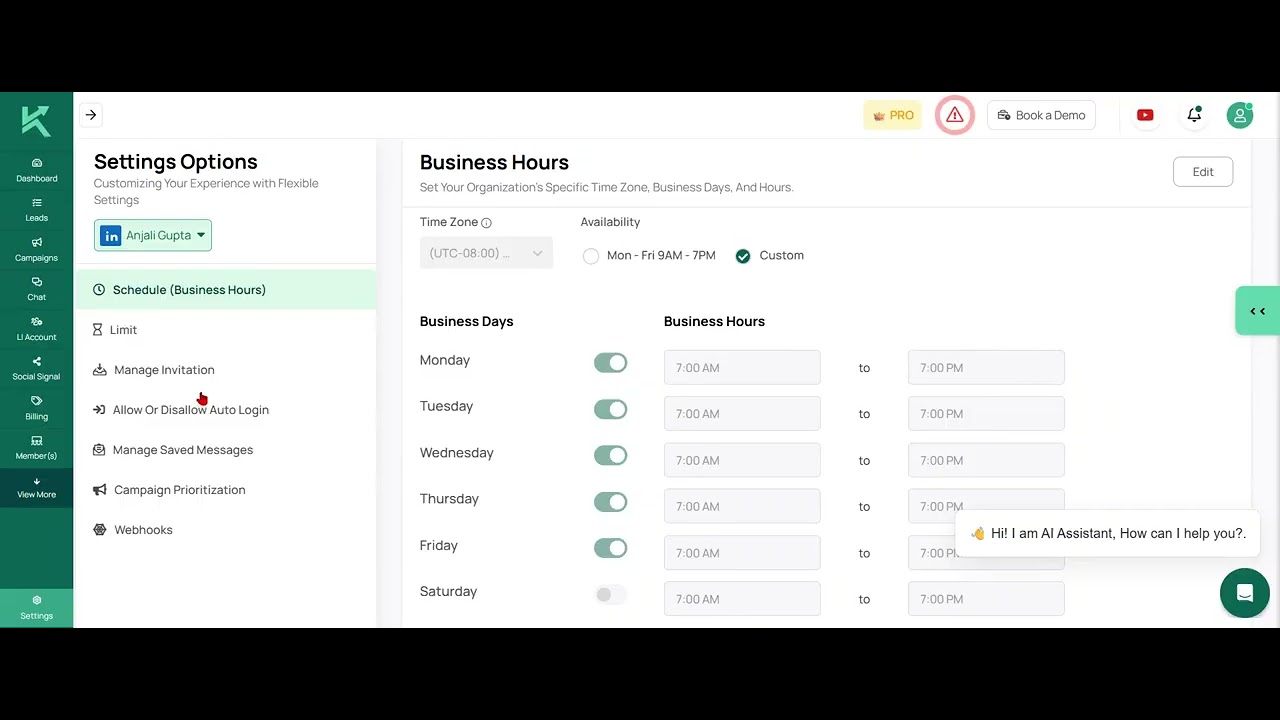
00:45 – 00:50 → Go to Settings → Manage Invitation
00:50 – 00:56 → Turn On Auto Withdraw Flag
00:56 – 01:04 → Auto Withdraw After 30 Days
01:04 – 01:06 → Customize Days as Needed
01:06 – 01:09 → Save Settings
01:09 – 01:14 → Summary & Outro
In this video, you’ll learn:
How to set up auto-withdrawal for pending invites
How to define time limits (e.g., withdraw after 7/14/30 days)
Why withdrawing old requests improves LinkedIn performance
How to track withdrawn invites in your dashboard
Perfect for keeping your outreach strategy clean, optimized, and compliant.
🔗 Start using Konnector: https://konnector.ai
💬 Questions? Contact our support team anytime!
#KonnectorAI #LinkedInAutomation #WithdrawRequests #ConnectionCleanup #LinkedInTips #B2BLeads #SalesAutomation
Повторяем попытку...
Доступные форматы для скачивания:
Скачать видео
-
Информация по загрузке: