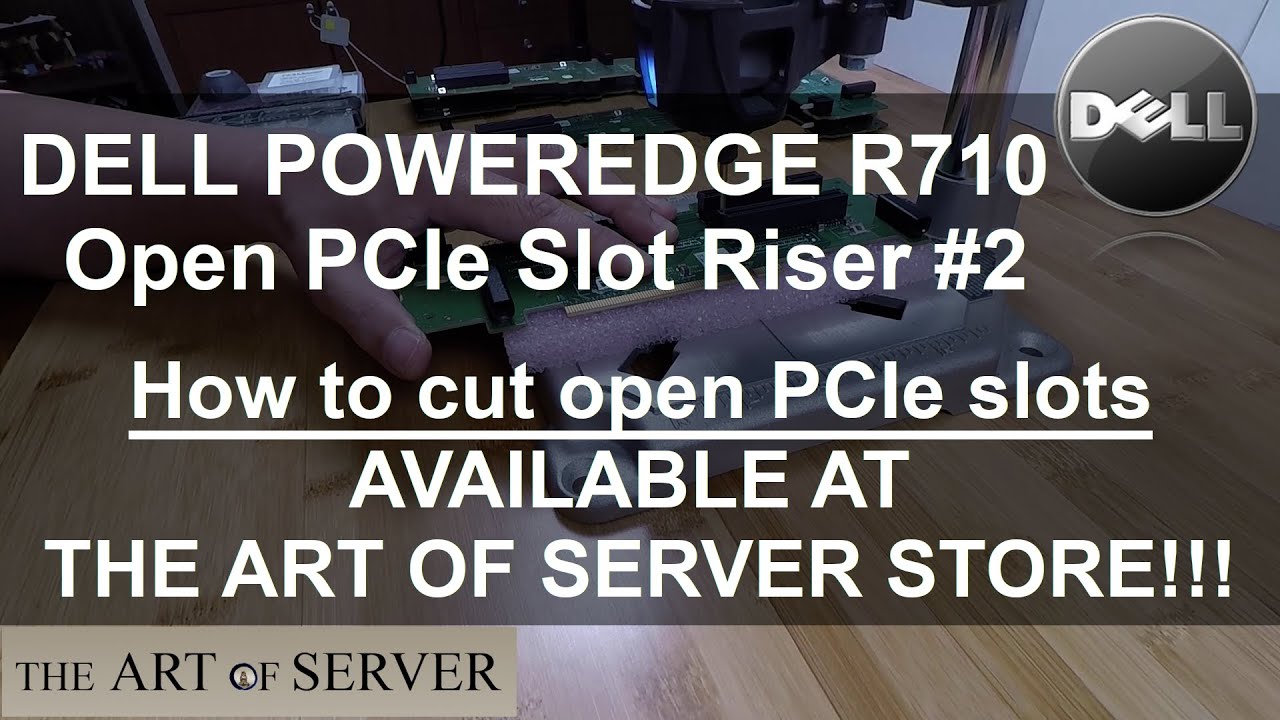
Dell PowerEdge R710 Open PCIe slot riser #2 | How to cut open PCIe slots
Автор: Art of Server
Загружено: 2020-03-20
Просмотров: 7980
Описание:
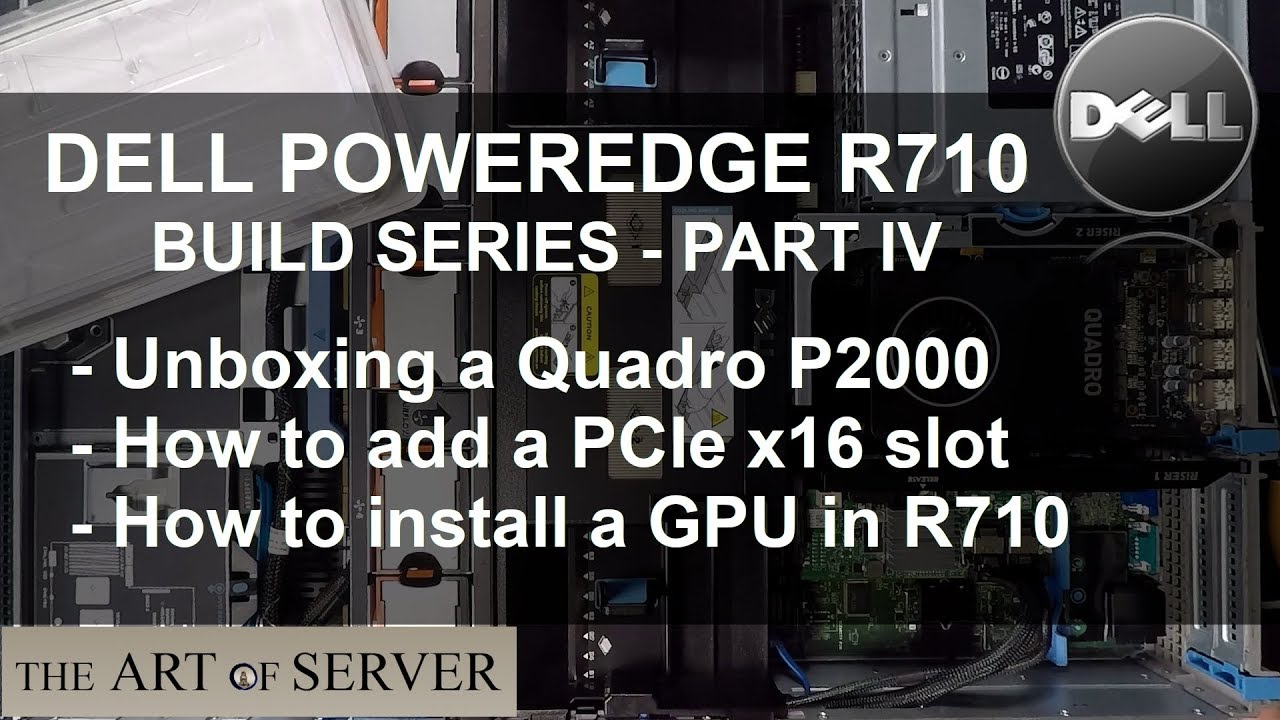
Just a short video showing how I cut open PCIe slots on the Dell PowerEdge R710 PCIe riser #2. This allows you to install GPUs in your R710.
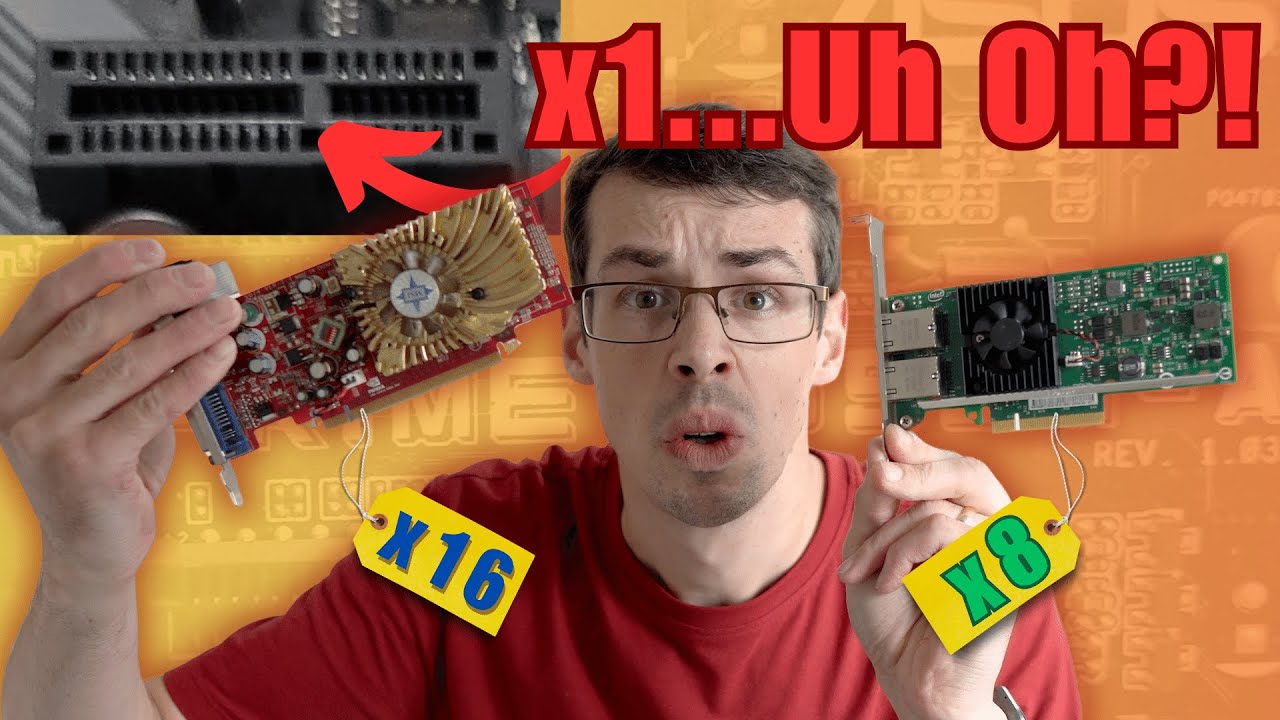
Many of you have messaged me asking if I have any more Dell GP347 x16 PCIe Riser #2 boards that I sold at my eBay store. Unfortunately, I'm sold out and cannot get anymore. I got so many requests for this, that I thought I would find an alternative solution for you, and so I am now modding the 2x8 PCIe riser #2 by cutting open the PCIe slots so that you can install GPUs or other x16 PCIe cards in your R710!
While I was doing this, I thought I might as well show you guys how I cut open the PCIe slots in case you want to do it yourself! You can also buy one already modded from my eBay store here:
Dell R710 PCIe riser #2 with open slots: http://ebay.to/3cnSM4a
If you'd like to support this channel, please consider shopping at my eBay store: https://ebay.to/2ZKBFDM
eBay Partner Affiliate disclosure:
The eBay links in this video description are eBay partner affiliate links. By using these links to shop on eBay, you support my channel, at no additional cost to you. Even if you do not buy from the ART OF SERVER eBay store, any purchases you make on eBay via these links, will help support my channel. Please consider using them for your eBay shopping. Thank you for all your support! :-)
Повторяем попытку...
Доступные форматы для скачивания:
Скачать видео
-
Информация по загрузке: