Change quicker between weapons with Lifeweaver! |
Автор: Youscrim
Загружено: 2023-05-19
Просмотров: 1570
Описание:
This easy change makes your switch between healing and damage with Lifeweaver way faster!
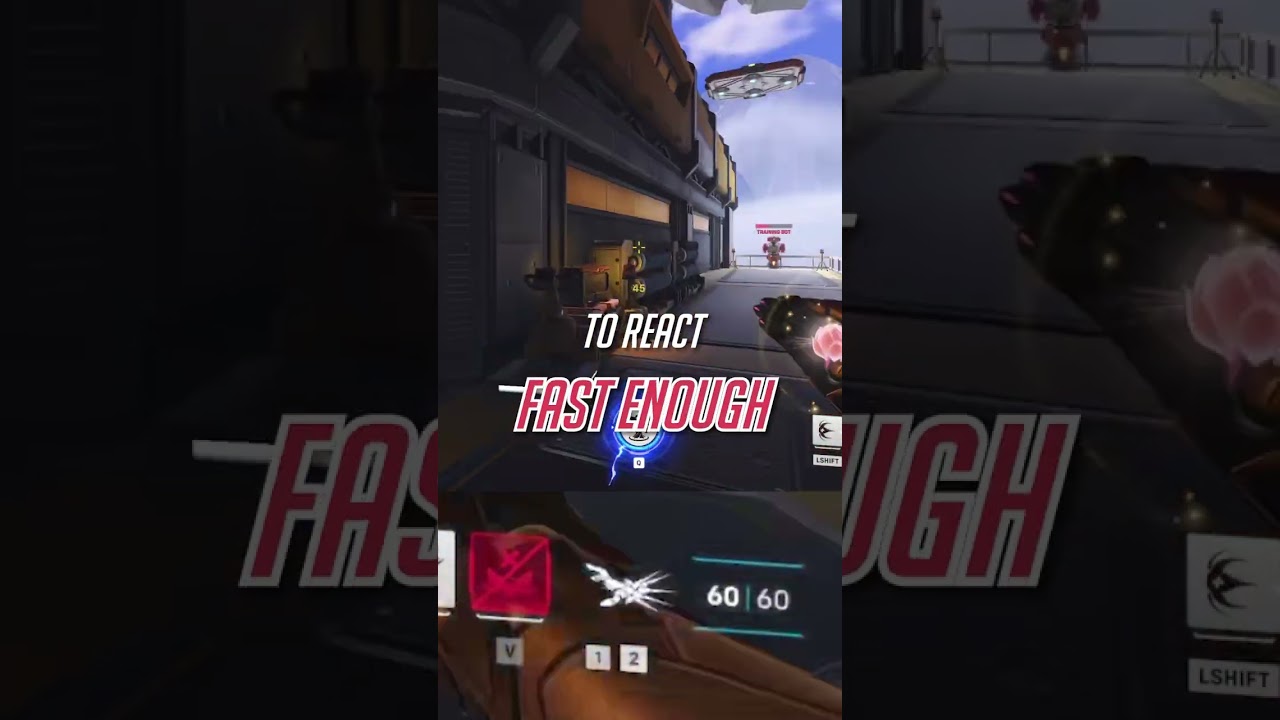
To switch between healing and damage you must switch weapons. By default, you do this by either pressing the numbers 1 or 2 or using your mouse wheel. This default setting however makes it difficult to react fast enough.
Therefore the better alternative is to bind "switching weapons" to mouse 2. By doing this you can now hold down mouse 1 while switching weapons and charge healing quicker or deal quick damage.
The only thing that can some time to get used to with this is that you're going to have to rebind your mouse 2 ability.
Our other Videos:
/ @youscrim
Follow us for more:
Website: https://youscrim.com
Discord: / discord
Twitter: / youscrim
Tiktok: / youscrim
Intsagram: / youscrim
#overwatch #overwatch2 #gaming #pcgaming #pc #pcgamer #battlenet #twitch #coaching #overwatchclips #overwatchguide #dva #overwatchtips #tips #guides #gaming #gamer #ps #playstation #videogames #game #xbox #games #twitch #overwatch2gameplay
Повторяем попытку...
Доступные форматы для скачивания:
Скачать видео
-
Информация по загрузке: