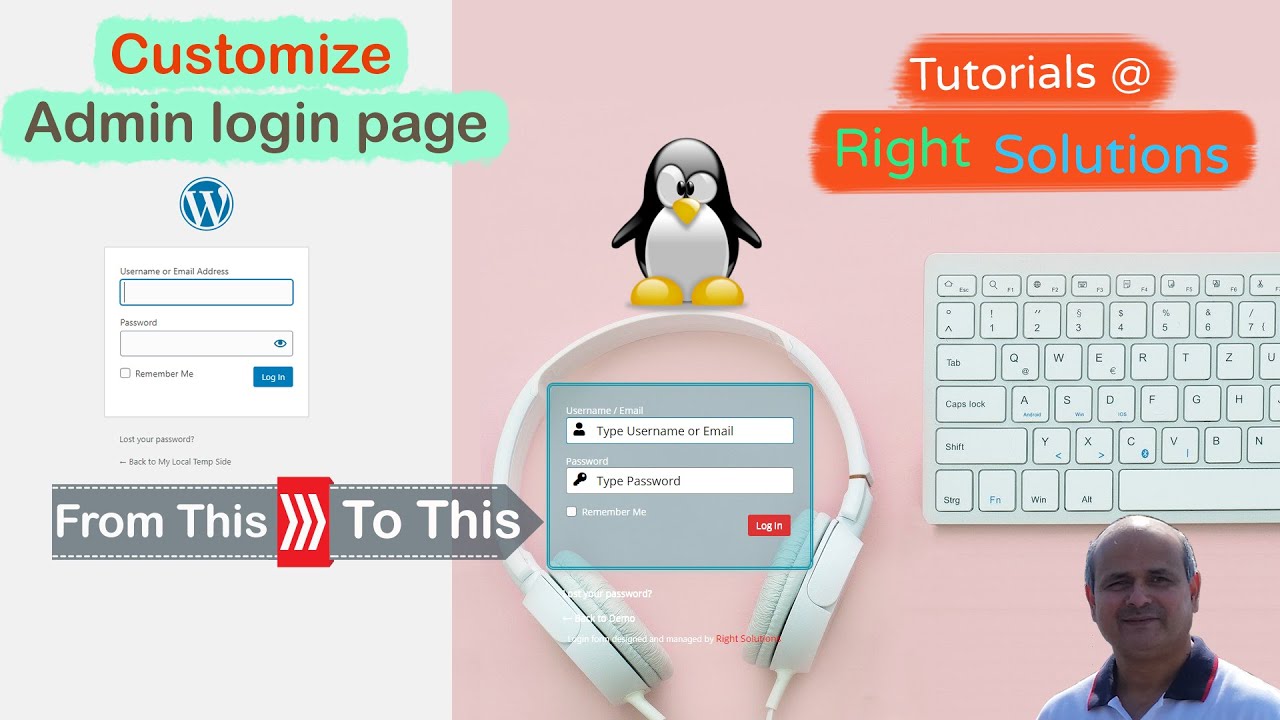
Create a WordPress Custom Login Page with free plugin - How to Customize WordPress Admin Login Page
Автор: RightSolutions
Загружено: 2020-03-24
Просмотров: 312
Описание:
In this WordPress Tutorial I will show you how to customize your default WordPress Admin Login Page and Create a unique eye catching login page, you can add background color of your choice or display you favorite background image, even run a background slide show, customize form color,font size, and/or add social media icons too
Click on the timestamps to directly jump to location of your interest
1.) Introduction - 00:00:00
2.) Install Plugin - 00:01:00
3.) Enable Custom Login page - 00:02:10
4.) Setting up background - 00:03:04
5.) Login form settings - 00:06:43
6.) Font Settings - 00:15:53
7.) Logo Settings -00:19:48
8.) Social Icons - 00:23:18
9.) Google Captcha - 00:25:43
10.) export/ Import - 00:27:35
11.) Log out and see your New Login Page - 00:29:34
12.) Subscribe to my channel - 00:31:22
--------- My Top Picks For Website Solutions & Affiliate Links ---------
Domain Name Registrar;
@ NameHero @ https://rightsolutions.ca/namehero
@ NameCheep @ https://rightsolutions.ca/CheapDomain...
Web Hosting;
@ NameHero @ https://rightsolutions.ca/namehero
@ SiteGround @ https://rightsolutions.ca/siteground
@ NameCheep @ https://rightsolutions.ca/CheapDomain...
@ VPS @ https://rightsolutions.ca/vps
WPForms;
@ WP Forms @ https://rightsolutions.ca/wpforms
@ WP Mail SMTP @ https://rightsolutions.ca/wpmailsmtp
@ WPForms Features & Addons @ https://rightsolutions.ca/wpformsaddons
Theme & Page Builder;
@ Divi @ https://rightsolutions.ca/Divi
@ Elementor @ https://rightsolutions.ca/elementor
@ SeedPro @ https://rightsolutions.ca/SeedProd
Other Tools
@ Giveaway Plugin @ https://rightsolutions.ca/RafflePress
Disclaimer:
Information provided in this video are based on my own experience and Due to factors beyond the control of RightSolutions, I/We cannot guarantee against improper use or any upcoming operational changes to the software or operating systems. No information contained in this video shall create any expressed or implied warranty or guarantee of any particular result. Any damage, or loss that may result from improper use of these methods, programs, or from the information provided in this video is the sole responsibility of the user and not Mazhar or RightSOlutions Channel.
Some of the links on this page are “affiliate links.” This means if you click on the link and purchase the item, I will receive an affiliate commission. Of course this does not effect your purchase price but will support us to maintain this channel
~-~~-~~~-~~-~
Please watch: "How To Secure Your WordPress Website - Wordfence Security Plugin Tutorial"
• How To Secure Your WordPress Website - Wo...
~-~~-~~~-~~-~
Повторяем попытку...
Доступные форматы для скачивания:
Скачать видео
-
Информация по загрузке: