How to add a student ID to your Certiport account
Автор: Christy Dye
Загружено: 2025-05-23
Просмотров: 304
Описание:
How to Add a Student ID to Your Certiport Account
Sometimes students or teachers create their Certiport Accounts and forget to an ID.
✅If your school has checked the box that requires ID's for testing, (📺Video: How to require Student IDs Prior to testing • How to require Student IDs prior to testing
Teachers must also enter something in the Student ID field to be able to test. Teachers can simply add the word "Teacher" in that box.
Step-by-Step Instructions
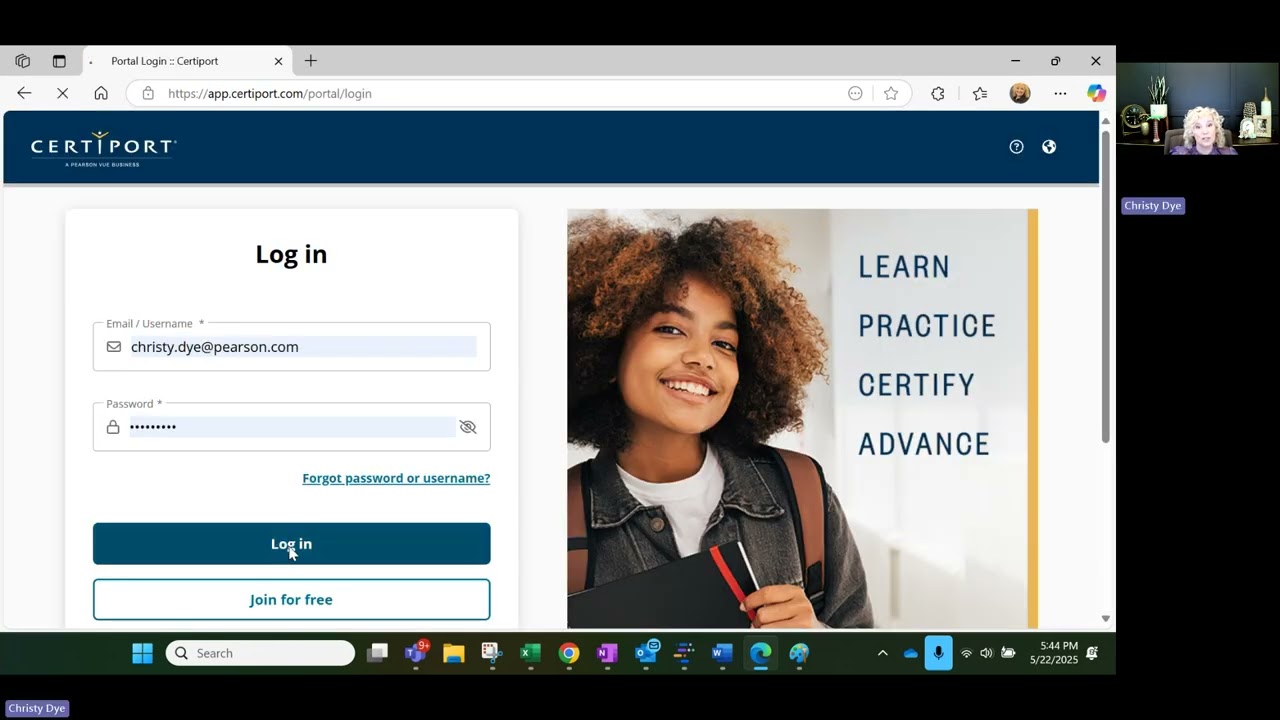
Step 1: Have the student log in to https://www.certiport.com and select My Profile in the top-right corner.
Step 2: Click the Edit button in the top-right corner of the profile page.
Enter the Student ID, then press Save.
Step 3: Every two weeks, reports are updated at NC DPI, and both you and your school will receive credit for the student passing their certification exam.
Повторяем попытку...
Доступные форматы для скачивания:
Скачать видео
-
Информация по загрузке:





![[4K FULL HD] Relaxing Water Background | 1 HOUR | Calm Water Wallpaper (No Sound)](https://imager.clipsaver.ru/y9PTNTSpGJs/max.jpg)