DSC PowerSeries NEO Panel Default Programming Reset - Alarm System Store
Автор: Alarm System Store
Загружено: 2017-09-05
Просмотров: 34563
Описание:
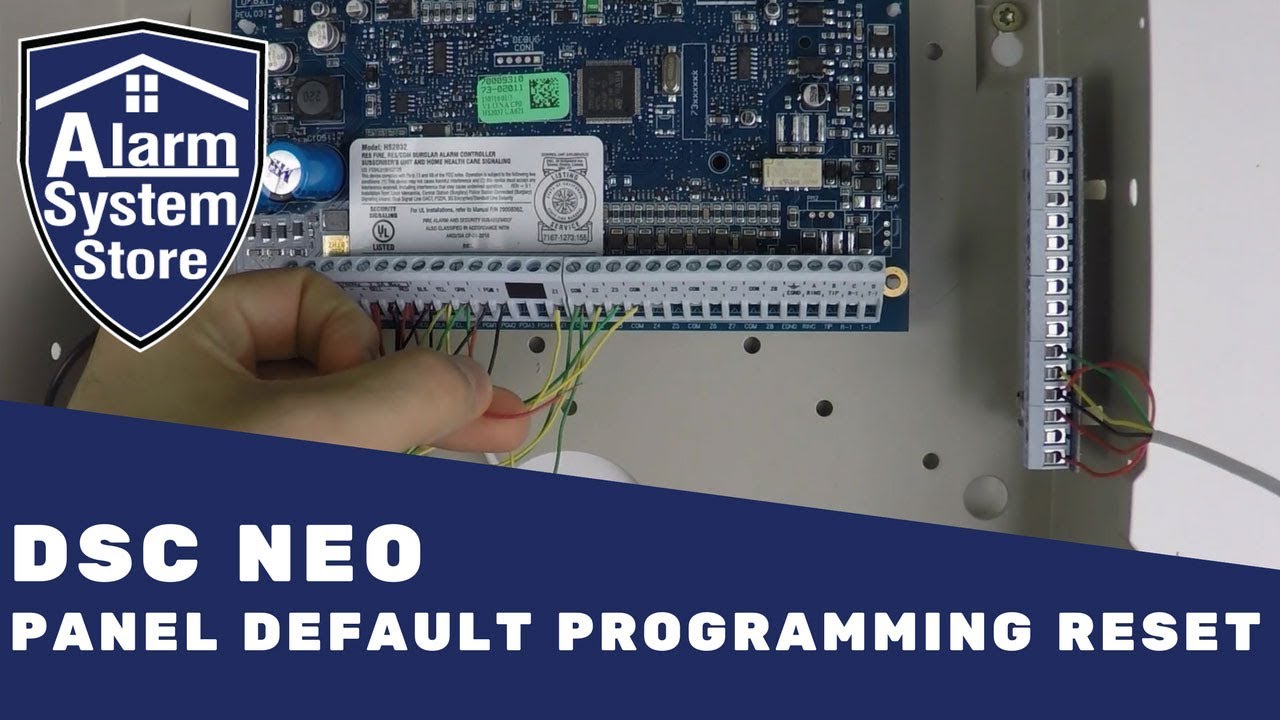
DSC PowerSeries NEO Panel Default Programming Reset
Jason of Alarm System Store takes you through the steps for doing a panel reset for the DSC NEO HS2016, HS2032, HS2064, and HS2128 alarm panels. He'll show you how to do a programming reset by jumping wire across two terminals on the DSC NEO alarm panel. This will get your alarm panel back to factory default so you can start with a clean slate.
Get your PowerSeries security system reset so that you can reprogram it to your specific needs.
Be sure to subscribe and click on the bell to get notices of our other technical videos.
You can also visit our website at http://alarmsystemstore.com for all of our great deals on security equipment.
If you have pre-sales questions; call us at 888-811-0727
You can also follow us on the following social sites for information, coupon codes, and much more!
Facebook - / alarmsystemstore
Twitter - / alarmstore
Google+ - https://plus.google.com/u/0/b/1163525...
Повторяем попытку...
Доступные форматы для скачивания:
Скачать видео
-
Информация по загрузке:


