Naftah Programming Language: Install & Run Your First Code on Linux (Fedora)
Автор: Programming Universe
Загружено: 2026-02-07
Просмотров: 2
Описание:
This video shows how to install and run the Naftah programming language on Linux (Fedora).
Naftah is a JVM-based programming language that integrates seamlessly with Java, Kotlin, and Groovy, using a powerful reflection system and Arabic-inspired syntax.
Download & Explore
Official website: https://go.daiitech.org/youtube
GitHub repository: https://go.daiitech.org/naftah-github
Last release: https://go.daiitech.org/naftah-release
Direct distribution downloads:
https://go.daiitech.org/naftah-download
https://go.daiitech.org/naftah-downlo...
⚠️ This video covers LINUX (Fedora) ONLY.
Support for other Linux distributions and macOS will be covered in upcoming videos.
Prerequisites (Linux Fedora)
Java 17 or higher
`JAVA_HOME` correctly configured
Naftah distribution folder containing:
`lib/` (core and optional `.jar` files)
Linux CLI scripts (`.sh`)
Install Java on Fedora (if needed):
sudo dnf install java-17-openjdk-devel
Verify installation:
java -version
echo $JAVA_HOME
Available Naftah Scripts (Linux)
`naftah.sh` → Default entry point (runs scripts)
`naftah-repl.sh` → Interactive REPL
`naftah-init.sh` → Initialize Java/Kotlin/Groovy libraries
`naftah-man.sh` → Interactive CLI manual
Make scripts executable if needed:
chmod +x *.sh
Running a Naftah Script
./naftah.sh hello.naftah
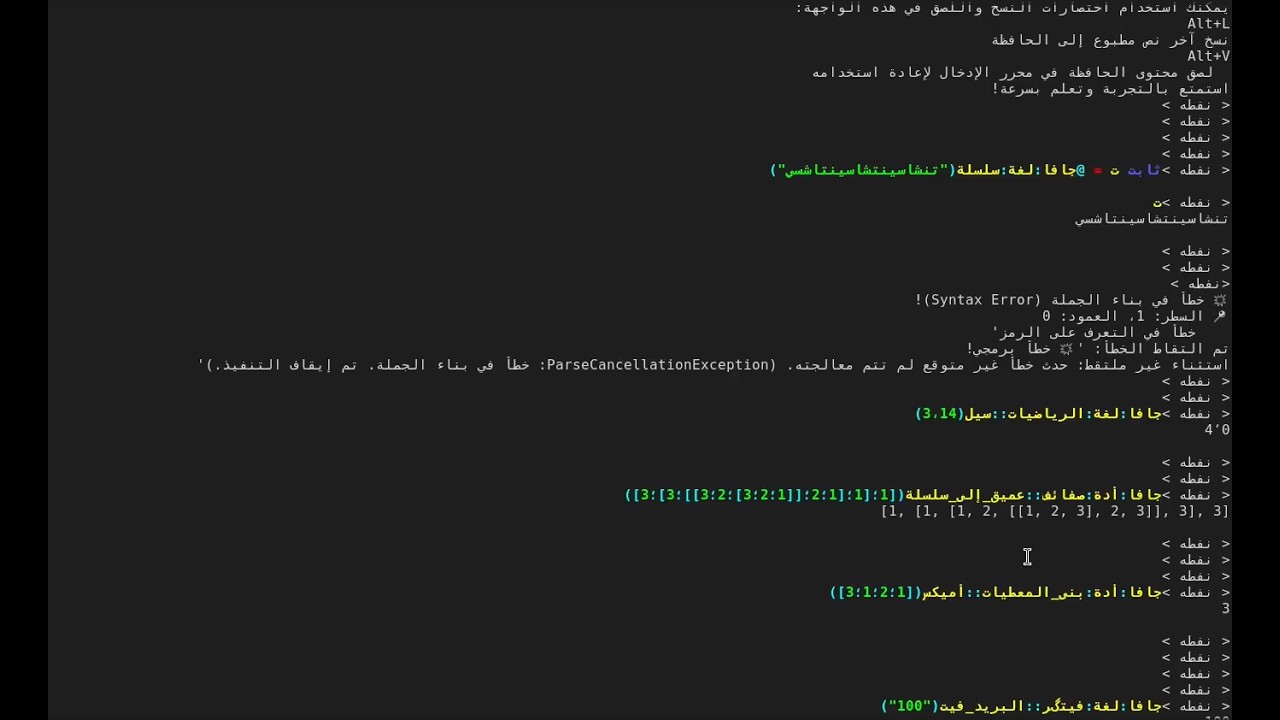
Starting the Interactive REPL
./naftah-repl.sh
or
./naftah.sh shell
REPL features:
Multi-line input
Command history & navigation
Live feedback with Arabic-style syntax
Initializing Java Libraries
./naftah-init.sh
or
./naftah.sh init
This scans all `.jar` files under the `lib/` folder and enables:
Java / Kotlin / Groovy interoperability
Arabic-transliterated access to JVM APIs
No build tools or extra configuration
Using the Naftah Interactive Manual
./naftah-man.sh
or
./naftah.sh man
Features:
Explore commands, functions, and JVM metadata
Arabic & English help
Fully terminal-based and offline
Example Workflow
1. Add `.jar` files to `lib/`
2. Run `./naftah-init.sh`
3. Start REPL or run a `.naftah` script
Повторяем попытку...
Доступные форматы для скачивания:
Скачать видео
-
Информация по загрузке: