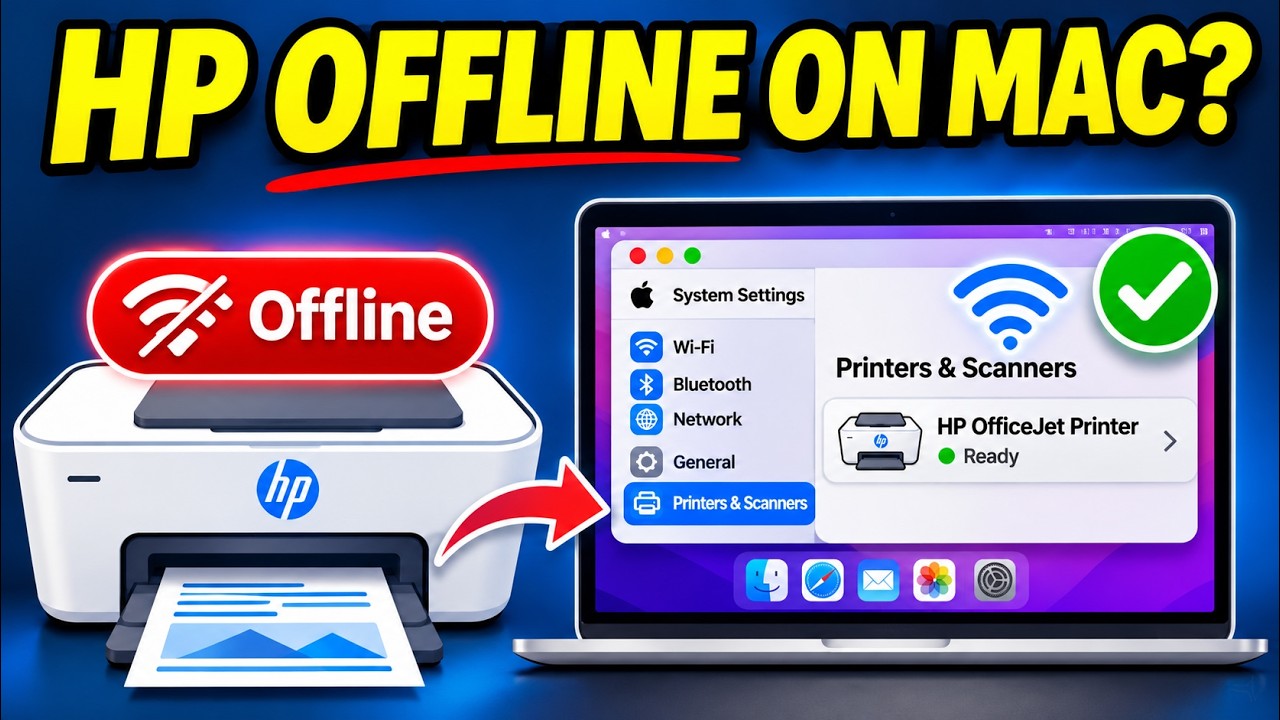
HP Printer Offline Mac: Complete Step-by-Step Fix (macOS System Settings & HP App)
Автор: TechHelpAndSupport
Загружено: 2026-11-25
Просмотров: 7
Описание:
Is your HP printer showing offline on your Mac? 🖨️ In this complete step-by-step troubleshooting guide, learn how to fix an offline HP printer on macOS—from unpausing Print Center and checking Wi-Fi to running HP Diagnose & Fix, re-adding your printer, and resetting the macOS printing system!
📌 What You'll Learn in This Guide:
1. Check Printer Hardware & Indicators: Verify power, paper, ink levels, paper jams, and the wireless light status on your HP printer.
2. Check macOS Printers & Scanners / Print Center: Open Apple Menu - System Settings - Printers & Scanners, open the print queue, resume paused printers/jobs, delete stuck documents, and test printing from TextEdit.
3. Power Cycle & Verify Same Wi-Fi Network: Unplug your HP printer for 60 seconds, restart your Mac and router (30 seconds), and confirm both devices are on the exact same Wi-Fi network.
4. Run HP App Diagnose & Fix: Open the HP app on your Mac, select your printer, and run "Diagnose & Fix" to automatically detect and repair connection or queue errors.
5. Remove & Re-Add HP Printer (or Add by IP): Remove the offline printer entry in System Settings and add it back via network discovery or IP address.
6. Last Resort — Reset macOS Printing System: Clear all saved printers and printing settings, re-add your HP printer, and print a test page.
⏱️ TIMESTAMPS / KEY MOMENTS
00:00 - Intro: HP Printer Offline Mac Fix
00:07 - Step 1: Check Printer Power, Paper, Ink & Wireless Light
00:26 - Step 2: Check System Settings - Printers & Scanners Status
01:00 - Step 3: Resume Paused Printer & Clear Stuck Jobs in Print Center
01:44 - Step 4: Power Cycle Printer (60s), Restart Mac & Check Wi-Fi Network
02:32 - Step 5: Run HP App "Diagnose & Fix" Tool on Mac
03:03 - Step 6: Remove & Re-Add HP Printer (or Add by IP Address)
03:37 - Step 7: Reset macOS Printing System & Print Test Page
🔗 OFFICIAL HP & APPLE SUPPORT LINKS
• Download HP Smart / HP App for Mac: https://123.hp.com/
• Official HP Diagnose & Fix Tool Guide: https://support.hp.com/us-en/document...
• HP Printer Offline Troubleshooting Guide: https://support.hp.com/us-en/document...
• Apple Official Guide — Reset the Printing System on Mac: https://support.apple.com/guide/mac-h...
• HP Customer Support & Mac Drivers: https://support.hp.com/
💡 PRO TROUBLESHOOTING TIPS:
If a document prints fine from Apple TextEdit, the issue is isolated to the original app you were printing from rather than your HP printer or macOS settings.
Always verify that your Mac is connected to your primary home Wi-Fi network and not a separate guest network, which blocks local printer discovery.
Only reset the macOS printing system as a last resort, as it removes all saved printers and scanners from your Mac.
🔔 Subscribe for more Mac troubleshooting guides, printer setup tutorials, and easy tech fixes!
#HPPrinterOffline #MacOS #HPPrinter #PrinterOfflineMac #TechTroubleshooting #HPApp #AppleMac #WirelessPrinter
Disclaimer: TechHelpAndSupport is an independent troubleshooting and educational channel. We have no official affiliation, partnership, or sponsorship with any of the brands or manufacturers mentioned in our videos. All company, product, and service names are used for identification purposes only and remain the property of their respective owners.
Повторяем попытку...
Доступные форматы для скачивания:
Скачать видео
-
Информация по загрузке: