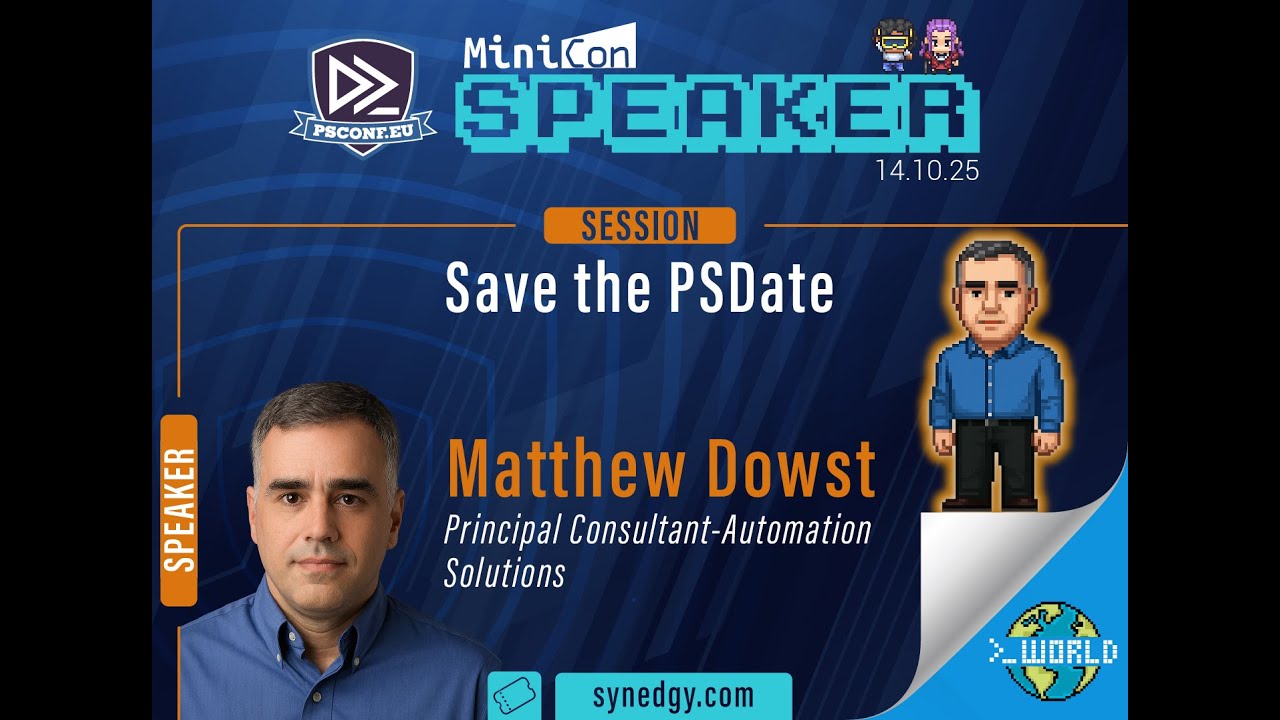
Save the PSDate - Matthew Dowst
Автор: PowerShell Conference EU
Загружено: 2025-10-22
Просмотров: 157
Описание:
In this lecture, Matthew Dowst presents an in-depth exploration of the PSDates module, focusing on how to effectively work with dates and times using PowerShell. With a robust background as a managed automation architect and author, Dowst provides insights aimed specifically at alleviating common challenges encountered when handling date and time data, particularly in contexts involving APIs and various formatting standards.
The session begins with an overview of the complexities associated with date and time formats across different regions, specifically highlighting discrepancies that can arise between North America and Europe. Dowst introduces the PSDates module as a solution to these problems, enabling users to import and utilize a variety of commands designed to simplify date and time manipulation. He first demonstrates basic functionality, such as utilizing `Get-Date` to retrieve the current date, before shifting to the capabilities of `Get-Date Extended`, which offers pre-calculated outputs for various date-related queries, such as the start of the week, month, or quarter.
One significant feature of the module is the ability to work with ISO 8601 format, which is frequently required in API requests. Dowst explains how the `DateFormat` function simplifies the process of converting dates into specific formats without requiring users to memorize complex formatting strings. He also emphasizes how important this tool is for tasks such as determining leap years or creating custom date formats, thereby streamlining typical operations that would otherwise involve intricate calculations.
The lecture progresses to discuss time zones, an area where many users face obstacles. Dowst showcases a command that retrieves various time zones, making it possible to check local times in different regions around the world. He further elaborates on the module's ability to convert times across time zones, providing a unique example involving the Chapman Islands. This segues into a discussion of duration calculations, focused on ISO 8601 specifications, and how the module can assist in determining periods between events or calculating occurrences of specific dates such as Easter or Patch Tuesday.
Dowst also presents functionality that checks the validity of cron tabs and allows users to schedule tasks across platforms. This cross-platform compatibility is particularly useful for those working with Windows and Linux environments. He demonstrates how the `Test-CronTabSchedule` command works, enabling users to validate their scheduling configurations easily.
Towards the end, Dowst presents new features that will be available in the updated version of the PSDates module, including a command for summarizing date lists and determining when events intersect. He illustrates how these new capabilities can enhance users' power over log files, making it easier to recognize patterns in data and improving overall analysis efficiency.
The lecture concludes with an invitation for audience interaction, where Dowst encourages questions and discussions around specific use cases and coding practices within the module. He emphasizes the collaborative nature of the module's development, as he seeks community input for future enhancements and localization options, adapting the module for users across different languages and cultural contexts. The overall presentation provides a comprehensive look at the PSDates module, highlighting its practical applications and designed functionality to streamline date and time processing in PowerShell.
Chapters:
00:00:00 Save the PSDate Matthew Dowst
00:01:07 Introduction to PSDates Module
00:01:54 Understanding Date Formats
00:05:16 Time Zones Simplified
00:07:18 Fun Date Calculations
00:09:41 Working with Cron Schedules
00:10:30 Conversions Between Time Formats
00:11:51 Analyzing Event Logs
00:17:13 New Functionality in PSDates
00:19:29 Cultural Time Formats
00:21:47 Overview of PSDates Commands
00:22:59 Q&A and Conclusion
Повторяем попытку...
Доступные форматы для скачивания:
Скачать видео
-
Информация по загрузке: