Скачать
xLights Presets: Save, Share, and Import Effects From Other Users
Автор: Leechburg Lights
Загружено: 2017-10-25
Просмотров: 6583
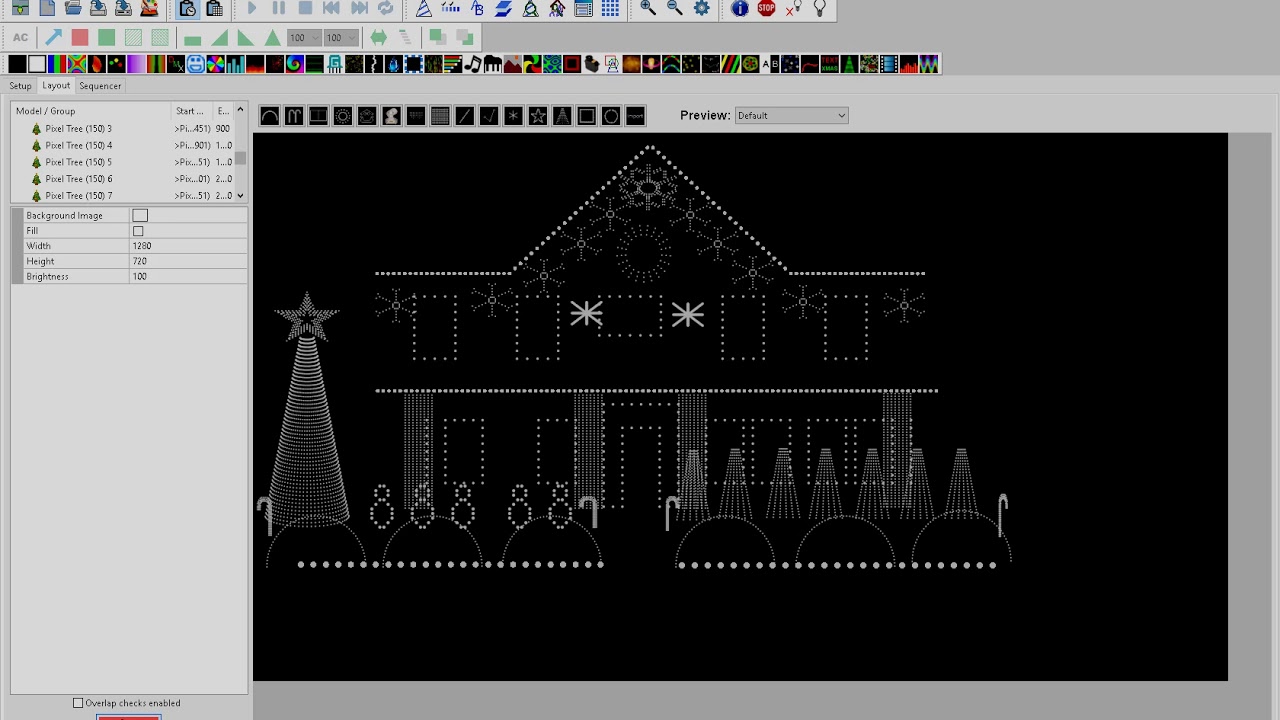
Описание: This video shows how you can save an effect and reuse in any other sequence. In the xLights sequencing screen you can use the right-click menu and select Preset. This opens up the preset screen and you can select any effects, highlight them all, and click Save Presets. Later on, you can apply those preset effects to any other sequence you like. Also there is the ability to export or import a preset effect so you can trade and share them.
Не удается загрузить Youtube-плеер. Проверьте блокировку Youtube в вашей сети.
Повторяем попытку...
Повторяем попытку...
Доступные форматы для скачивания:
Скачать видео
-
Информация по загрузке: