[P3Dv4\5 Tutorial] Installing\Updating AI Aircraft Models with PBR lighting
Автор: bayviation
Загружено: 2021-01-14
Просмотров: 1055
Описание:
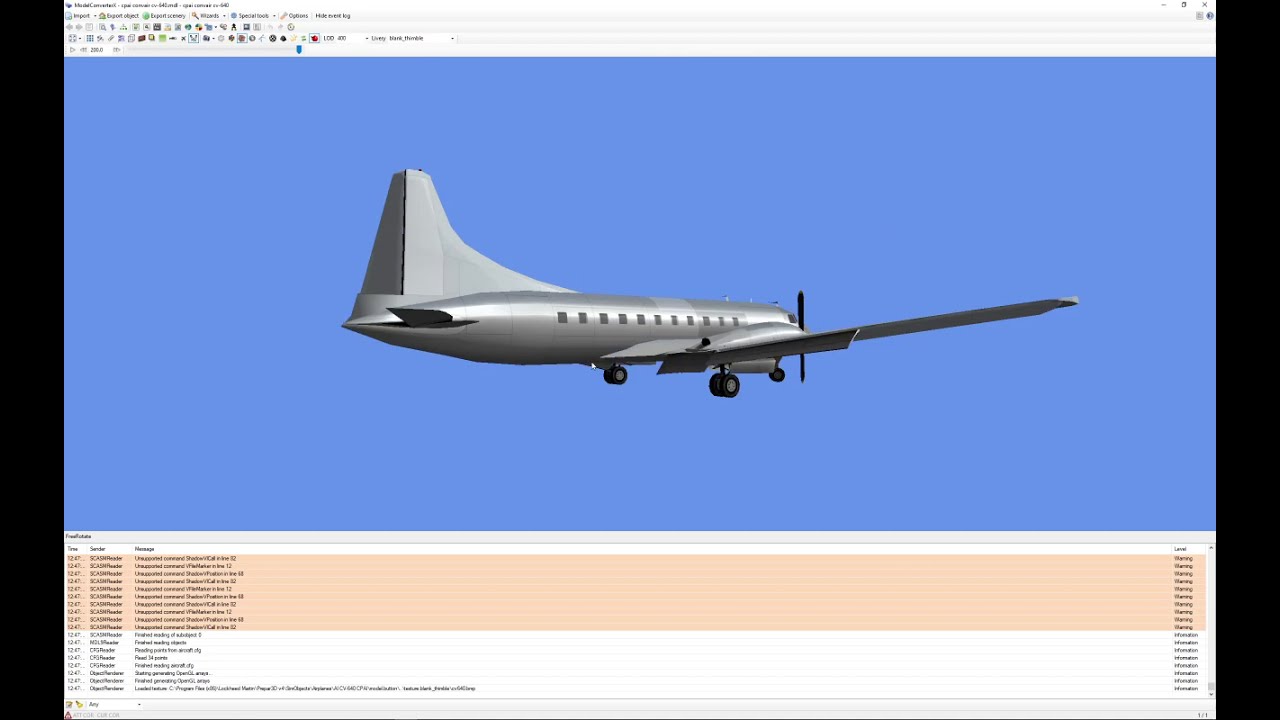
In this tutorial, I will show you how to update FS2002 to P3Dv3 aircraft for use with P3Dv4\5 so that they show up and work properly, and how to update models with new PBR lighting capabilities that make the aircraft respond much more realistically to lighting conditions without an impact to your frame rates.
You will first need to start a free account at the Alpha India Group (AIG) forums here: https://www.alpha-india.net/forums/
You will also need to download and install the AIG "AI Manager" for acquiring many aircraft models here: https://www.alpha-india.net/forums/in...
A list of many of the known converted aircraft for P3Dv4\5 with links may be found here: https://retroai.proboards.com/thread/...
This is the code you will need to create the back installer in the video(starting from the word "pause"):
pause
for /f "delims=" %%F in ('dir /ad /s /b "*" ^| findstr /irc:"texture.*"') do copy "texture.cfg" "%%F"
Currently, all AI aircraft for the most part are unsupported in the new Microsoft Flight Simulator(MSFS) and do not work at this time, nor does the AIG AI Manager nor any of my files. To put it bluntly, this is due to Microsoft rushing the simulator to sale by the holidays last year leaving the software developers kit very incomplete among other bugs and issues that will need to be fixed in the coming months\years before MSFS will allow for realistic traffic. Again, if you want to fly with real traffic, you need to stick to P3D and X-Plane for now.
Повторяем попытку...
![[P3Dv4\5 Tutorial] Installing\Updating AI Aircraft Models with PBR lighting](https://imager.clipsaver.ru/sBTL84IYdZY/max.jpg)
Доступные форматы для скачивания:
Скачать видео
-
Информация по загрузке: