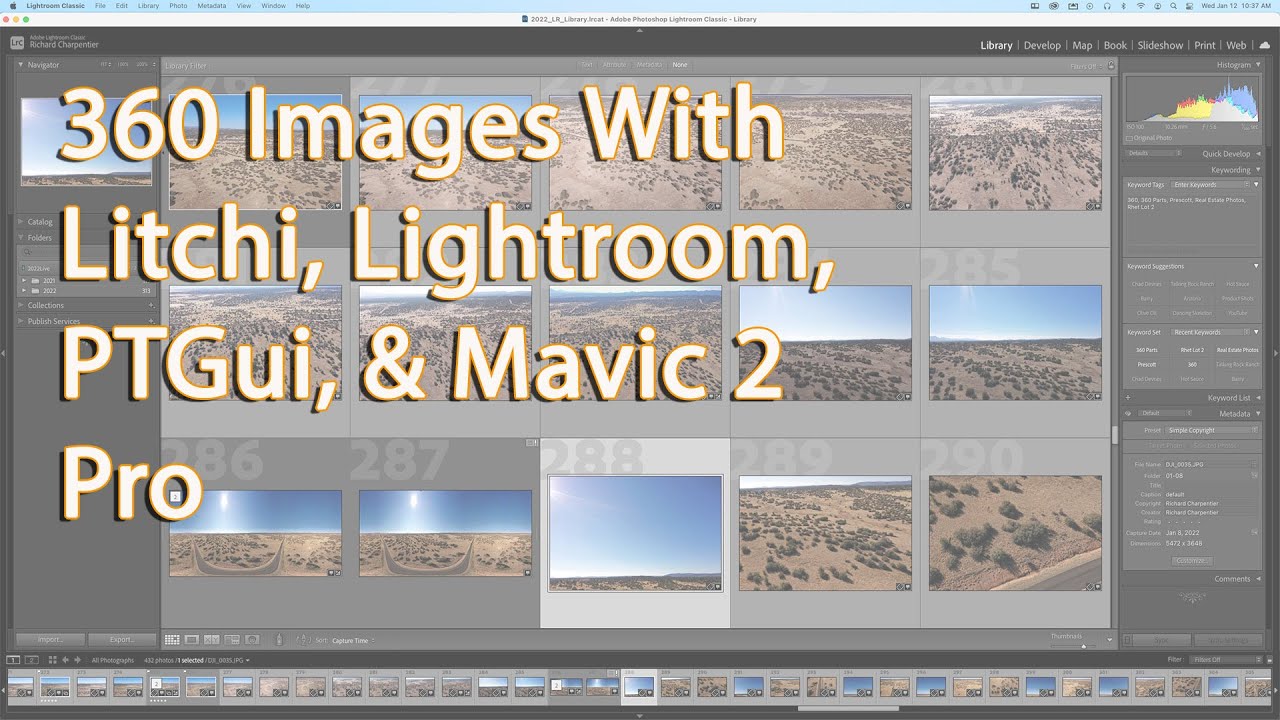
Litchi App -- 360 Panorama with DJI Mavic and Spark -- Image Composite Editor
Автор: The Introvert Speaks
Загружено: 2017-08-19
Просмотров: 54530
Описание:
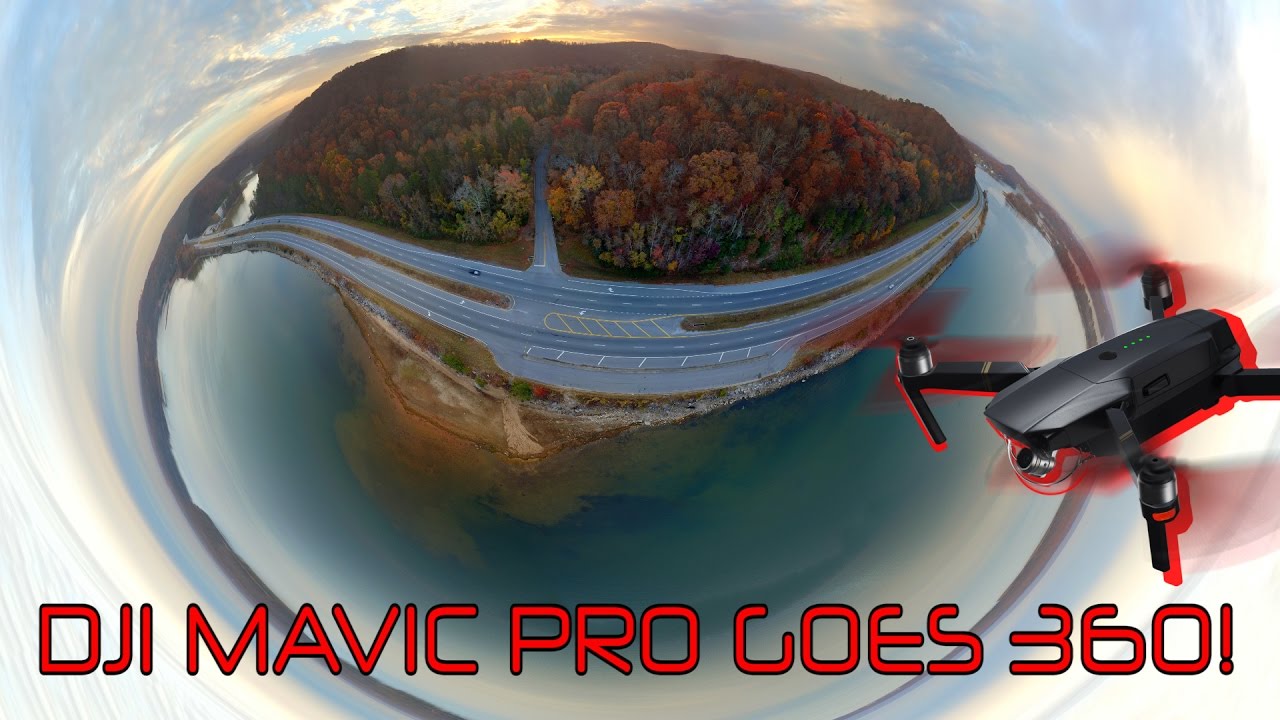
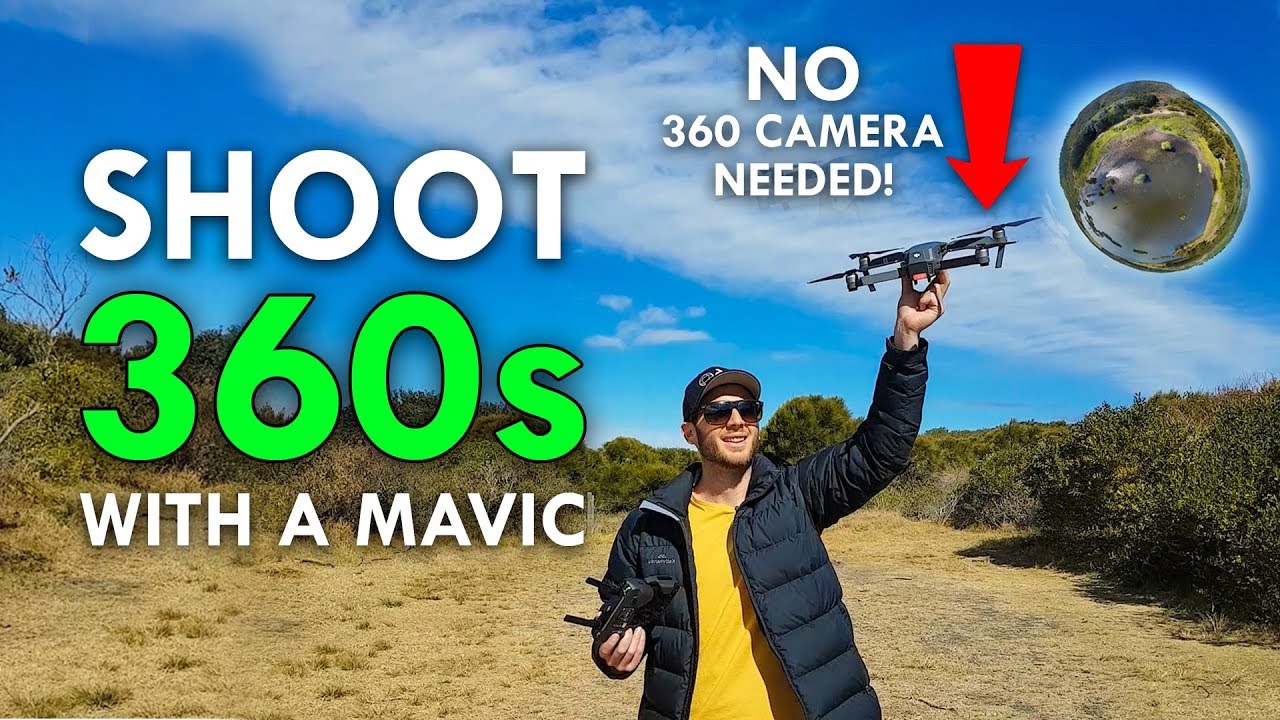
Today we’re going to be talking about doing 360 panoramas using the Litchi app flying the DJI Spark and the DJI Mavic pro.
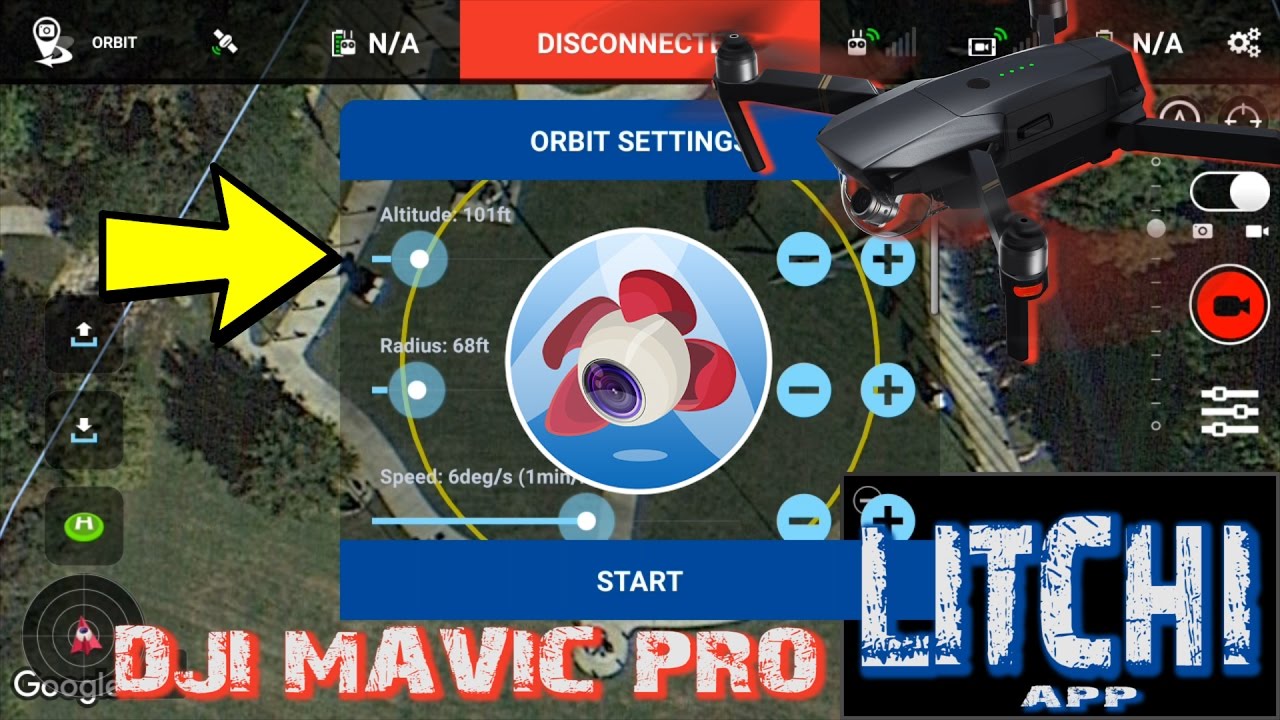
** Litchi Panorama Settings**
Row(s):4
Top Row Agle: +15degrees
Photos per Row: 8
Width: 360degrees
Nadirs: 2
Capture Strategy: Column by Column
Wait time before each photo: 0.00s
Wait time after each photo: 0.00s
Litchi App -- 360 Panorama with DJI Mavic and Spark -- Image Composite Editor
Image Composite Editor or (ICE) Link in the description below --https://www.microsoft.com/en-us/resea...
Here we have a pano shot in the afternoon around 400pm. There are little cast shadow and minimal clouds. Clouds add difficulty due to over exposure possibilities. As we pull the images into the image editor we can see a uniform image almost looking as if shot in a single image.
Now let's walk through how I take my Panos. First I make sure all my camera settings are where I want them, prior to starting. Then I select the pano feature in the Litchi app and start the pano. It will take 34 photos in about 5 minutes, depending on the amount of overlap I put into the settings. Once it’s complete it is ok to land. Just make sure prior to leaving you pano area that all the photos have been taken. There have been times where the app for whatever reason only took half the amount of photos designated.
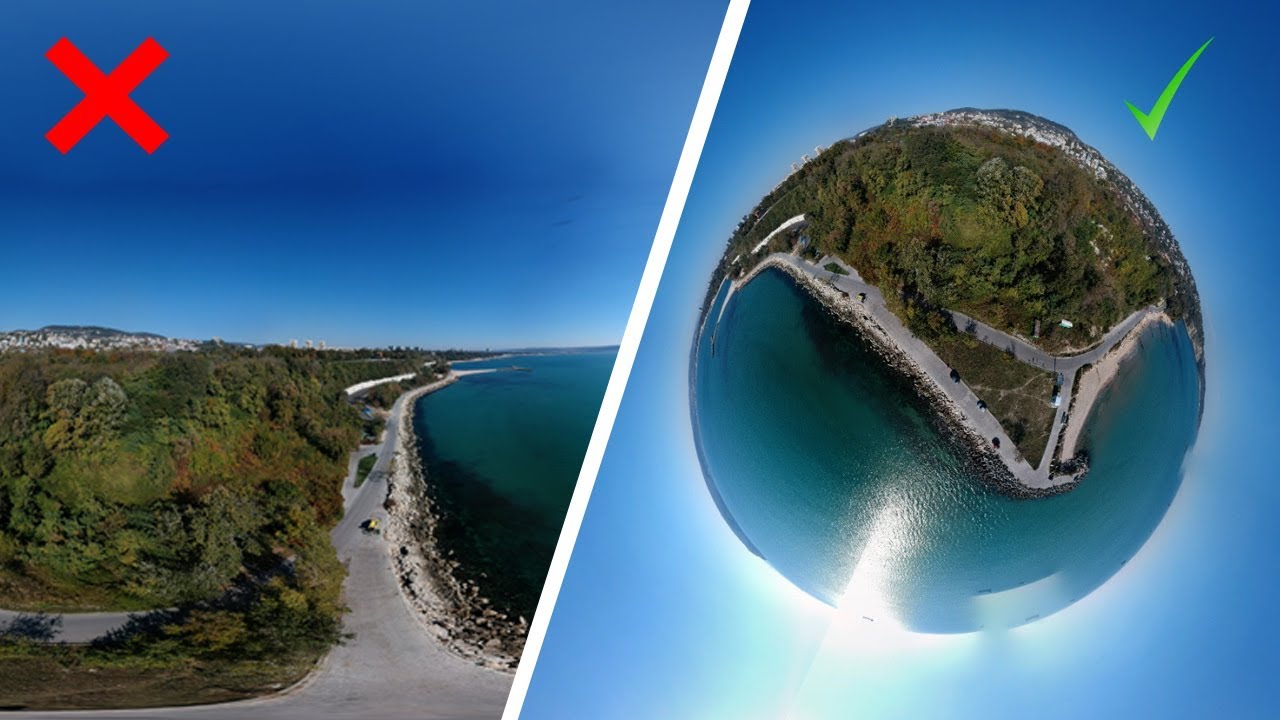
It will now start the stitching process. This may take a few minutes. Now that the image has been stitched together, look over it for any out of place photos or any type of issues. The projection should be default to Spherical but if it does not go ahead and select that. Let’s move on to crop, once the crop is complete check again that everything looks ok, don’t worry if there’s a slight gap at the top we will fix that now. Under image completion select auto-complete that should fill in any slim gap you may have had at the top. Let’s continue to export, Here, everything should be left default except under Image File, change the quality to 100 and select superb. Now export it to disk. Now you have a stitched 360 panorama that you can take and show off to your friends. If you want to put it on Facebook though, there are a few more steps… This will require Photoshop or your favorite photo editor to complete.
Let's open our newly created panorama in Photoshop and select Image, scroll down to canvas size change the size units to pixels and put the height as ½ of width. And select the down arrow on anchor then select ok. Now, let's go back into the image and select image size. Change the width to 10000, and height should be auto filled. Save and close.
At this point, We’re almost done! Go back into the file directory that you just saved your resized image, right click select properties. Go to the details tab and scroll down to Camera, In the camera maker text type Ricoh and camera model, Ricoh Theta S. This will tell Facebook that the image it is receiving is a 360 panorama. Now we can go on Facebook and Download the image.
Parrot:
Parrot Bebop 2 + Black Skycontroller: http://amzn.to/2fzTjX6
Parrot Bebop 2 FPV - White: http://amzn.to/2vrrIwq
Parrot Drone Bebop 2 Adventurer, White: http://amzn.to/2wCFmLI
Parrot Disco with Skycontroller and FPV Goggle: http://amzn.to/2vuZkIh
My gear:
DJI Mavic Pro: http://click.dji.com/AJIpU9xRXuyquG7v...
Mavic Carry Case: http://amzn.to/2rkRIW6
Mavic ND Filters: http://amzn.to/2tqTF3S
or http://amzn.to/2ucwvkY
Mavic Lens Hood: http://amzn.to/2swM7jH
DJI Inspire 2: http://click.dji.com/APq_zsQsF5QGmGGJ...
Inspire 2 Carry Case: http://amzn.to/2sfjg0j
Zenmuse X5/X5S/X5R ND Filters: http://amzn.to/2rvTNSZ
Olympus M.Zuiko 17mm f1.8: http://amzn.to/2stkaIF
Yi 4K Action Cam: http://amzn.to/2kKTgYr
Zenmuse X5S:http://amzn.to/2qI1b9F
Editing Gear:
Adobe Premiere Pro CC | Prepaid 12 Month Subscription: http://amzn.to/2v16Z0C
ASUS AM3+ M.2 USB3.1 SafeSlot AMD ATX Motherboard :http://amzn.to/2f9Y899
AMD FX 8-Core FX-8350 Processor: http://amzn.to/2hpJuvi
AMD Radeon R7 370 OC 4GB GDDR5: http://amzn.to/2uY5Zfj
LG 34UM68-P 34-Inch 21:9 UltraWide IPS Monitor: http://amzn.to/2v0Wmeo
eero Home WiFi System (1 eero + 1 eero Beacon): http://amzn.to/2uYkhgg
Ready to buy one of DJI's great drones? Help support this channel by clicking the links below. **Affiliate links to DJI Store**
*NEW* The DJI Spark is ONLY $500! At DJI -- http://click.dji.com/AMaDJEP4bidTTBhd...
DJI Store: http://click.dji.com/AF-FvKOlKw1ezY8O...
DJI Mavic Pro: http://click.dji.com/AJIpU9xRXuyquG7v...
DJI Phantom 4 Pro: http://click.dji.com/AFydYviCmR6MNu8n...
DJI Inspire 2: http://click.dji.com/APq_zsQsF5QGmGGJ...
DJI Osmo Mobile: http://click.dji.com/ACSf9JvTX4MouQGA...
DJI Osmo Pro/ RAW: http://click.dji.com/ADjep17jjF8Yat1c...
Повторяем попытку...

Доступные форматы для скачивания:
Скачать видео
-
Информация по загрузке: