This Is How You Deploy Portfolio Website to AWS like a Solutions Architect (Real-World Setup)
Автор: Tejas Sabunkar
Загружено: 2026-03-02
Просмотров: 39
Описание:
In this video, I walk you through the complete architecture and deployment of my personal portfolio:
👉 Live Website: https://tsabunkar.com
This isn’t just a frontend demo — it’s a full end-to-end, production-grade setup built the way a Solutions Architect would design it.
🏗️ What You’ll Learn in This Video
1️⃣ Architecture Deep Dive
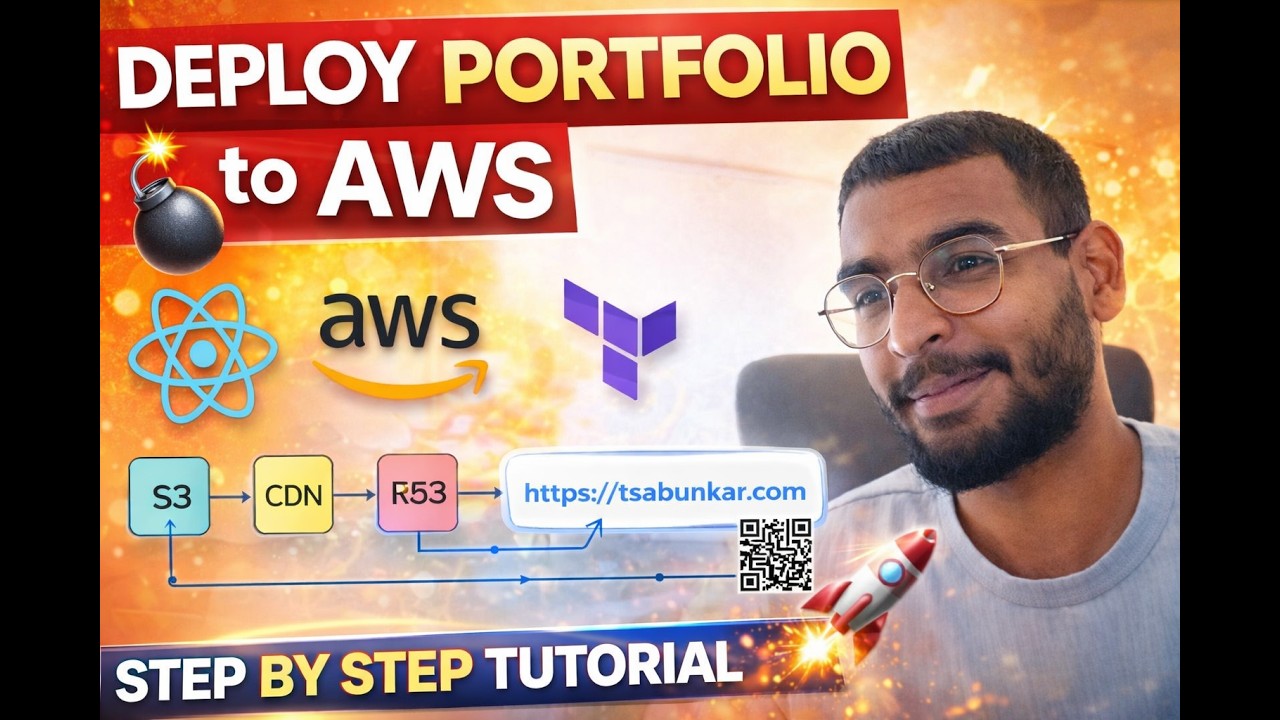
I explain the full system architecture shown in the diagram:
• React Portfolio App hosted on Amazon S3
• Global CDN using Amazon CloudFront
• HTTPS with AWS Certificate Manager
• DNS management using Amazon Route 53
• Domain purchased from GoDaddy
I break down:
• What each layer does
• Why we need CDN
• How DNS resolves traffic
• How HTTPS works with ACM
• Why CloudFront certificates must be in us-east-1
2️⃣ React App Code Walkthrough
Inside the portfolio:
• Project structure
• Components, hooks, sections
• Theming & styling
• Clean folder architecture
• Responsive design setup
I also demonstrate:
• How the site adapts across devices
• Mobile-first responsiveness
• Layout scalability
3️⃣ Terraform Infrastructure as Code
We don’t manually click around in AWS.
Everything is provisioned using Terraform:
• S3 bucket
• CloudFront distribution
• ACM certificate with DNS validation
• Route 53 hosted zone
• Alias records for root + www
• Canonical redirect setup
You’ll see how to:
• Initialize Terraform
• Apply infrastructure
• Fix common DNS/ACM issues
• Understand propagation delays
4️⃣ Buying a Domain & Connecting GoDaddy to Route 53
I show the real process of:
• Buying a custom domain from GoDaddy
• Changing nameservers
• Connecting Route 53
• Validating ACM
• Making the site live over HTTPS
No theory — actual practical steps.
5️⃣ Adding a New Feature Using Claude Locally
I demonstrate how I:
• Use Claude locally to generate a new feature
• Integrate it into my React app
• Test it
• Build the dist version
• Deploy to S3
• Invalidate CloudFront
• See it live on https://tsabunkar.com
This shows how AI-assisted development fits into a real DevOps workflow.
🎯 Who This Video Is For
• Developers learning AWS
• Engineers preparing for Solutions Architect roles
• Anyone building a portfolio with production-level infrastructure
• People wanting real-world Terraform examples
• Devs exploring AI-assisted coding workflows
🧠 Tech Stack
• React (Vite)
• Terraform
• Amazon S3
• Amazon CloudFront
• Amazon Route 53
• AWS Certificate Manager
• GoDaddy (Registrar)
• Claude (AI-assisted development)
💡 What Makes This Different
This is not:
• Just “upload to S3”
• Not just a frontend demo
• Not just a Terraform demo
It’s a complete architected system:
• Secure
• Scalable
• Automated
• Production-aligned
Github Repo Link: https://github.com/tsabunkar/portfolio
If this helped you understand real-world cloud architecture, consider liking and subscribing.
Let me know in the comments if you’d like a deeper dive into:
• CI/CD pipeline setup
• WAF & security hardening
• Multi-environment deployment
• Advanced CloudFront configuration
#AWS #Terraform #ReactJS #CloudFront #Route53 #S3Hosting #ACM #DevOps #SolutionsArchitect #InfrastructureAsCode #WebDeployment #CloudArchitecture #FrontendDevelopment #FullStackDeveloper #PortfolioWebsite #DomainSetup #GoDaddy #AIassistedCoding #ClaudeAI #BuildInPublic #TechYouTube #CloudEngineering #ResilientSystems
Повторяем попытку...
Доступные форматы для скачивания:
Скачать видео
-
Информация по загрузке: