SolarEdge SetApp: Activation Process from an Android Phone| International
Автор: SolarEdgePV
Загружено: 2019-07-28
Просмотров: 24413
Описание:
This video guides you through the activation of SetApp enabled single-phase inverters with HD Wave technology using your Android phone.
Here's a quick overview of the process:
Download the latest SetApp from Google Play Store.
Login with your SolarEdge monitoring portal credentials.
Scan the QR code on the inverter.
Follow the on-screen instructions and briefly move the inverter switch to ""ON"".
Once connected, click ""Continue"" to allow SetApp to update the inverter firmware and activate your device.
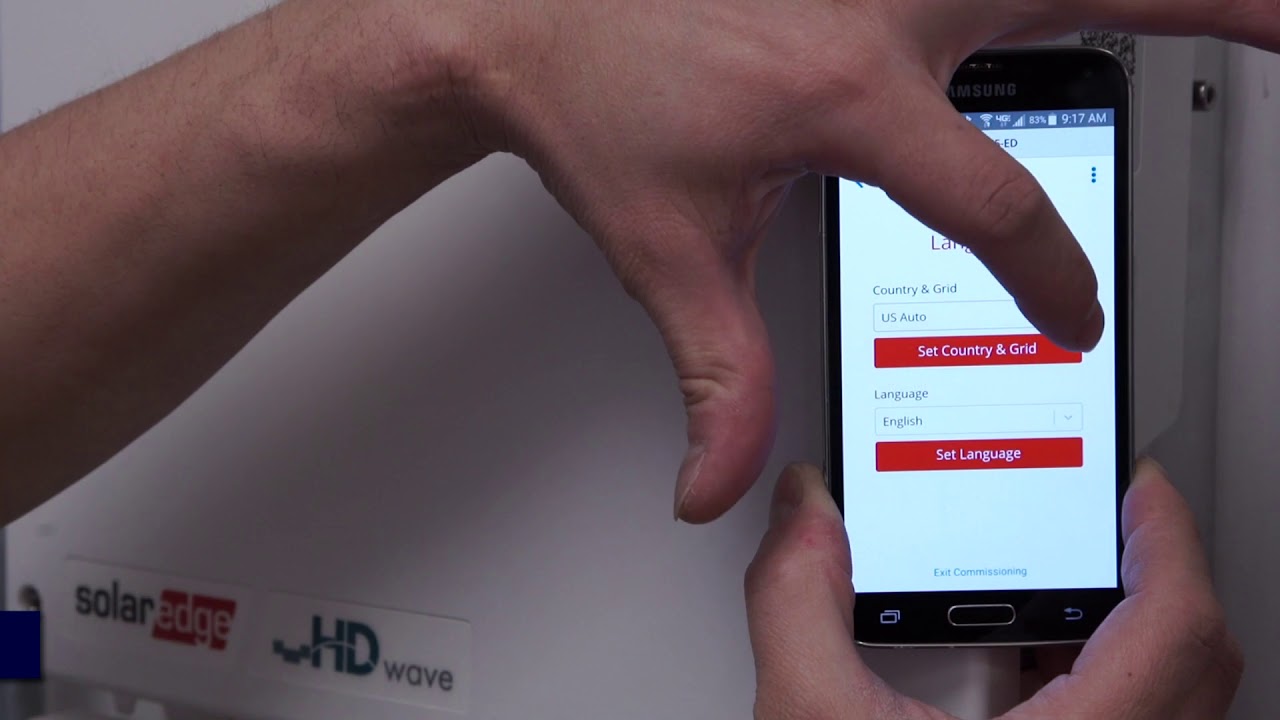
After activation, click ""Start Commissioning"" and select your country, language, and grid.
Verify the information and go to ""Status"" to confirm successful activation.
By following these steps, you can easily activate your SetApp enabled inverter using your Android phone.
Повторяем попытку...
Доступные форматы для скачивания:
Скачать видео
-
Информация по загрузке: