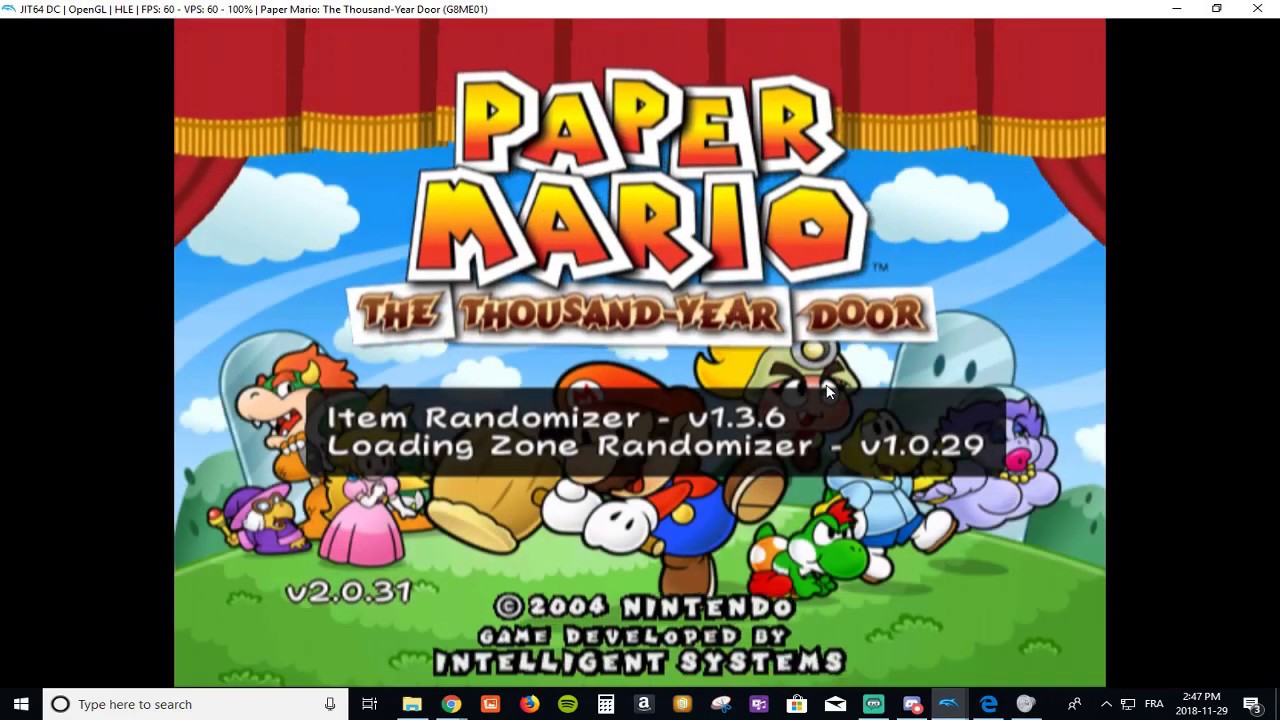
Tutorial: How to install the TTYD Randomizer using Dolphin
Автор: Benoît Delisle
Загружено: 2018-11-29
Просмотров: 17021
Описание:
Here it is! A tutorial on how to install the TTYD Randomizer using Dolphin Emulator. I don't go over how to install the emulator, so you can always just go watch a tutorial or ask me how to do it in the comments.
Join the TTYD Randomizers Discord channel here: / discord
(I believe that unfortunately the discord server has been deleted, go to this link to get the gci: https://github.com/Zephiles/TTYD-Rand...)
The link to find the Gecko Code: https://github.com/Zephiles/TTYD-Rand...
Get a virtual memory card: https://drive.google.com/file/d/1N9xj...
**IMPORTANT**
I forgot to mention, to update the gci, just replace the current gci you use by the new one
You will also need that extra memory card I have, so I added a link for that too
**VERY IMPORTANT**
Also! I mentioned in the beginning, to add games to the list when you open Dolphin, you click on open. THAT IS NOT TRUE! You need to double click the window where it says to and select the folder from which the game file is from. Then your game should appear the way it looks like at the beginning of the video
Повторяем попытку...
Доступные форматы для скачивания:
Скачать видео
-
Информация по загрузке: