How to create an offset stroke font in Divi
Автор: Emma Kate
Загружено: 2023-02-08
Просмотров: 556
Описание:
I love pushing the limits of Divi and creating beautiful designs with minimal code. So when a designer posted this question in my Designers Learning Web Dev Facebook group I was happy to accept the challenge:
"I am hoping to create an offset stroke font that is an overlay on my filled font on my website. I was considering a purchase of the Divi Text Module for this, but I don't see this style exactly. Does anyone know if I can do this with that Module? Or is there another way?"
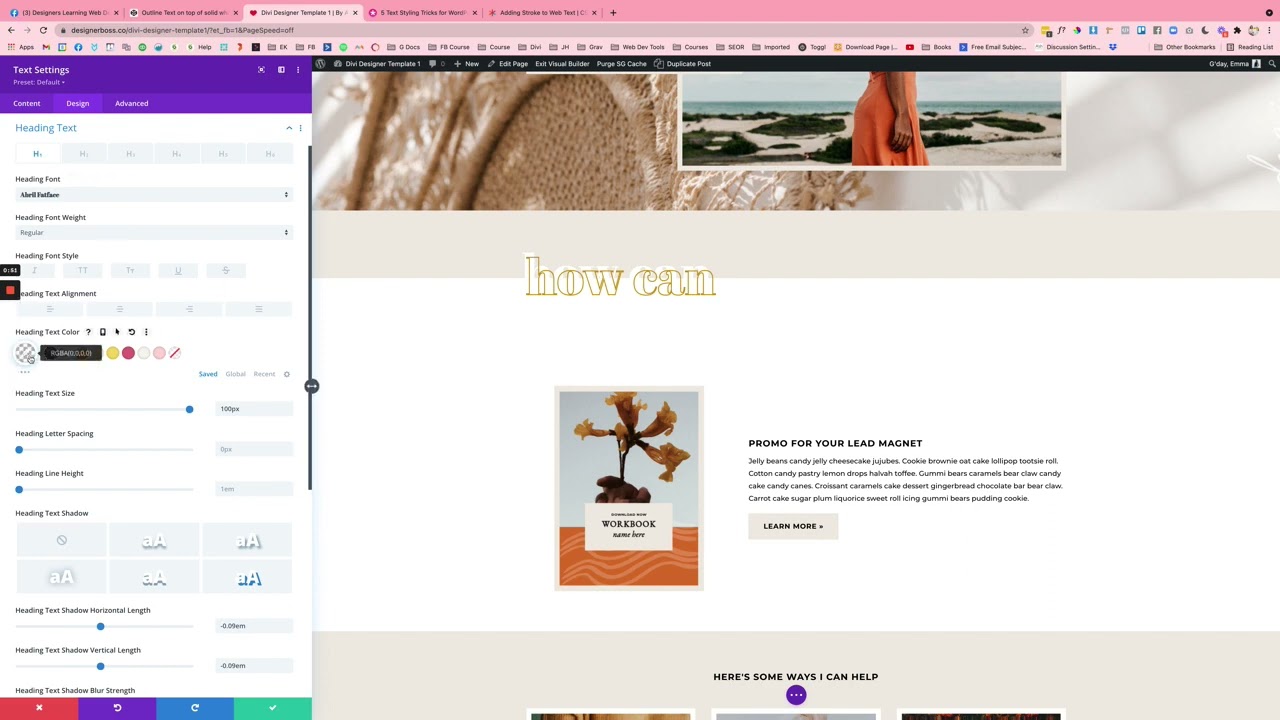
I worked out how to do this easily in Divi and with minimal code. In the video I show you how.
PS. Here’s the little bit of CSS I added to the text module’s Advanced tab » Custom CSS » Main Element:
-webkit-text-stroke-width: 2px;
-webkit-text-stroke-color: #cc9b14
PPS. Have a Divi Design Challenge for me?
Post a screenshot or video in my Designers Learning Web Dev Facebook group ( / designerslearningwebdev ) and tag me (@emma kate barker). I’d love to see what unique designs we can bring to life.
Повторяем попытку...
Доступные форматы для скачивания:
Скачать видео
-
Информация по загрузке: