Tuning Duplexer with IFR 1200S Service Monitor
Автор: Rob Robinette
Загружено: 2025-03-14
Просмотров: 973
Описание:
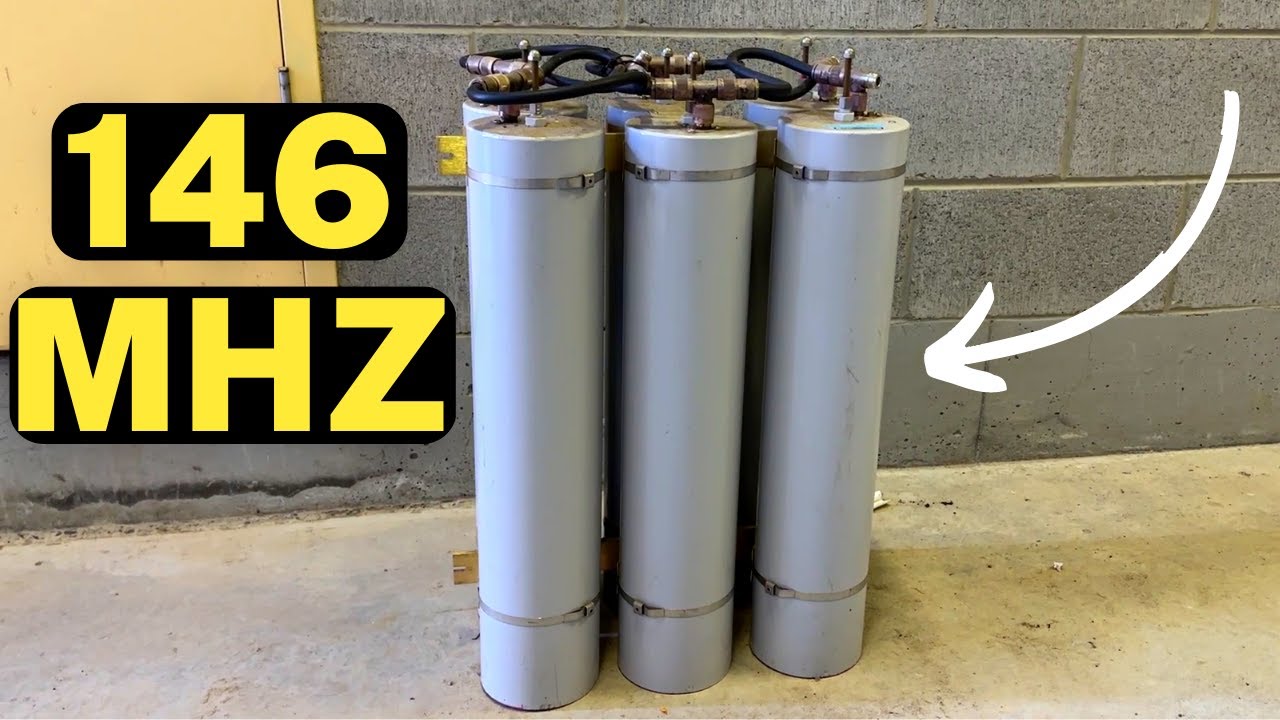
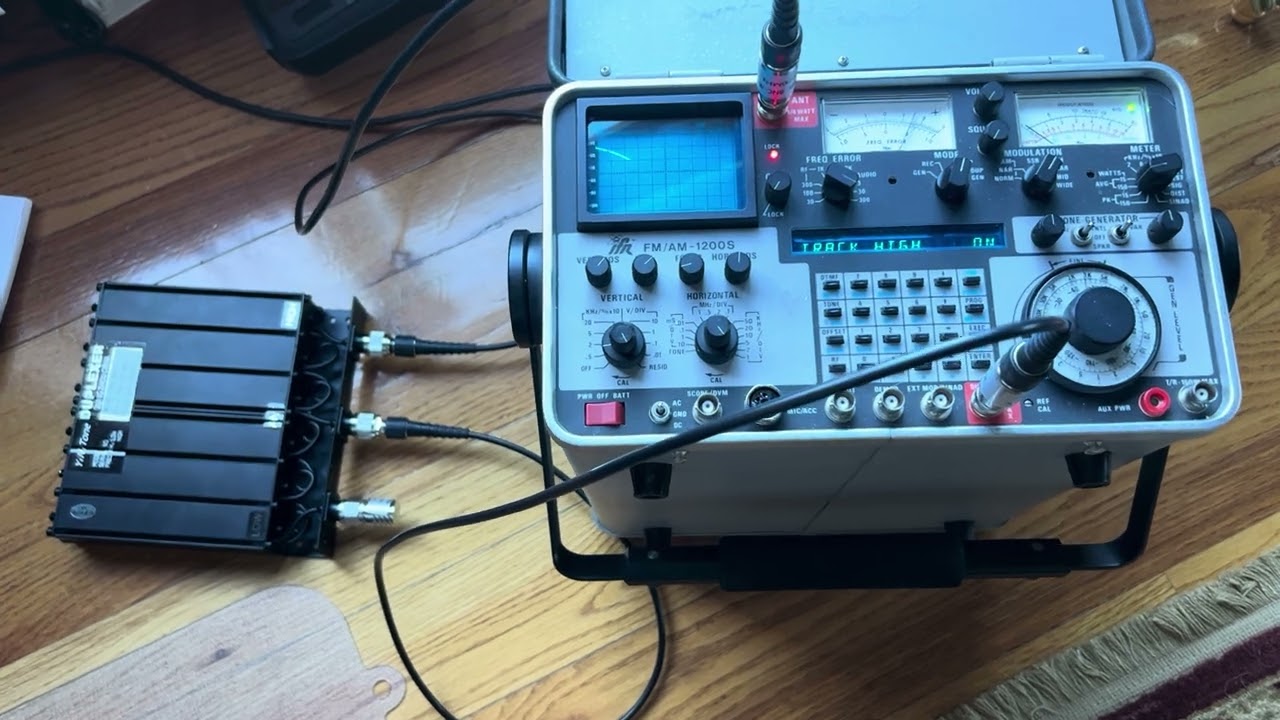
This is a very short video showing how to connect a duplexer to a 1200S service monitor and what a good notch filter trace looks like. We will use the service monitor's tracking generator and spectrum analyzer to tune the duplexer. In the video, the IFR AM/FM 1200S service monitor's lower DUPLEX BNC connector is the tracking generator output. The upper ANT BNC connector is the spectrum analyzer input.
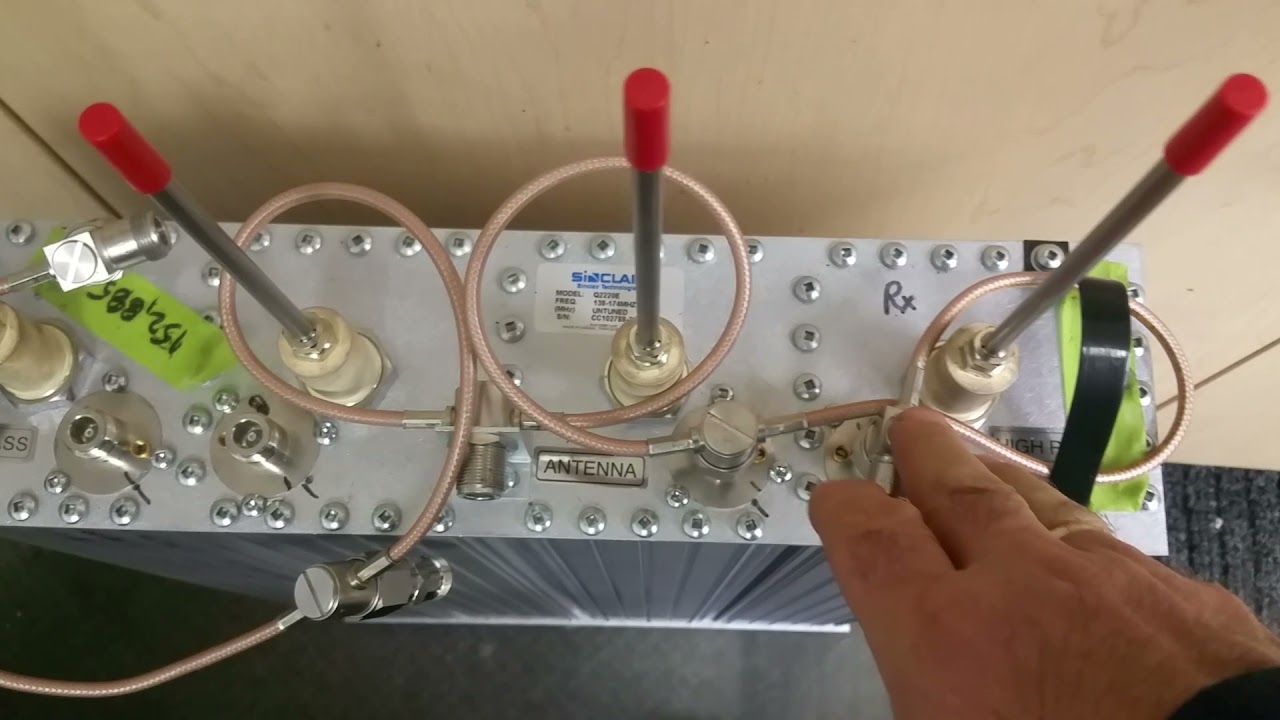
We connect the tracking generator output (DUPLEX BNC) to the duplexer Antenna connector. To set the Low frequency notch, connect to the duplexer High connector. Connect the duplexer High connector to the spectrum analyzer input (ANT BNC). We also need to put a 50ohm terminator on the unused Low duplexer connector. I use two optional 6dB inline attenuators at the two service monitor connections to keep the duplexer impedance at 50 ohms for more accurate tuning.
First, set the Low repeater frequency in the service monitor. Then use the spectrum analyzer to calibrate the display. Set the mode switch to GEN. Center the frequency spike on the display’s center reticule. Zoom in using the HORIZONTAL control for a precise setting.
Then switch to tracking generator mode by turning the Mode switch to DUP. Set the spectrum analyzer bandwidth (HORIZONTAL) to 1MHz/DIV, and set VERTICAL to anything other than OFF. Turn on the tracking generator with, "2ND FUNCT, 5/OPT" and set tracking to LOW, MED or HIGH with the keyboard up/down arrows for best signal trace. You will see one to three filter notches on the spectrum analyzer display.
With the filter notch trace showing on the spectrum analyzer display, turn the duplexer's three High cavity tuning screws to move the three notch traces to the repeater Low frequency. We then stack the three traces for a sharp, deep notch centered on the repeater Low frequency.
Повторяем попытку...
Доступные форматы для скачивания:
Скачать видео
-
Информация по загрузке: