How to Connect Ring Doorbell to Echo Show 5 - 2025
Автор: Daniel Westow
Загружено: 2025-03-14
Просмотров: 26712
Описание:
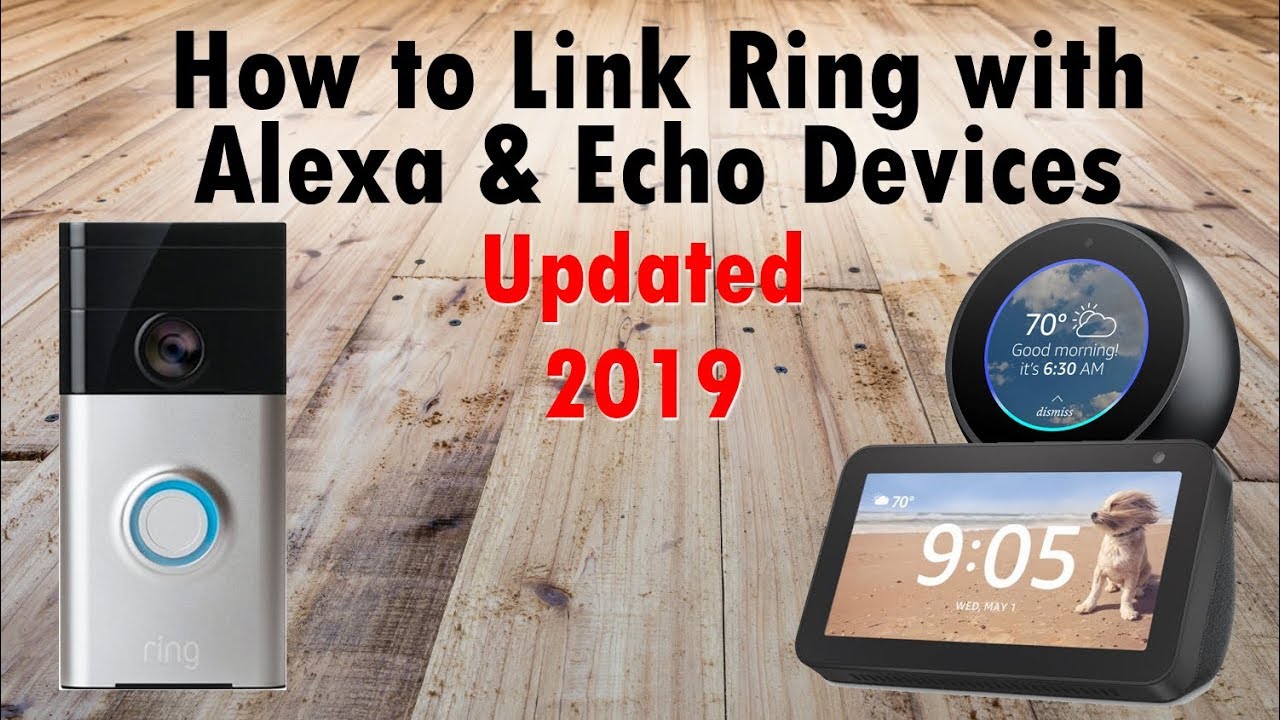
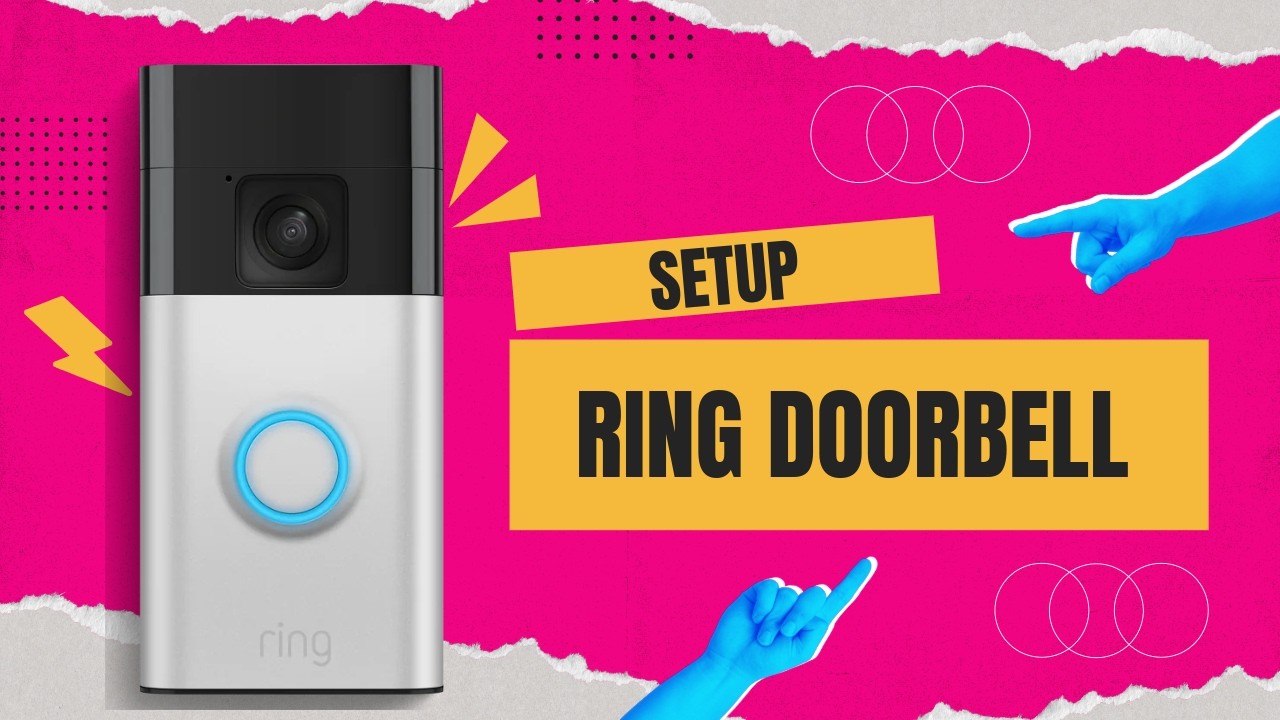
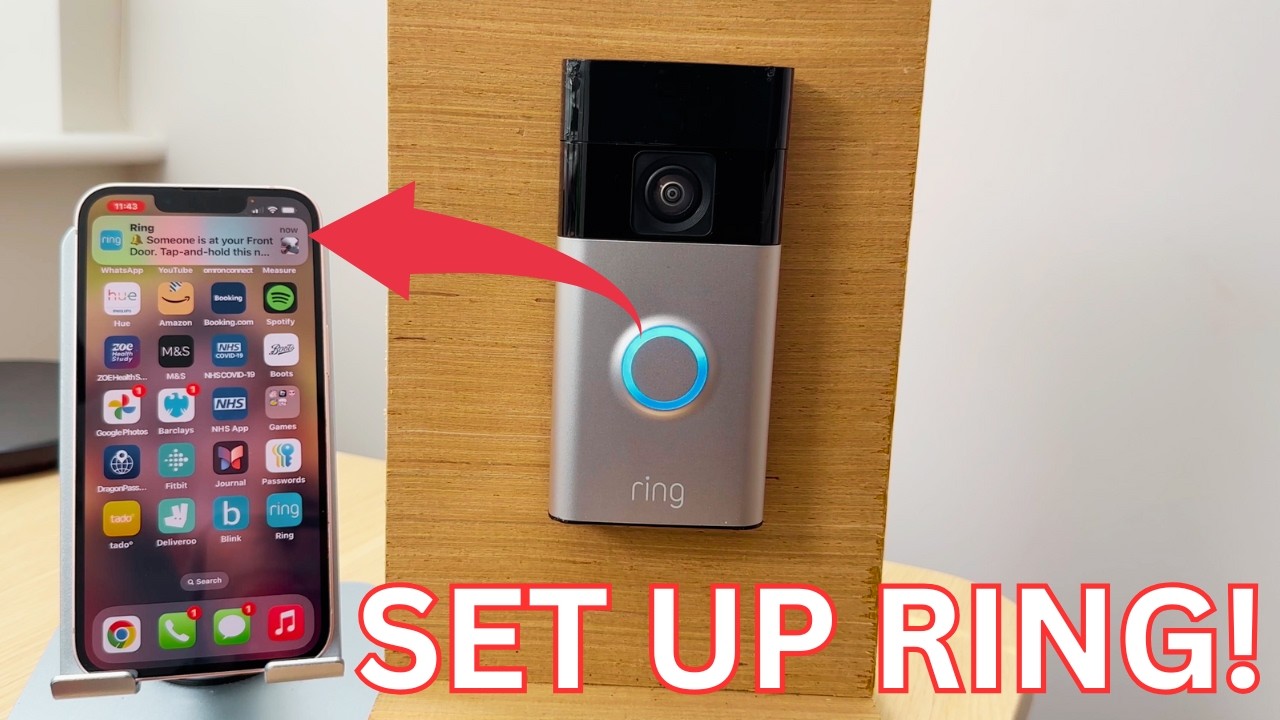
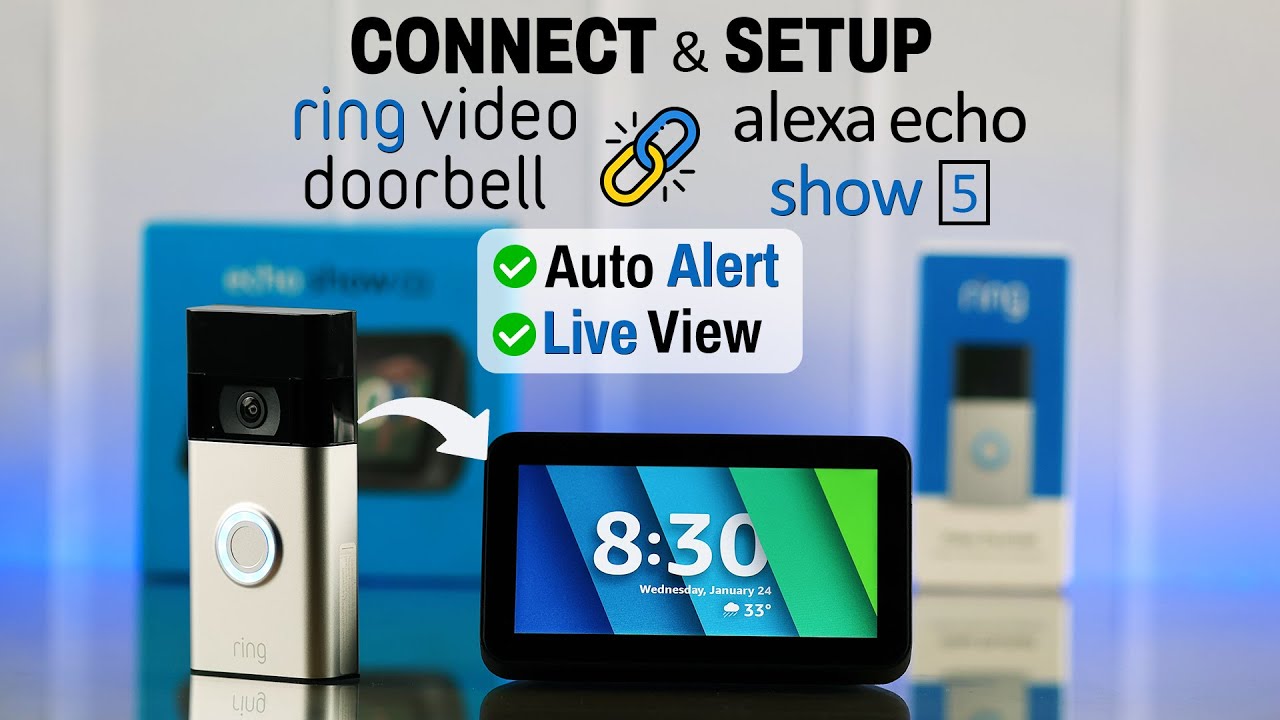
Do you want to be able to view your Ring Doorbell on your Echo Show 5? If you do this video is for you. I will show you step by step instructions on what you need to do to automatically see the camera feed when someone presses the doorbell. This will work with all Echo show devices including the show 5 and show 8.
First of all you need to open the Alexa app and select more followed by skills and games.
Select and then enable the Ring Skill and link your Amazon and Ring Accounts. It will then search for any Ring cameras you have on your network.
Once the the camera has been found go to devices, select cameras and then select your Ring doorbell. You should then press the gear icon in the top right hand corner off the screen to go to the settings.
The next step is really important. Go to announcement devices and make sure the Echo show is selected.
You then need to make sure the "Doorbell press announcements" toggle is selected.
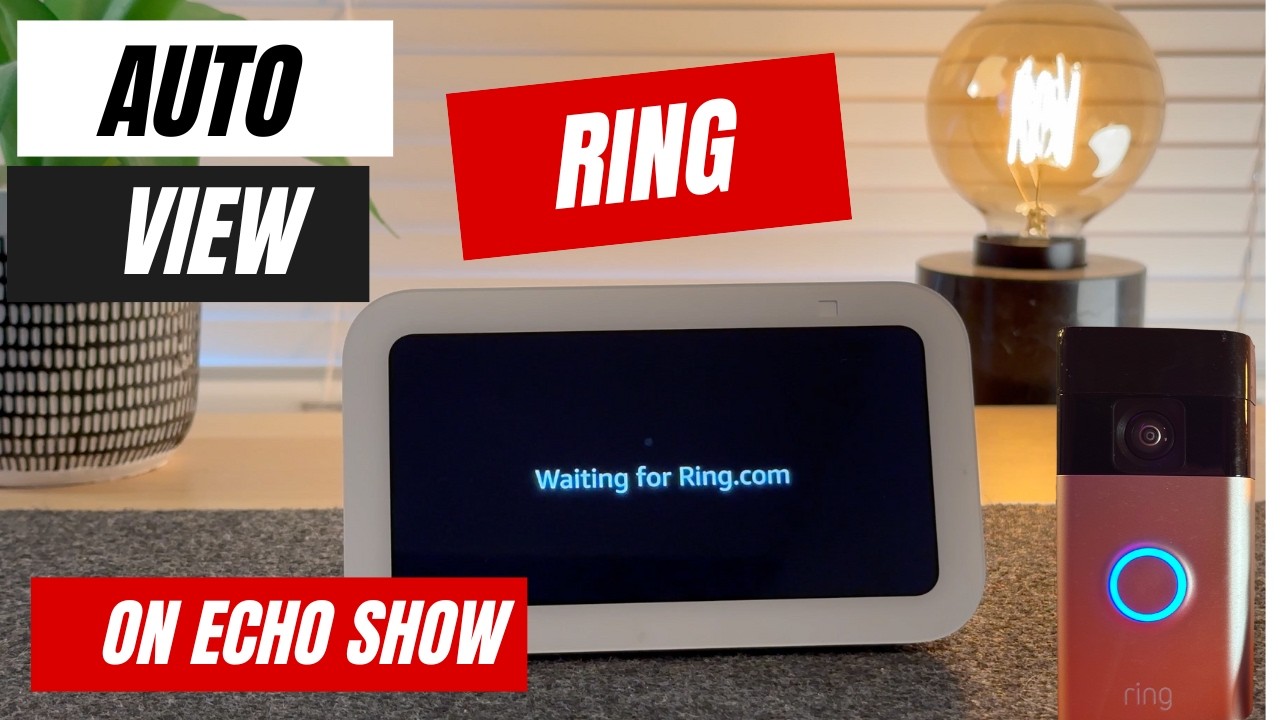
If the above is done you will automatically see who is at the front door on your Amazon Echo Show.
Please let me know if you have any questions in the comments and I will do my best to help you.
Повторяем попытку...
Доступные форматы для скачивания:
Скачать видео
-
Информация по загрузке: