How to Create & Embed Testimonials on Any Website | Gridapps Testimonials
Автор: Gridapps Testimonials
Загружено: 2026-02-19
Просмотров: 12
Описание:
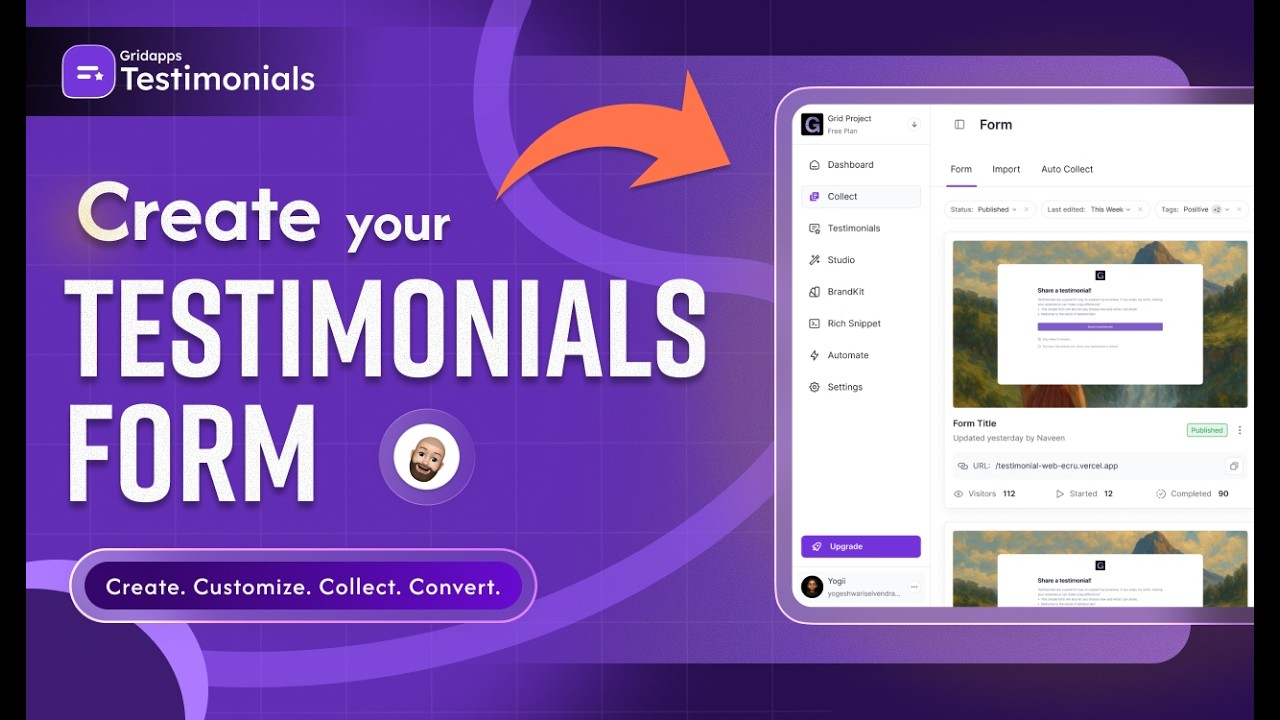
Want to collect, customize, and embed testimonials on your website, without coding?
In this video, we’ll show you how to create AI-powered testimonial forms, automate collection, and display beautiful testimonial widgets on any website using Gridapps Testimonials.
Whether you're running a SaaS, e-commerce store, agency, or coaching business, this step-by-step tutorial shows you how to build trust and increase conversions.
0:00 - Introduction to Collect & Create Testimonials
0:20 - Import Existing Testimonials
0:40 - Auto Collect with Zapier (Automation Setup)
1:05 - Creating a New Testimonial Form
1:25 - AI Form Creation vs Manual Form Creation
1:50 - Naming the Form & Language Settings
2:05 - Welcome Page Customization (Video + Branding)
2:30 - Rating Logic & Negative Feedback Page
2:50 - Editing Questions & Ready-Made Templates
3:15 - About Me & Company Information Fields
3:35 - Thank You Page & Reward Options (Scratch Card / Spin Wheel)
3:55 - Settings: Transcription, Auto Approve, Tags & Translate
4:15 - Preview & Design Customization (Card Style & Background)
4:35 - Saving & Sharing the Form (Email, Embed Code, Direct Link)
4:55 - Final Overview & Wrap Up
Ready to Collect & Display Testimonials?
Start here → https://gridapps.ai/
Have a Question?
Reach out via live chat; our team is happy to help.
Follow Us
Twitter:
Gridapps Testimonials → https://x.com/gridapps_hq
LinkedIn:
Gridapps Testimonials → https://www.linkedin.com/company/gridappshq
Facebook:
Gridapps Testimonials →https://www.facebook.com/gridapps.hq
Instagram:
Gridapps Testimonials →https://www.instagram.com/gridapps.hq/
Повторяем попытку...
Доступные форматы для скачивания:
Скачать видео
-
Информация по загрузке: