One way to download custom zombie maps from UGX Mods
Автор: Mr.Potato
Загружено: 2016-03-19
Просмотров: 37
Описание:
Step 1) Go to your web browser and type in UGX Mods.
Step 2) Click enter or search and then click the first one that appears which should be UGX Mods-forum (or similar) then from there wait for the page to load and then click zombie maps
Step 4) Scroll down to the map you want, if you know the map you can just search it up and click on it, I decided to choose Nacht Der Untoten Reimagined
Step 5) Scroll down till you see the download button, there is usually one download button or two but in this case there were 4 download buttons
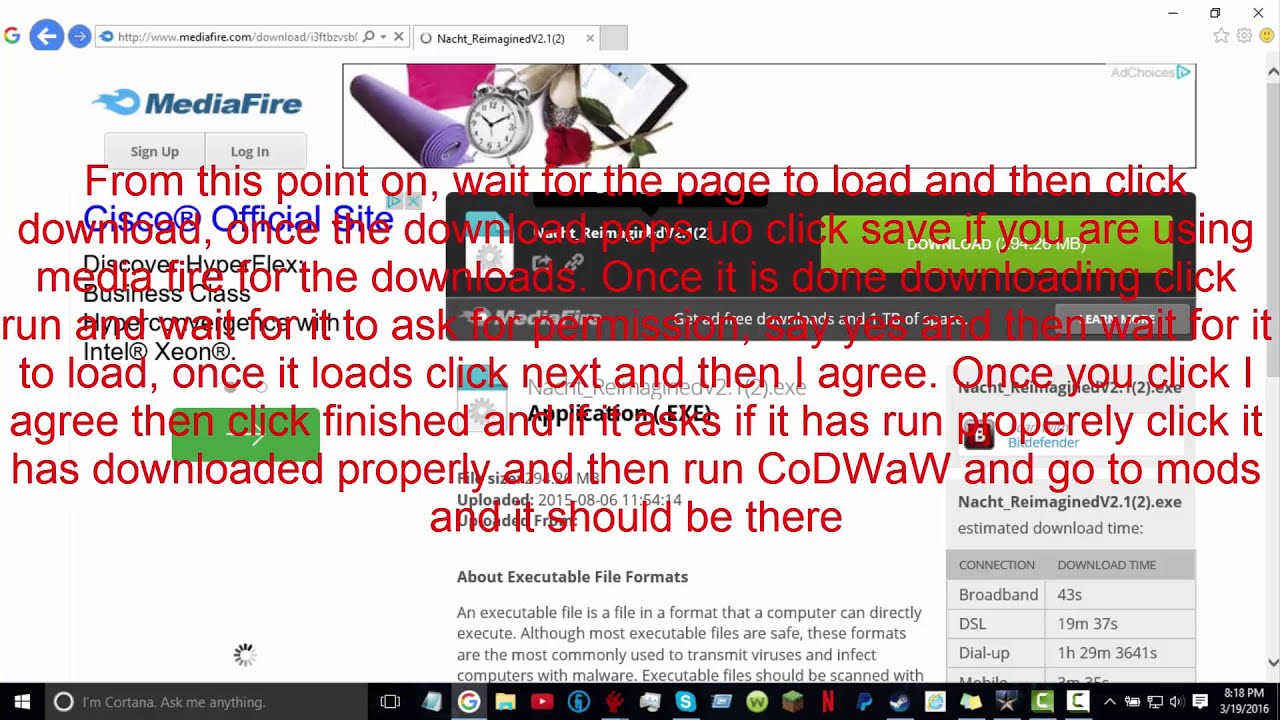
Rest) From this point on, wait for the page to load and then click donwload, once the download pops up, click save if you are using media fire for the downloads. Once it is done downloading click run and wait for it to ask for permision and say yes and then wait for it to load, once it loads click next and then I agree. Once you click I agree then click finished and if it asks if it has run properly click it has downloaded properly and then run CoDWaW and go to mods and it should be there
Повторяем попытку...
Доступные форматы для скачивания:
Скачать видео
-
Информация по загрузке: