ycliper

Популярное

Музыка Кино и Анимация Автомобили Животные Спорт Путешествия Игры Юмор

Интересные видео

2025 Сериалы Трейлеры Новости Как сделать Видеоуроки Diy своими руками

Топ запросов

смотреть а4 schoolboy runaway турецкий сериал смотреть мультфильмы эдисон
Скачать

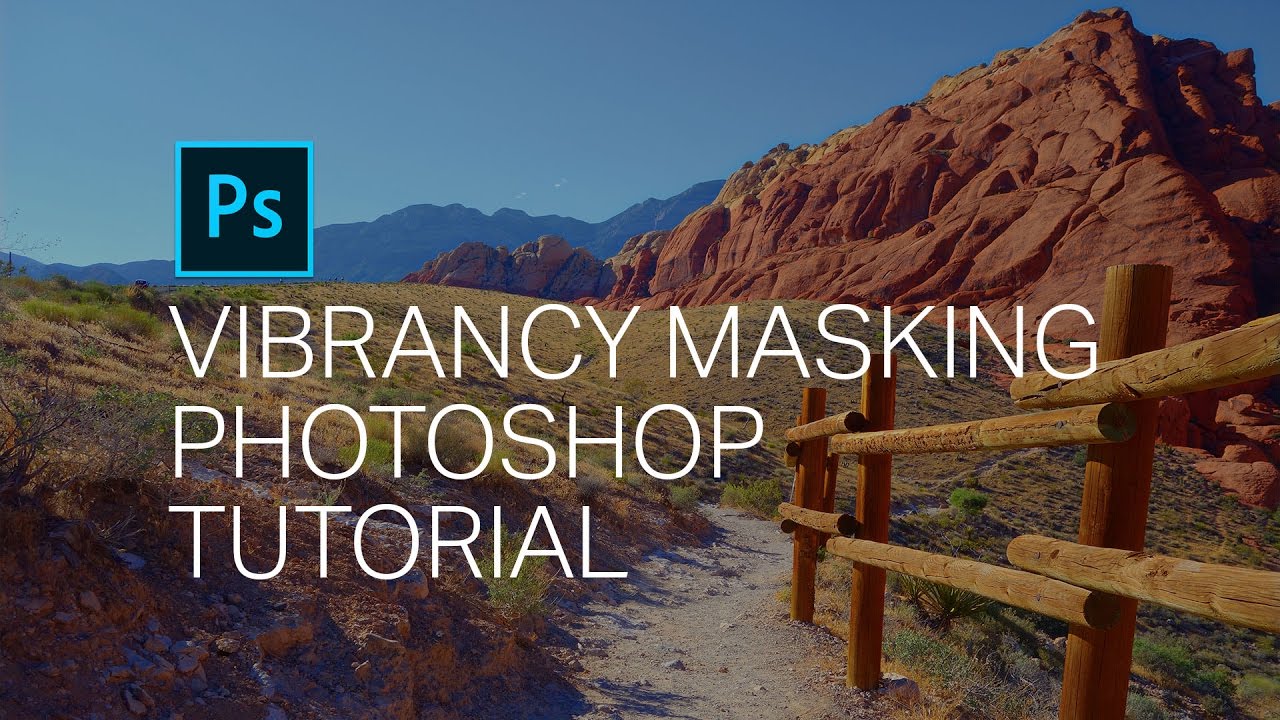
Vibrancy Masking Photoshop Tutorial - How to Make Your Photos Vibrant

Автор: Denny's Tips

Загружено: 2017-03-27

Просмотров: 19798

Описание: Learn how to do vibrancy masking in Photoshop. You’ll learn how to increase saturation with the Channel Mixer and then use Vibrancy masking to control whether you want it to affect the vibrant or non-vibrant areas. This technique works amazingly well for landscapes and it’s a great when you want to get the most intense and vibrant colors you can from your photo.

The Quick Method:
The quick way to do vibrancy masking is to simply increase the saturation and lower the vibrance. This will increase the vibrancy of your photo while keeping the neutral areas neutral. This technique is good if you only have Lightroom or if you don’t have a lot of time and you think it’s good enough. But if you want something that will give you more intense colors and flexibility, then learn how to do it with the Channel Mixer.

Channel Mixer Vibrancy:
There are several adjustments in Photoshop which an increase the vibrancy of your photo. You can use the Vibrance or Saturation adjustments. There’s also one more way and that is with the Channel Mixer. It gives you really nice intense colors that work great for landscape photos. It’s sort of a mix between the old saturation adjustment and the new vibrance adjustment in that it alters both the saturation and lightness like the vibrance adjustment, but it treats all colors equally like the old saturation adjustment. The vibrance adjustment applies different intensities depending on the hue and lightness. But when we’re doing something like vibrancy masking, we want something that’s straightforward and treats all colors equally. And the Channel Mixer does this job perfectly.

Vibrancy Masking:
Vibrancy masking lets you hide/show a layer according to your photo's vibrancy. You can choose to make your layer appear in the vibrant or non-vibrant areas. By setting the blending mode of your Channel Mixer layer to "Difference", you can easily get a map of the vibrant areas in your photo. You can then use the Apply Image tool to place this into your Channel Mixer layer mask. With some tweaks like auto-levels, you can get an incredibly useful vibrancy mask.

Links:
📜 Written Tutorial: https://dennystips.com/vibrancy-masking/
💿 Photoshop & Lightroom Products: https://sparklestock.com
📚 Photoshop Books: http://amzn.to/2fDsVtZ

Subscribe:
💛 https://youtube.com/dennystips?sub_co...

Follow Me:
💻 Website: https://dennystips.com/
📷 Instagram:   / dennystips  
😀 Facebook:   / dennystips  
🐦Twitter:   / dennystips  
👻 Snapchat: dennystips

👍👎 Did you like/dislike this video? Please let me know in the comments below.

Не удается загрузить Youtube-плеер. Проверьте блокировку Youtube в вашей сети.
Повторяем попытку...
Vibrancy Masking Photoshop Tutorial - How to Make Your Photos Vibrant

Поделиться в:

Доступные форматы для скачивания:

Скачать видео

  • Информация по загрузке:

Скачать аудио

Похожие видео

Lightroom так НЕ УМЕЕТ | Спасаем

Lightroom так НЕ УМЕЕТ | Спасаем "убитые" фото

Make your own SATURATION and VIBRANCY masks in Photoshop CC

Make your own SATURATION and VIBRANCY masks in Photoshop CC

Обработка без стресса — простые рабочие процессы обработки ландшафтов в Darktable.

Обработка без стресса — простые рабочие процессы обработки ландшафтов в Darktable.

Простой трюк с ЦВЕТОВОЙ ОЦЕНКОЙ, чтобы сделать вашу фотографию «выразительной» (более объемной!)

Простой трюк с ЦВЕТОВОЙ ОЦЕНКОЙ, чтобы сделать вашу фотографию «выразительной» (более объемной!)

A Simple But Effective Way to Create Luminosity Masks in Photoshop

A Simple But Effective Way to Create Luminosity Masks in Photoshop

Микшер каналов / Объясняю самый непонятный инструмент в ФОТОШОПЕ

Микшер каналов / Объясняю самый непонятный инструмент в ФОТОШОПЕ

Powerful COLOR GRADING techniques in Photoshop

Powerful COLOR GRADING techniques in Photoshop

Get a Natural Intense Color Boost in Photoshop

Get a Natural Intense Color Boost in Photoshop

Плагины Luminosity — это подделка? // Как создать маски Luminosity бесплатно

Плагины Luminosity — это подделка? // Как создать маски Luminosity бесплатно

Почему Ядерная война уже началась (А вы не заметили)

Почему Ядерная война уже началась (А вы не заметили)

Quick Tip: How to INTENSIFY Sunset Photos in PHOTOSHOP (ONE Layer Only!)

Quick Tip: How to INTENSIFY Sunset Photos in PHOTOSHOP (ONE Layer Only!)

Освоение контраста в изображениях (урок по Adobe Photoshop)

Освоение контраста в изображениях (урок по Adobe Photoshop)

One Of The Best Color Matching Technique in Photoshop

One Of The Best Color Matching Technique in Photoshop

Как добиться правильного восприятия цветов (урок по Lightroom)

Как добиться правильного восприятия цветов (урок по Lightroom)

Music for Men Who Stay Silent | Gentleman Dark Blues

Music for Men Who Stay Silent | Gentleman Dark Blues

The Most Natural Saturation Boost in Photoshop

The Most Natural Saturation Boost in Photoshop

Combine Multiple Exposures (#Photoshop) for Amazing Landscapes

Combine Multiple Exposures (#Photoshop) for Amazing Landscapes

Как смешивать цвета | БАЗА ДЛЯ НАЧИНАЮЩИХ

Как смешивать цвета | БАЗА ДЛЯ НАЧИНАЮЩИХ

Remove Fringes Around Trees During Sky Swap! - Photoshop Tutorial

Remove Fringes Around Trees During Sky Swap! - Photoshop Tutorial

Enhance Colors with This Insanely USEFUL Filter - Photoshop HSB/HSL MASKS Explained

Enhance Colors with This Insanely USEFUL Filter - Photoshop HSB/HSL MASKS Explained

© 2025 ycliper. Все права защищены.


  • Контакты
  • О нас
  • Политика конфиденциальности


Контакты для правообладателей: [email protected]