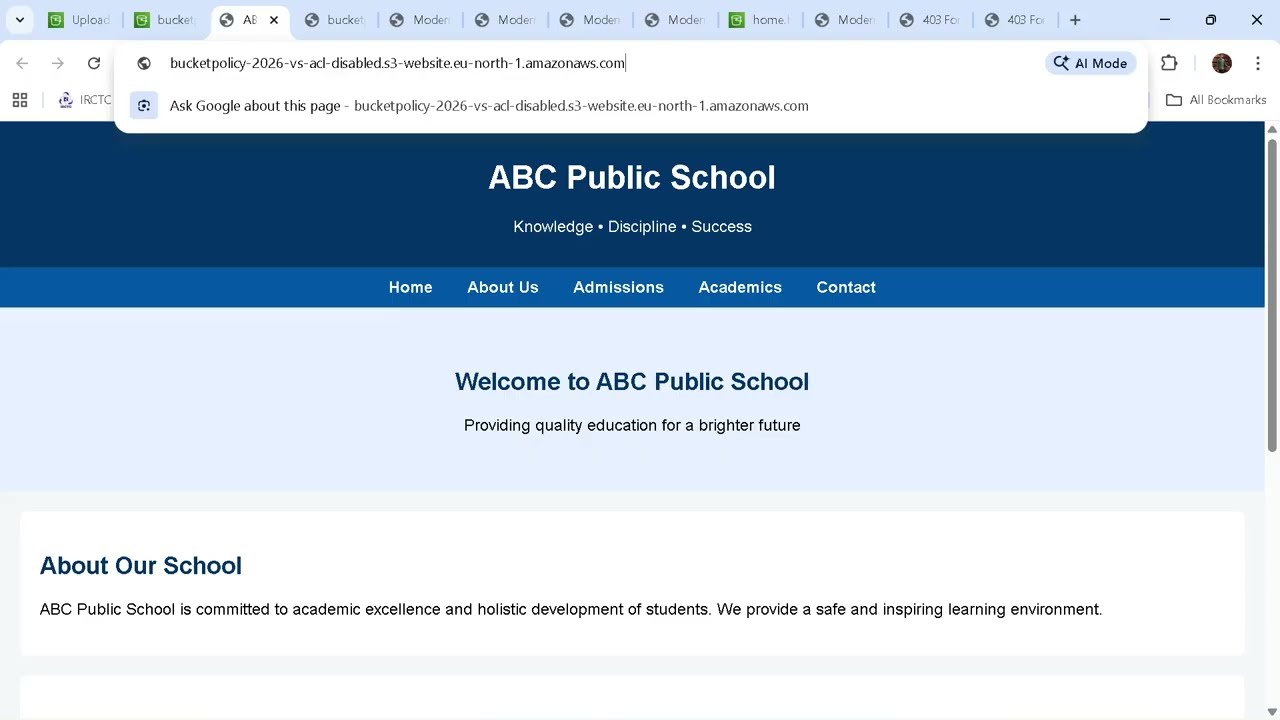
Make your Website Public Online with AWS Amplify & GitHub
Автор: Knowledge with Satish
Загружено: 2026-01-31
Просмотров: 48
Описание:
🚀 Learn how to deploy your website live on the internet using AWS Amplify and GitHub!
In this 20-minute tutorial, we will cover:
How to create a simple HTML website
How to connect GitHub to AWS Amplify
How AWS Amplify automatically builds and deploys your website
How to update your website and see live auto-redeploy
All the Git commands you need to manage your project
Why AWS Amplify?
AWS Amplify makes your code live on the internet without complex servers
Every update you push to GitHub automatically redeploys your website
Perfect for beginners to learn real-time deployment workflows
Why GitHub?
GitHub is free and secure for storing your code
Acts as a backup if your computer crashes
Tracks versions of your code so you can roll back if needed
AWS Amplify reads your GitHub repository to deploy changes
Commands Covered in This Video (with explanations)
Copy code
Bash
Initialize Git in your local folder
git init # Start Git tracking
Add all files to Git
git add . # Prepare files for commit
Commit changes locally
git commit -m "first push" # Save version
Rename branch to main
git branch -M main # GitHub default branch
Connect local folder to GitHub
git remote add origin YOUR_GITHUB_URL # Link local folder to GitHub
Push code to GitHub
git push -u origin main # Upload files online (index.html included here)
If README conflicts appear
git pull origin main --allow-unrelated-histories
git push origin main
Update website later
git add .
git commit -m "updated content"
git push origin main
Alternative GUI Method
Use TortoiseGit to commit & push without commands:
Right-click folder → TortoiseGit → Commit → Push
Works with the same GitHub repository URL
AWS Amplify Deployment Steps
Open AWS Amplify
Connect your GitHub account
Select the repository and branch (main)
Click Deploy
Your website is live!
Push updates → Amplify auto-redeploys the website
Real-Time Example
Created a login/sign-up page as a sample website
Deployed live using AWS Amplify
Update the button from “Login” → “Sign Up” and see instant live update
What You Will Learn
How to use AWS Amplify for live deployments
How GitHub integrates with Amplify for continuous deployment
How to manage website updates with Git or TortoiseGit
The real-world workflow used by developers.
✨ Don’t forget:
Like 👍 if this helped
Comment 💬 your questions
Subscribe 🔔 for more beginner-friendly tutorials
📌 Small correction:
In the video, the h1 tag closing was a typo.
Correct format: h1 Heading /h1
Thanks for understanding 😊
Повторяем попытку...

Доступные форматы для скачивания:
Скачать видео
-
Информация по загрузке: