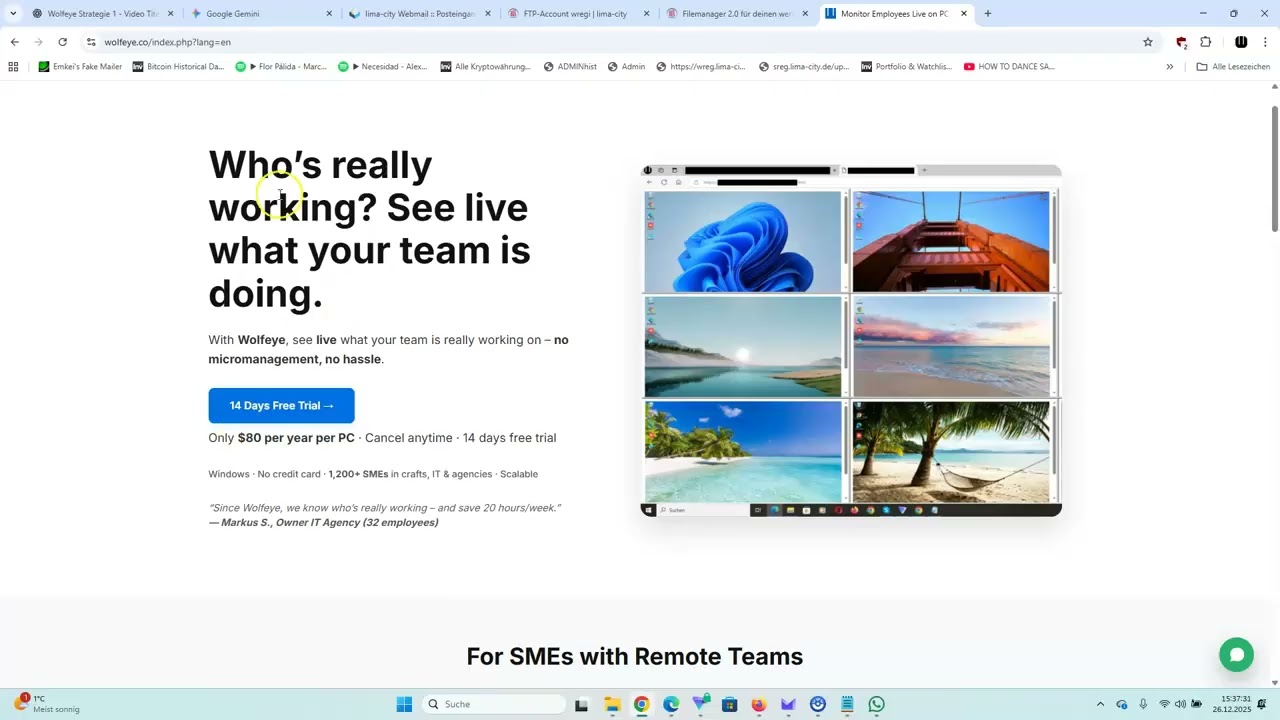
How to Explain Employee Screen Monitoring to Your Team Simple Script for Business Owners
Автор: WolfeyeCo
Загружено: 2026-02-03
Просмотров: 25
Описание:
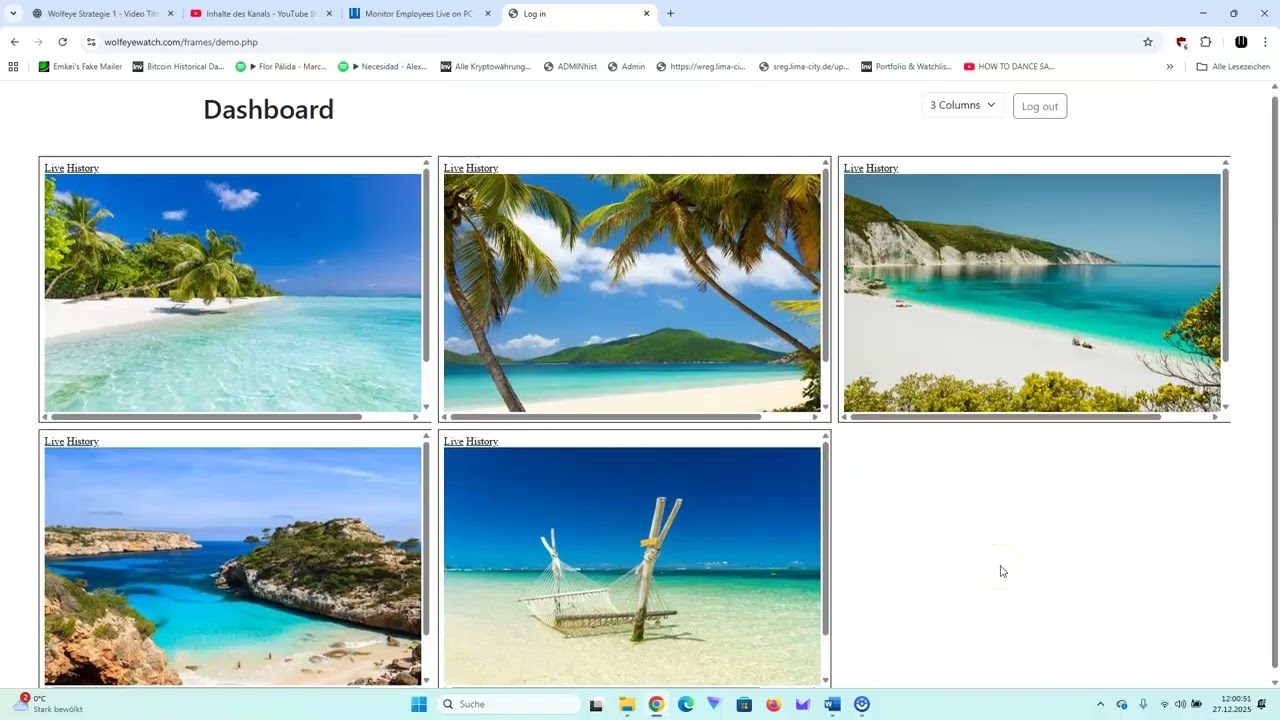
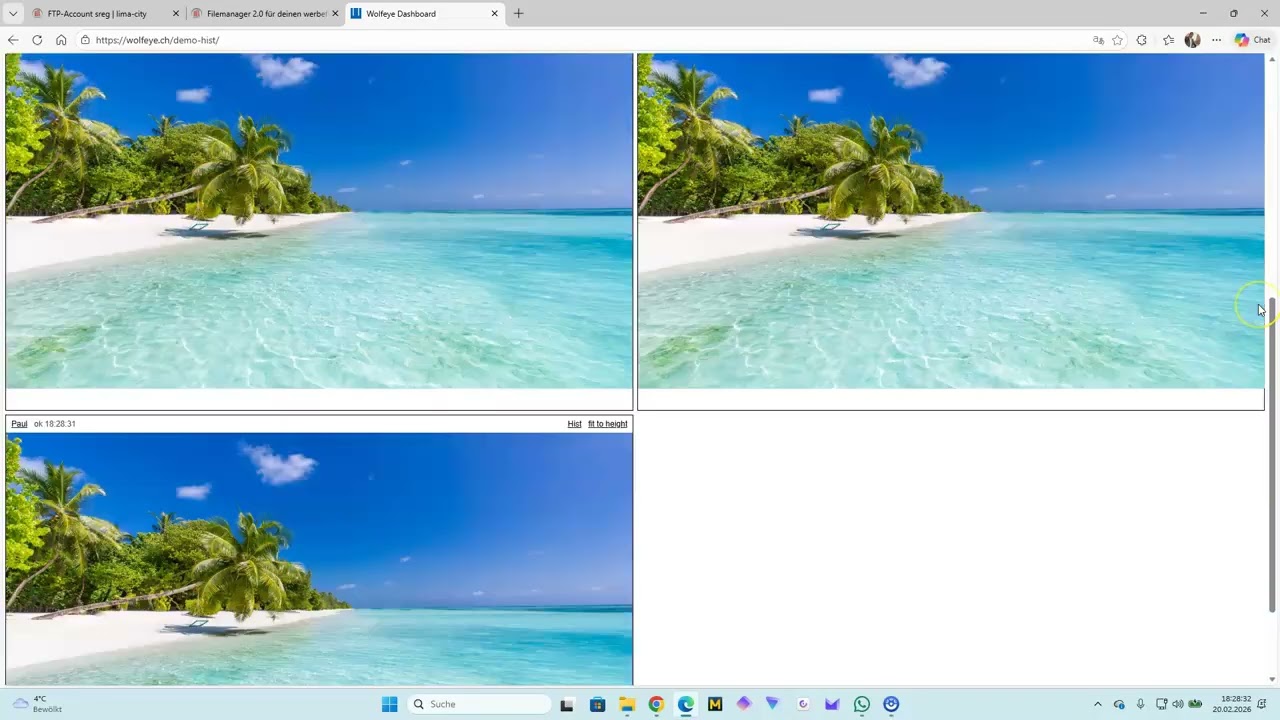
This video shows how to use Wolfeye Remote Screen to monitor and view live screens of your own or company-owned PCs. You’ll learn how to install the software and how the live dashboard works in practice.
⚠️ Legal & responsible use
Wolfeye is monitoring software. You are solely responsible for using it in a lawful and ethical way.
– Only install and use Wolfeye on your own devices or on company-owned devices that you are authorized to monitor.
– Do NOT install or use Wolfeye on third-party devices without the knowledge and consent of the owner and user.
– Do NOT use Wolfeye to bypass data protection, employment or other applicable laws.
– Legal requirements (for example employee monitoring, data protection or notice/consent rules) are different in each country. Always check the rules that apply in your jurisdiction and consult a lawyer if needed.
This video and the software demonstration do not constitute legal advice and do not create any contractual relationship. Any purchase or trial of Wolfeye is governed exclusively by the terms and conditions on our website and the conditions of our payment provider (e.g. Digistore24).
📄 Terms & Privacy
Terms of Use: https://www.wolfeye.co/terms.php
Legal Notice & Privacy Policy: https://www.wolfeye.co/legal.php
If you have questions about what is legally allowed in your country, please speak to a qualified lawyer.
For product questions or demos, contact us via https://www.wolfeye.co
Повторяем попытку...
Доступные форматы для скачивания:
Скачать видео
-
Информация по загрузке:












![Почему взрываются батарейки и аккумуляторы? [Veritasium]](https://imager.clipsaver.ru/a3-3R9zwyGY/max.jpg)