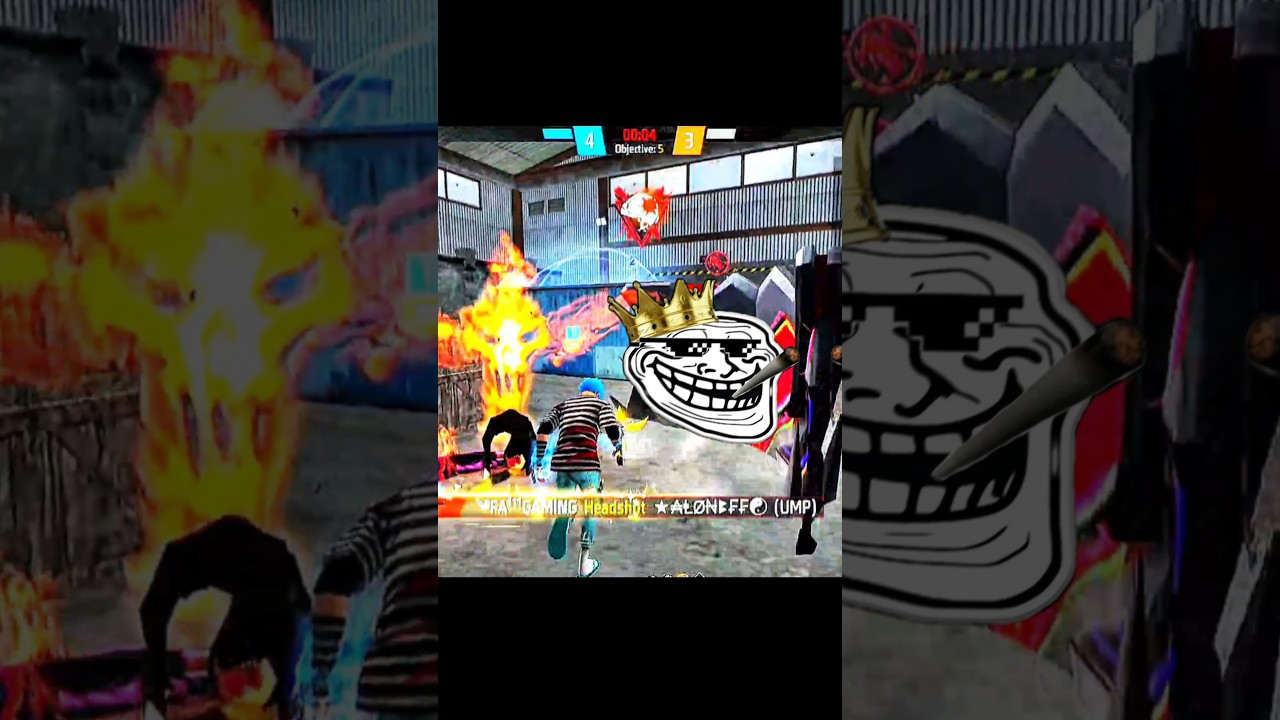
How to add motion blur in capcut
Автор: FA111 Gaming 1.2M views
Загружено: 2025-05-10
Просмотров: 1230
Описание:
How to add motion blur in capcut #freefire #speed #viralvideo
To add motion blur in CapCut, follow these steps:
On Mobile (CapCut App):
Open your project in CapCut.
Tap the clip you want to add motion blur to.
Scroll through the bottom menu and tap "Effects."
Go to the "Video Effects" or "Trending" tab.
Search for or scroll to find "Motion Blur" (it may also be under "Basic" or "Lens").
Tap "Motion Blur" and then hit the checkmark to apply it.
Adjust the intensity, range, and direction if customization options are available.
Tap the checkmark again to confirm.
On CapCut Desktop:
Open your project and select the clip.
Go to the "Effects" panel.
Search for "Motion Blur" or browse under effects like "Basic" or "Camera".
Drag and drop the effect onto your clip.
Adjust settings in the right-hand menu if needed.
Would you like a video guide or screenshots for this?
Повторяем попытку...
Доступные форматы для скачивания:
Скачать видео
-
Информация по загрузке: