Minecraft Skript Tutorial: Command Arguments | Minehut (September 2020)
Автор: It's Jackson
Загружено: 2020-09-02
Просмотров: 23920
Описание:
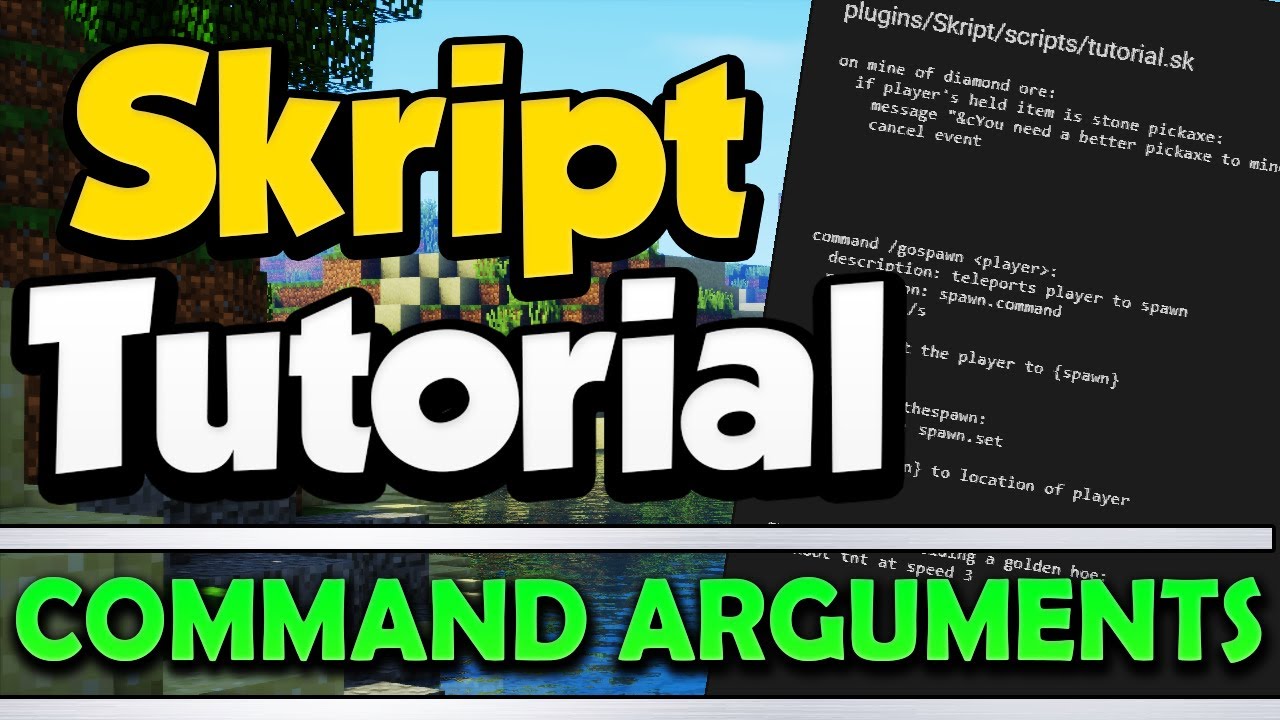
Have you ever wanted to create a custom command with command arguments in skript? In this tutorial I will show you how to make basic command arguments using skript. I will show you how to make it so you can input different options into a command to change the outcome or effects of the command. This can include a player name, a number, an item, ect.
Skript Tutorial Playlist: • Skript Tutorials
Documentation: https://skriptlang.github.io/Skript/i...
Server IP: minehut.com
---------------------------------------------------------------------------------------------------
Twitter » / itsjackson9
Subscribe » / @itsjackson
---------------------------------------------------------------------------------------------------
Welcome to my channel, It's Jackson. As you probably guessed, my name is Jackson. I make videos on all different kinds of games. These include Minecraft, HOI4, Windward, Ect. If you enjoy my content, don't forget to subscribe.
---------------------------------------------------------------------------------------------------
Minecraft is a sandbox video game created by Swedish game developer Markus Persson and later developed by Mojang. The creative and building aspects of Minecraft allow players to build with a variety of different cubes in a 3D procedurally generated world.
Skript Script Coding Tutorial Documentation New Arguments August 2020 Custom Command
List of argument types (there are others in add-ons):
biome - Things like SWAMPLAND or FOREST. Note that when entering this into a command the biome names will need to be in all caps +
block - Dirt, sand, cobblestone. Any type of block alias or ID will work here +
boolean - true/on/yes or false/off/no
colour - Any of the colors you can use in Minecraft. Can also be able to be spelled color
enchantment - Protection, sharpness, unbreaking Any of the enchantments in Minecraft +
enchantment type - Works the same as enchantment, but has a level (sharpness 3) +
entity - Creeper, zombie, player Anything that moves/walks around
game mode - Survival/creative/adventure +
integer - A number without a decimal such as 1, 3, or 87
item - Any item in the game. Could also be a block in item form (You can also use 'material' instead of 'item')
living entity - Same as entity but without projectiles and primed tnt. Something living
money - Some amount of money. Note that the name of the currency must be included when executing this command (You should probably use number instead for this)
number - A number with a decimal like 2.5
offlineplayer - A player that is possibly offline. Requires the player's exact name
player - A player that is online. Requires only part of the player's name to be valid (like using 'demon' instead of 'demon_penguin')
potion effect type - Any kind of potion effect. Strength, slowness, haste, ect. +
projectile - Arrow, snowball, or thrown potion +
text - Any kind of text. The exactness of whatever the player typed in. Could be anything
time - The Minecraft time. Anywhere between 00:00 to 23:59 +
timperiod - Same as time, but can use 'night' 'day' 'dusk' and 'dawn' +
timespan - Some amount of time like "3 seconds" "8 ticks" or "5 hours" Note that the unit must be typed when executing the command
treetype - Any type of tree or giant mushroom "giant red mushroom" "redwood tree" +
weather type - The type of weather "clear/sun/sunny, rain/rainy/raining, and thunder/thundering/thunderstorm" +
world - The name of a world
Повторяем попытку...
Доступные форматы для скачивания:
Скачать видео
-
Информация по загрузке: