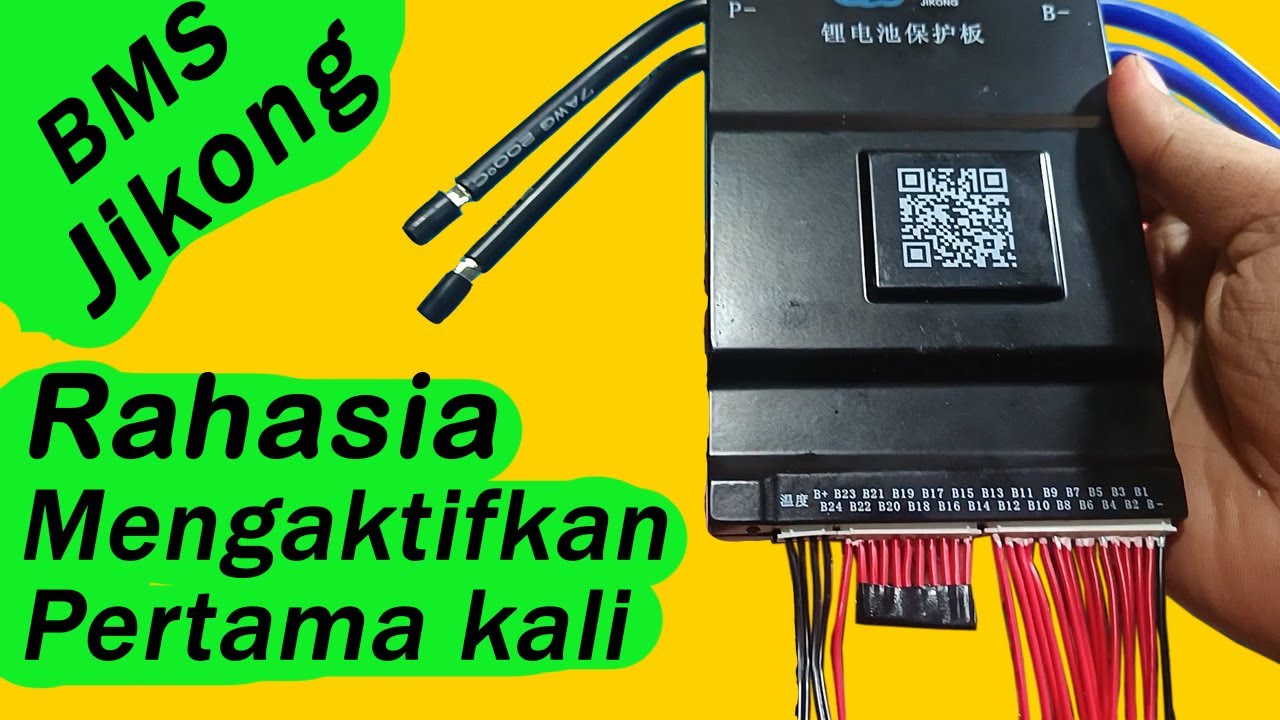
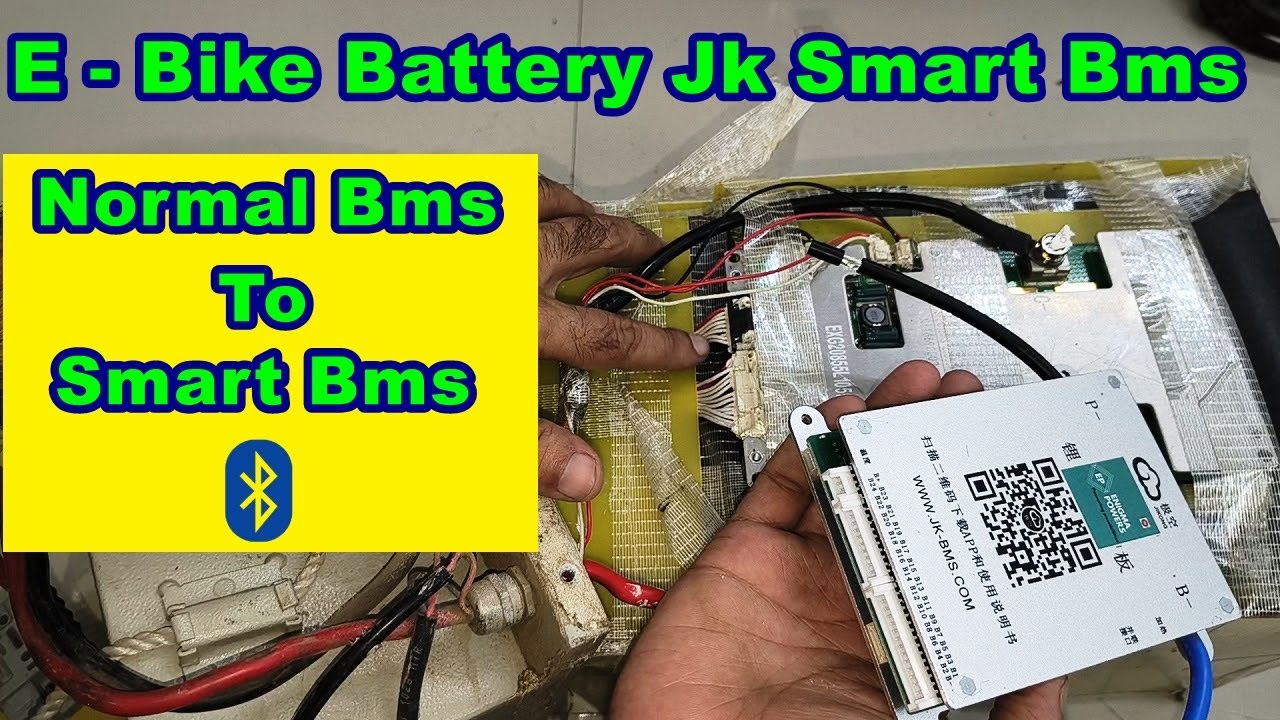
Jk bms jikong 15ah 30ah 20s 60volt connection karna jane aasane se
Автор: Ajeet Singh
Загружено: 2025-09-10
Просмотров: 145
Описание:
Jk bms jikong 15ah 30ah 20s 60volt connection karna jane aasane se @jkbms @ev @battery
@ajeetsinghtech
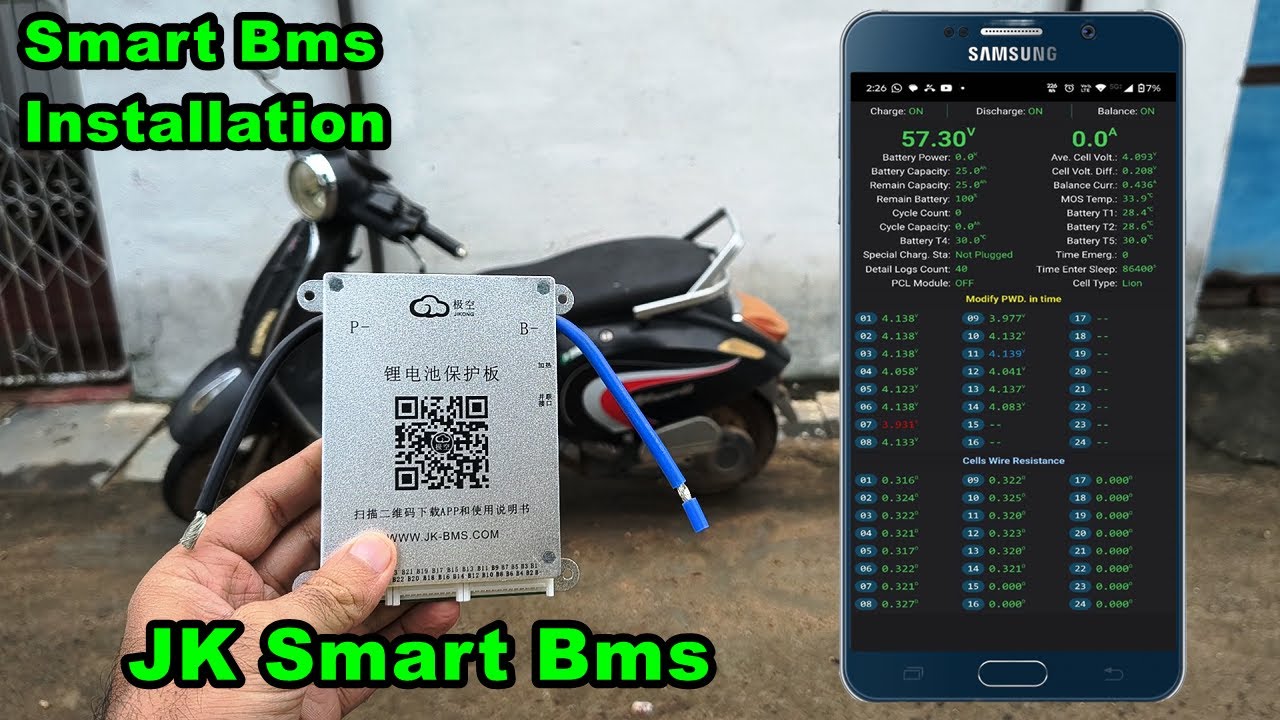
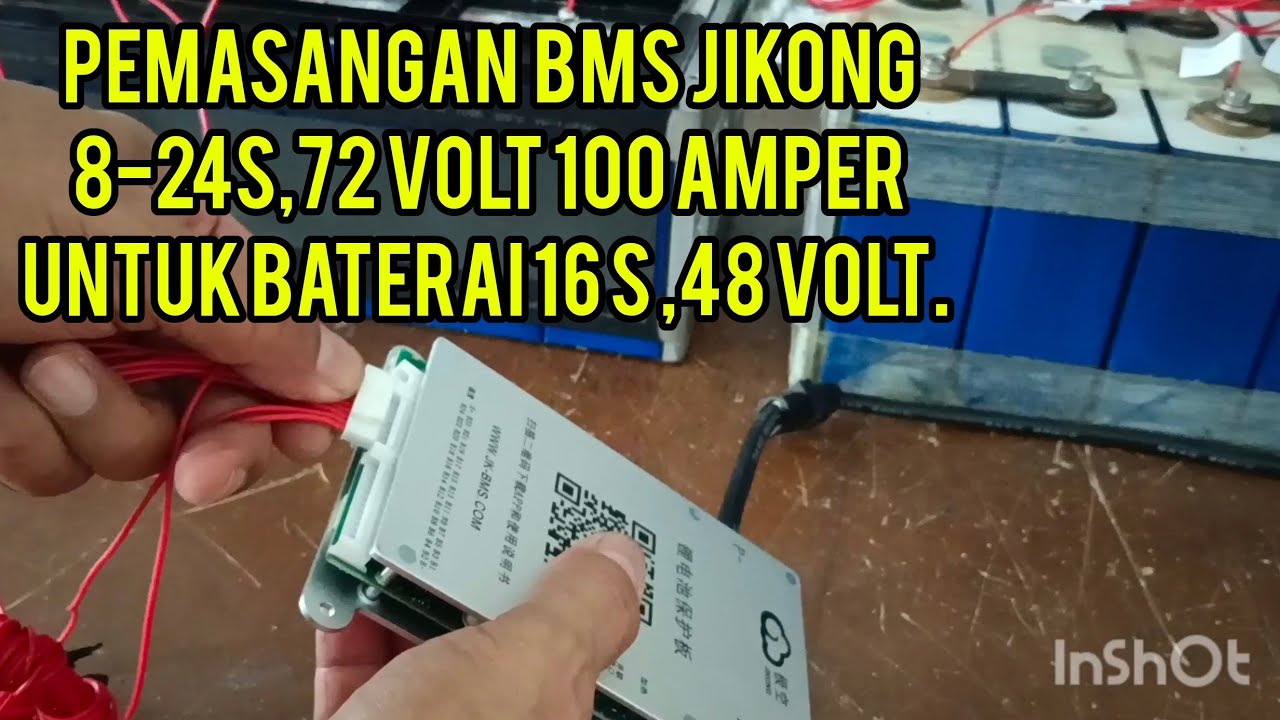
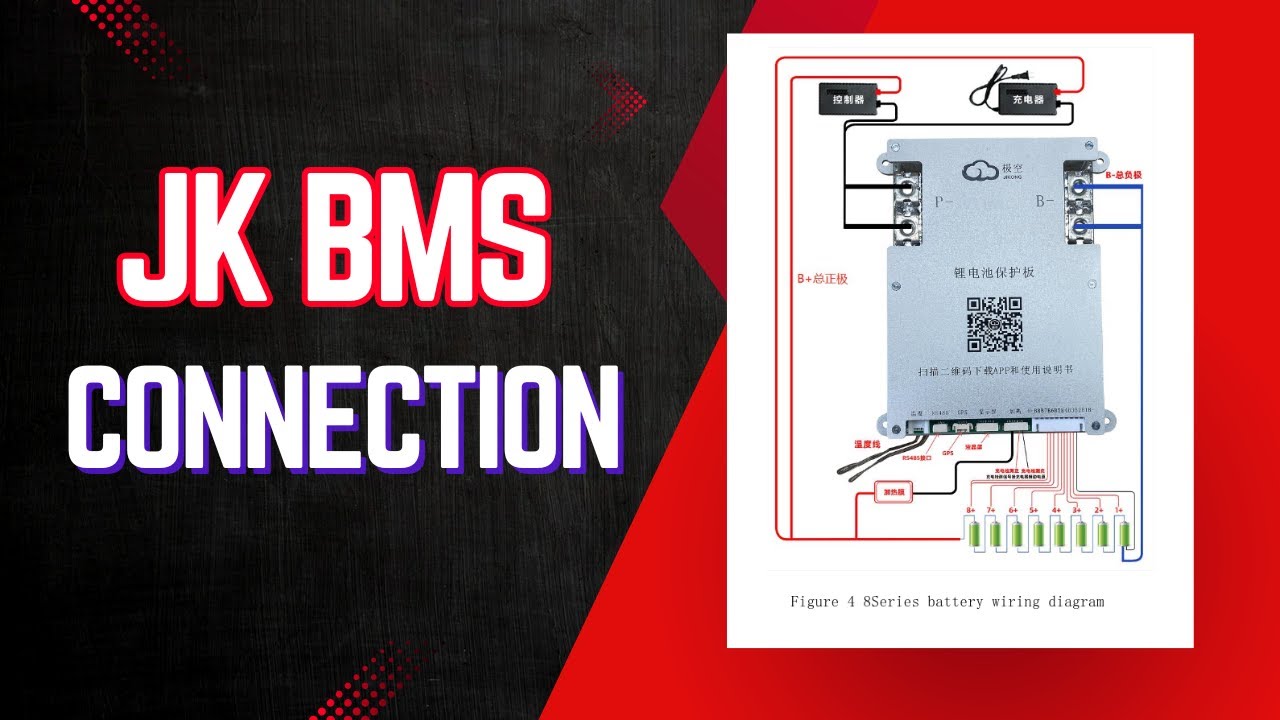
Connecting a JK BMS for a 20S (20-series) battery pack requires careful attention to the main power connections and the individual cell monitoring (balance) leads.Since JK BMS models can vary slightly, you should always refer to the specific wiring diagram and manual for your exact JK BMS model (e.g., JK-B2A24S20P or similar).Here is a general guide based on typical JK BMS wiring for a 20S pack:1. Main Power Connections (Thick Wires)These wires carry the full battery current and are typically bolted or screwed directly to the BMS terminals and the battery posts.B- (Battery Negative): Connects to the main negative terminal of your entire 20S battery pack (which is the negative pole of cell 1).P- (Load/Charge Negative): Connects to the negative terminal of your load and charger. This is the controlled output/input terminal of the BMS.B+ (Battery Positive): Do not use a separate B+ terminal for the main current on most JK BMS models. The main positive for charging/discharging is usually a direct connection to the main battery positive.2. Balance Wires (Thin Wires)The balance harness is crucial for monitoring individual cell voltages. The wires must be connected in sequence from the pack's negative to the pack's positive.Wire Label (on BMS)Connection Point (on Battery)B- or B0Main Negative (Negative of cell 1)B1Positive of Cell 1B2Positive of Cell 2B3Positive of Cell 3......B19Positive of Cell 19B20Positive of Cell 20 (The main positive of the entire 20S pack)B+ (separate small wire)A separate small wire labeled B+ on the BMS (often found on the same connector as the balance leads) must also be connected to the Main Positive (Positive of cell 20).Unused WiresIf your BMS supports up to 24S (e.g., B24S), the leads for B21, B22, B23, and B24 (if present) are left disconnected.
⚠️ Critical Wiring Sequence and PrecautionsFailure to follow the correct sequence can instantly destroy the BMS!Prepare: Ensure all cells in your 20S pack are balanced and at a similar voltage before connecting the balance leads.Connect Balance Leads to Cells First: Connect all the individual balance wires (B-, B1 to B20, and the small B+) to the corresponding positive and negative terminals of your battery cells.Crucial Step: Double-check your B- and B1 through B20 connections with a multimeter at the BMS harness connector pins to ensure the correct voltage progression (e.g., B1 should read $\approx 3.2-4.2V$ vs B-, B2 should read $\approx 6.4-8.4V$ vs B-, etc.).Connect Main B-: Connect the thick main B- cable to the main negative of the battery pack.Connect Balance Harness to BMS: Once all cell leads are verified, plug the balance harness connector(s) into the BMS board.Connect P-: Connect the thick main P- cable to the load/charger negative.Activation: The BMS will likely be inactive at this point. You usually need to:Activate it: Use the small external switch/button that comes with the BMS, orWake it up: Apply a charging voltage to the P- terminal.3. Setup via AppAfter the hardware connection, you must use the JK Bluetooth App (available for Android/iOS) to:Set the number of cells: Configure the BMS to 20S.Set the battery type: (e.g., LiFePO4, Li-ion, LTO).Set parameters: Configure over/under voltage, current limits, temperature limits, etc.
jk bms, jk bms settings, jk bms installation, jk bms setup, jk bms wiring, jk bms parallel connection, jk bms communication with inverter, jk bms v19, jk bms firmware update, jk bms settings lifepo4, jk bms 16s wiring diagram, jk bms display, jk bms app, jk bms password reset, jk bms app settings, jk bms and, jk bms app android, jk bms 14s, jk bms test, jk-b2a24s15p, jk bms in series, jk bms start
#jkbms #jkbmssettings #jkbmsinstallation #jkbmssetup #jkbmswiring #jkbmsparallelconnection #jkbmscommunicationwithinverter #jkbmsv19 #jkbmsfirmwareupdate #jkbmssettingslifepo4 #jkbms16swiringdiagram #jkbmsdisplay #jkbmsapp #jkbmspasswordreset #jkbmsappsettings #jkbmsand #jkbmsappandroid #jkbms14s #jkbmstest #jk-b2a24s15p #jkbmsinseries #jkbmsstart
Повторяем попытку...
Доступные форматы для скачивания:
Скачать видео
-
Информация по загрузке: