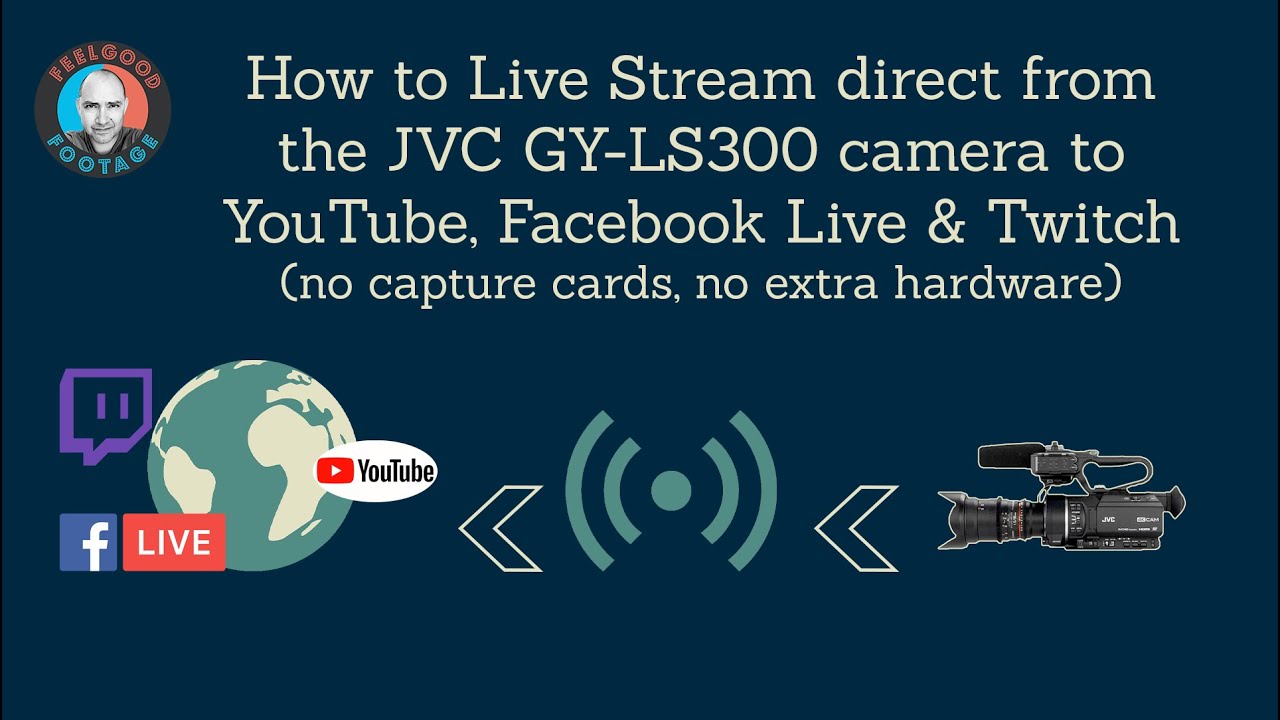
How to Live Stream direct from the JVC GY-LS300 camera to YouTube, Facebook Live and Twitch
Автор: Feelgood Footage
Загружено: 2020-06-26
Просмотров: 5023
Описание:
Intro - encoding hardware built into this camera 0:00
Establishing a network connection - LAN cable 2:40
Establishing a network connection - wireless 4:16
Accessing your camera's web page to set the Destination Server 6:24
Streaming Bitrate overview and going Live 9:04
Using Restream.io to stream to Facebook Live and Twitch 10:46
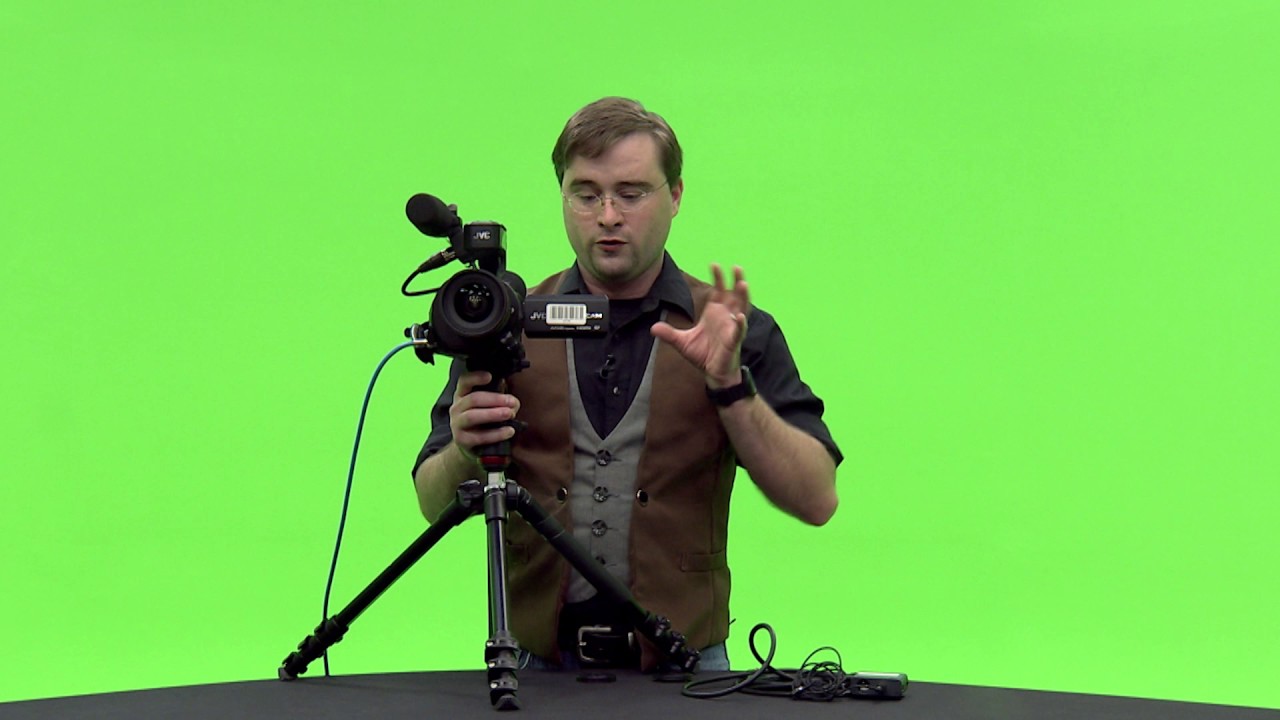
The JVC GY-LS300 camera has the hardware included within it to encode so you can stream directly from the camera. That's incredibly powerful and convenient. I have had this camera several years but only recently started streaming.
When I started making the most of this asset I could not find a comprehensive, easy to follow instructional video about the live stream workflow. JVC have created a User Guide which is useful but quite dense. I think videos work best so now I have made one!
Every step is clearly shown with step-by-step menu guides, screen captures to show exactly what to do. I discuss some of the issues that will prevent you establishing a connection and how to workaround the limitation that stops you streaming directly into Facebook Live.
Hopefully it will help you and save you some time and a little frustration as you try to figure out the best workflow for you.
Addition:
It is also useful to refer to the User Guide and JVC have made that available online:
http://manual3.jvckenwood.com/pro/mob...
Повторяем попытку...
Доступные форматы для скачивания:
Скачать видео
-
Информация по загрузке: