Create a 3D Sports Jersey from Your Illustrator Design | Konfiwear Tutorial
Автор: KONFIGEAR
Загружено: 2025-10-10
Просмотров: 323
Описание:
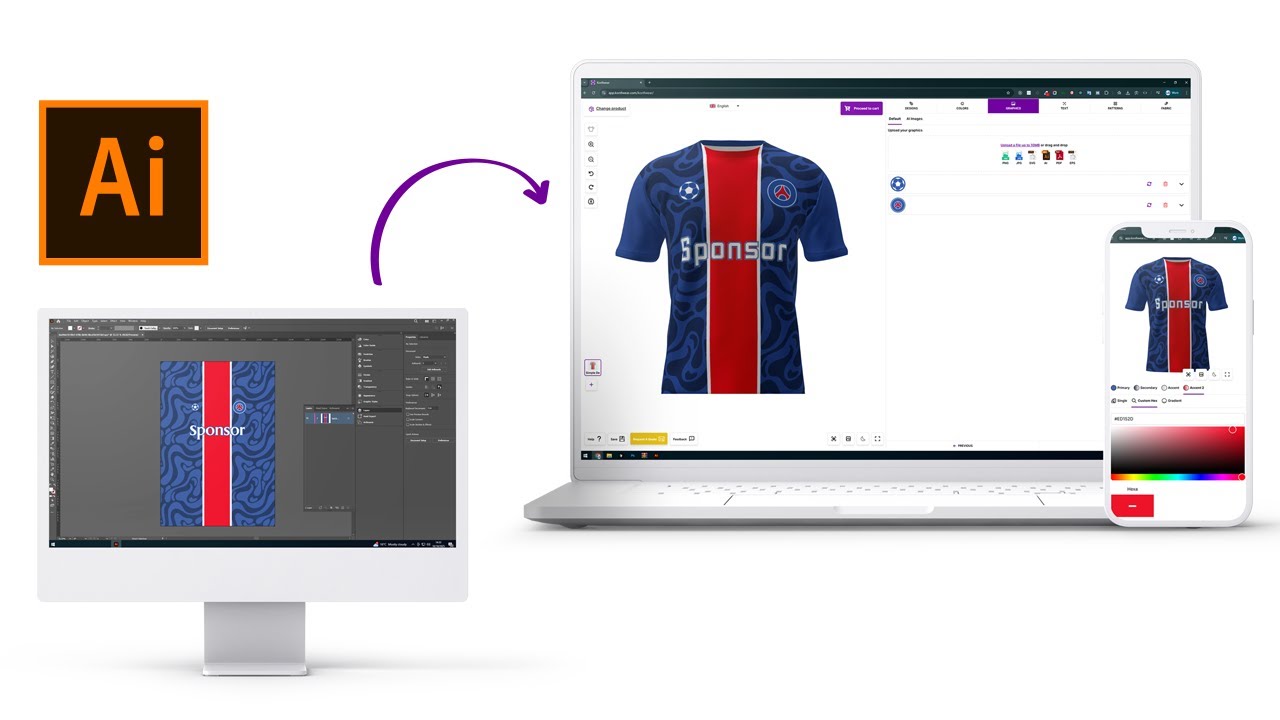
Transform your flat designs into 3D custom apparel in just a few minutes!
In this tutorial, we’ll show you how to prepare your Illustrator design, export it as an SVG, and import it into Konfiwear, our 3D apparel customization platform.
Whether you’re creating sports jerseys, cycling kits, t-shirts, or hoodies, this guide will help you go from 2D artwork to interactive 3D mockups — ready for customization, quoting, and production.
🧩 In this video you’ll learn:
00:00 – Introduction
00:25 – Exporting your model UV map
01:10 – Preparing a Freepik design in Illustrator
02:40 – Creating primary and secondary color layers
04:00 – Exporting as SVG and verifying in SVGViewer
05:10 – Uploading and testing your design in Konfiwear
💡 What you’ll need:
Adobe Illustrator
UV map (2048x2048px)
A Freepik or vector design
Konfiwear account
👉 Try Konfiwear: https://konfiwear.com
👉 Dashboard access: https://app.konfiwear.com
#konfiwear #3d #apparel #configurator #custom #illustrator to 3d mockup
#sportswear design tutorial
Повторяем попытку...
Доступные форматы для скачивания:
Скачать видео
-
Информация по загрузке:


![Почему работает теория шести рукопожатий? [Veritasium]](https://image.4k-video.ru/id-video/ggI1xKzoANs)