TradingView MCP GitHub Explained: Local AI Chart Automation with Claude
Автор: Alex Hitt
Загружено: 2026-09-19
Просмотров: 2532
Описание:
tradingview-mcp by tradesdontlie: https://github.com/tradesdontlie/trad...
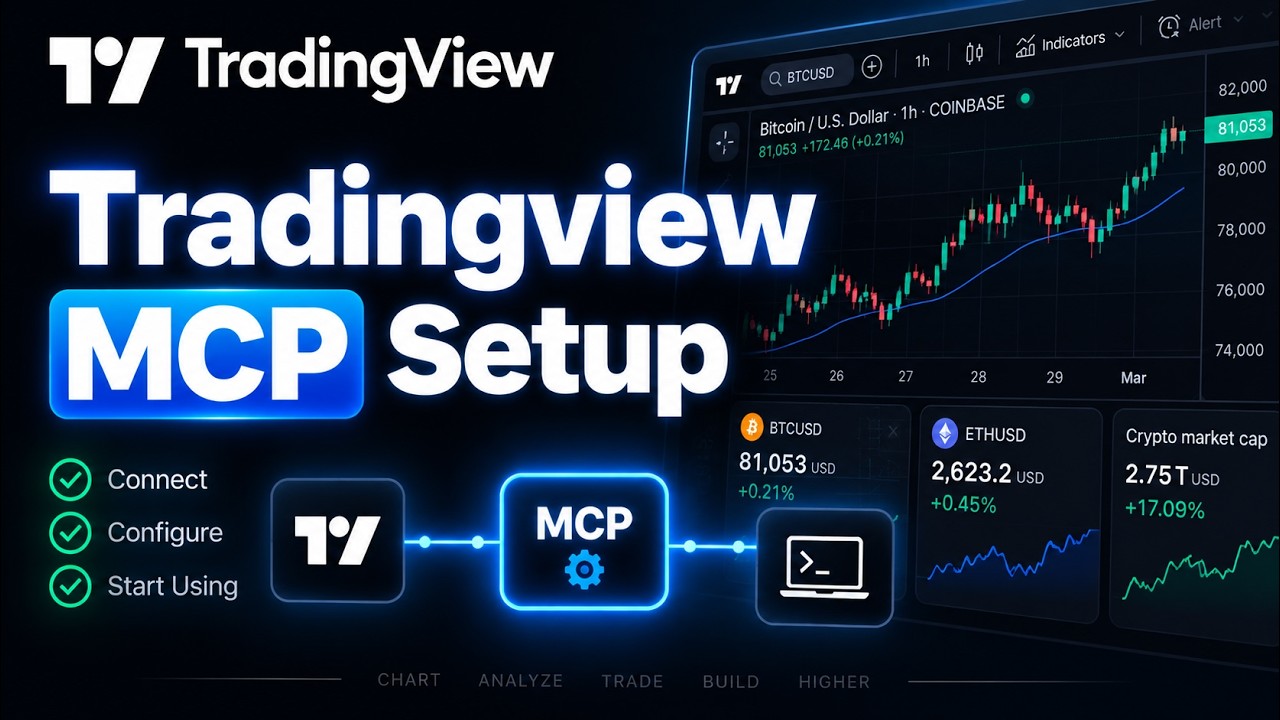
TradingView MCP Bridge connects an AI client such as Claude to a locally running TradingView Desktop application through a local Node.js server and the Chrome DevTools Protocol. This overview explains the required desktop and Node.js components, account limitations for real-time tick-level data, the port 9222 communication path, and why the bridge keeps processing on the local machine.
It also covers the Pine Script editor binding risk documented as issue 513, compact chart-data summaries for constrained AI context, and replay mode for historical strategy verification. The rendered video uses conceptual diagrams rather than a legible terminal, live configuration edit, or hands-on TradingView session, so it is best understood as an architecture and workflow overview.
TimeStamps:
0:00 Dynamic charts and the TradingView MCP Bridge
0:24 Desktop prerequisites and account limits
0:58 Codebase, dependencies, and client routing
2:01 The local bridge and remote debugging
2:25 Platform launch constraints
3:42 Health checks and connection failures
4:12 Pine Script editor binding risk
4:51 Compact chart data for AI workflows
5:23 Replay mode and analytical automation
5:52 From menu clicking to local financial intelligence
🔗 Local AI-to-TradingView communication
🧩 MCP routing, CDP debugging, and chart control
⚠️ Pine Script editor safety and data limits
📈 Replay workflows for historical analysis
For viewers evaluating TradingView automation, the key takeaway is architectural: a local MCP server can coordinate chart operations through the desktop client, but account entitlements, debug-port availability, platform packaging, and editor state still shape what the workflow can safely do.
#TradingView #MCP #Claude
Повторяем попытку...
Доступные форматы для скачивания:
Скачать видео
-
Информация по загрузке: