How To - Colors with Smart Sync App - Pioneer Audio Receivers 2020
Автор: pioneer electronics
Загружено: 2020-03-31
Просмотров: 34470
Описание:
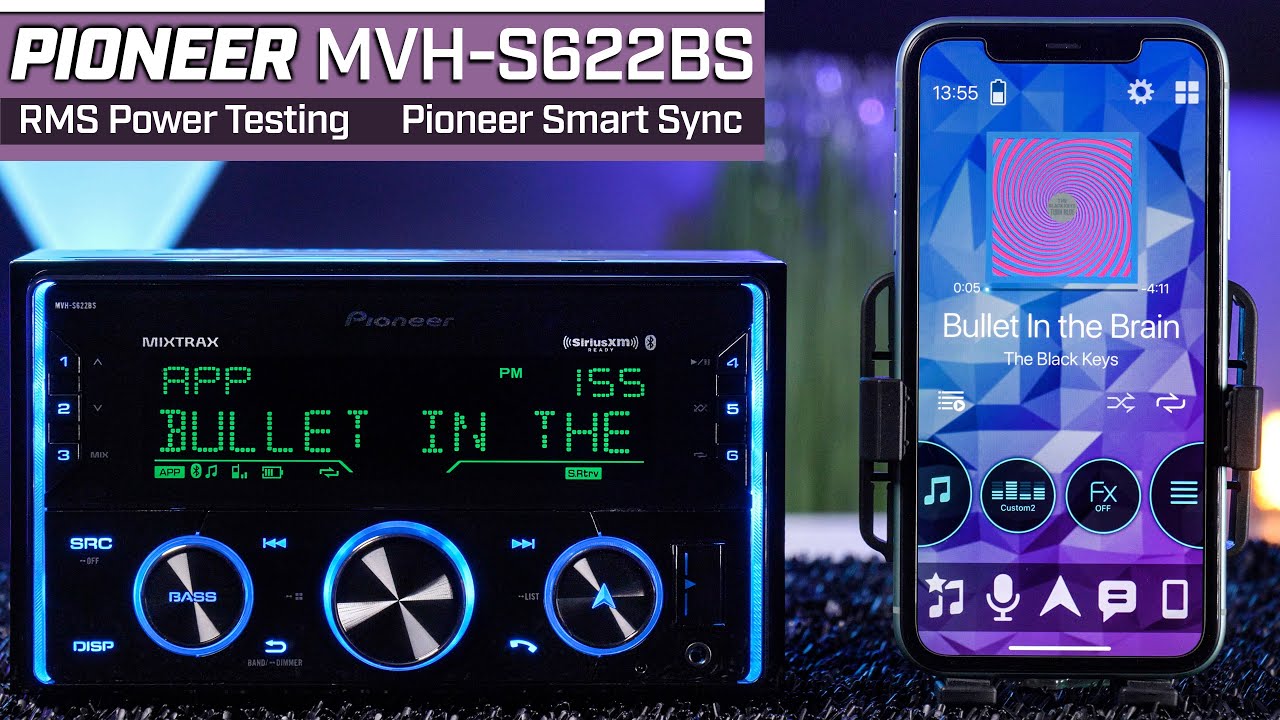
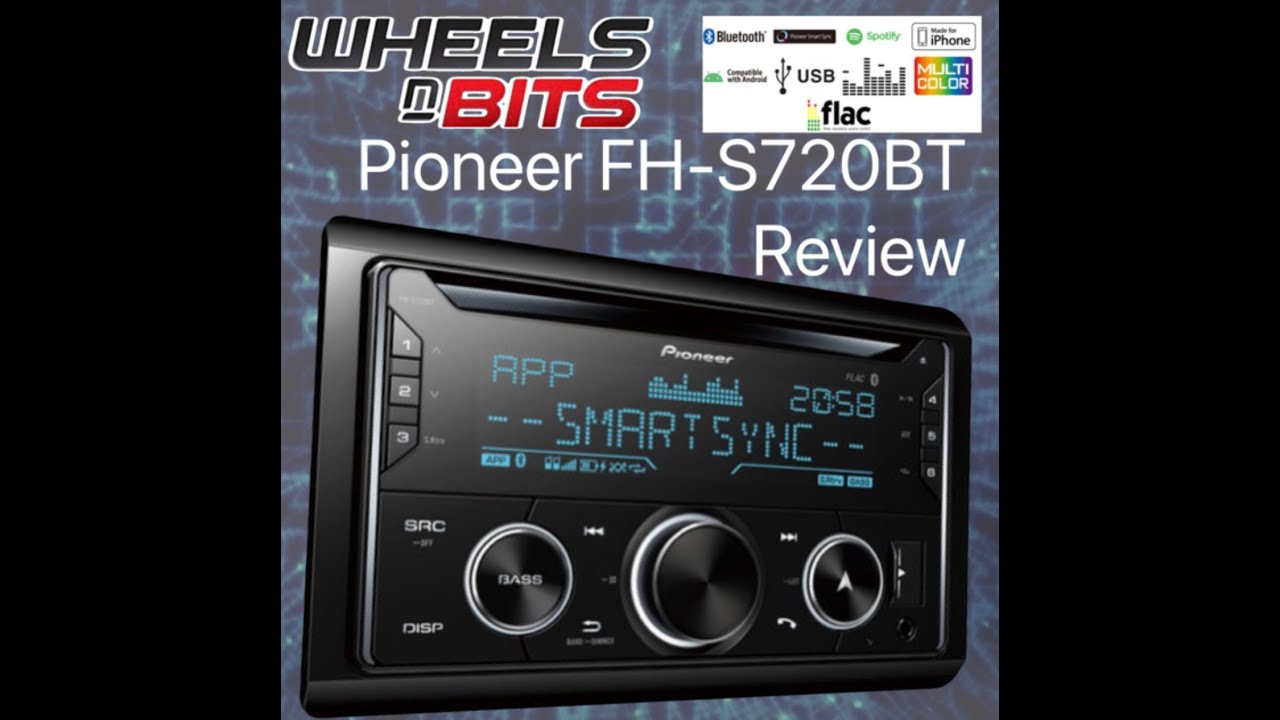
In this video, you'll learn how to create Custom Colors using the Pioneer Smart Sync App on your phone and adjusting the colors on the Pioneer FH-S722BS and other Pioneer 2020 Audio in-dash receivers.
The operation is identical on these Pioneer in-dash receiver models: MVH-S522BS, MVH-S720BHS, DEH-S5200BT, DEH-S6200BS, DEH-S6220BS, DEH-S7200BHS,
You can find more videos about the Pioneer FH-S722BS in this You Tube playlist: • Pioneer FH-S722BS - What's in the Box?
You can learn more about the Pioneer FH-S722BS here: https://www.pioneerelectronics.com/PU...
You can find the Owner’s Manual for the Pioneer FH-S722BS here: https://www.pioneerelectronics.com/PU...
Pioneer Smart Sync App for iPhone set up here: • How To - Connect Smart Sync app with iPhon...
Pioneer Smart Sync App for Android Phone setup here: • How To - Connect Smart Sync app with Andro...
Bluetooth Pairing an iPhone to the Pioneer in-dash receiver: • How To - iPhone Bluetooth Pairing on Pione...
Bluetooth Pairing an Android based phone to the Pioneer in-dash receiver: • How To - Bluetooth Pairing for Android Pho...
You can learn more about the Pioneer MVH-S620BS here: https://www.pioneerelectronics.com/PU...
You can learn more about the Pioneer DEH-S7200BHS here: https://www.pioneerelectronics.com/PU...
Follow Pioneer on facebook / pioneernorthamerica
Join the conversation with Pioneer on Twitter / pioneerusa
Follow Pioneer on Instagram / pioneercaraudio
Повторяем попытку...

Доступные форматы для скачивания:
Скачать видео
-
Информация по загрузке: