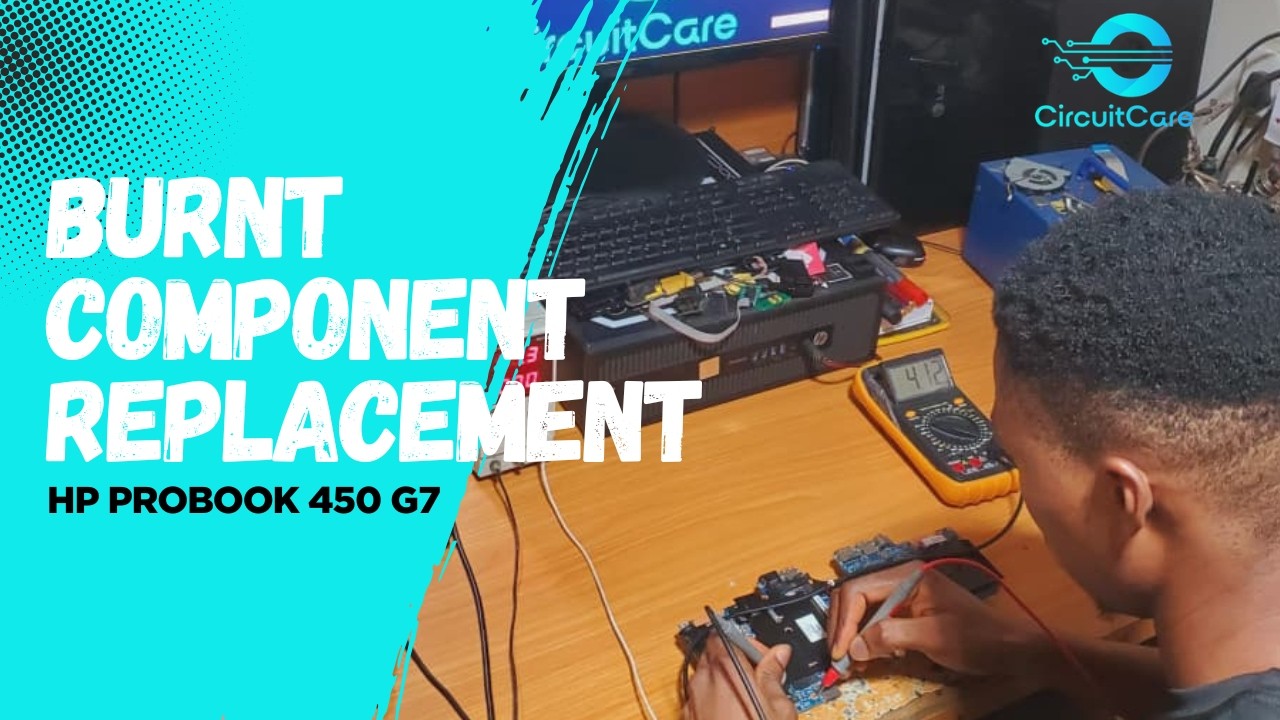
HOW TO REPLACE BURNT COMPONENT HP Probook 450 g7
Автор: Circuit Care
Загружено: 2026-02-28
Просмотров: 131
Описание:
Burnt Component Replacement on HP ProBook 450 G7 Motherboard 🔥🔧
In this video, we diagnose and replace a burnt component on the HP ProBook 450 G7 laptop motherboard. If your laptop is not powering on, shorting, or showing charging issues, a damaged component on the board could be the cause.
Watch as we:
✅ Identify the burnt component
✅ Trace the fault on the motherboard
✅ Safely remove the damaged part
✅ Replace and solder the new component
✅ Test the board for proper functionality
This repair requires precision soldering skills and proper diagnostics. Always ensure you use the correct component value and observe safety precautions when working on live boards.
If you’re a repair technician, electronics student, or tech enthusiast, this breakdown will help improve your motherboard troubleshooting skills.
Subscribe to CircuitCare for more real-life laptop repair case studies and electronic engineering tutorials.
Let’s restore devices and raise technical standards together.
#CircuitCare,#hpprobook450g7 ,#laptoprepair ,#motherboardrepair #BurntComponent #electronicsrepair ,#soldering ,#pcbrepair ,#computerrepair ,#TechRepair,#electronicengineering ,#HardwareRepair,#circuittroubleshooting ,#itsupport ,#fixlaptop
Повторяем попытку...
Доступные форматы для скачивания:
Скачать видео
-
Информация по загрузке: