How to Do Screen Printing
Автор: Howcast
Загружено: 2010-06-29
Просмотров: 28495
Описание:
Watch more Great Craft Ideas videos: http://www.howcast.com/videos/310923-...
Make an impression with your wardrobe by screen printing your favorite designs onto a shirt.
Step 1: Pick the image and print it
Select the image you want to screen print. In an image manipulation program on your computer, make the image black and white. Print it, making sure the image is not bigger than the embroidery hoop.
Tip
Start with a simple image that will be easy to trace. After practice, you can try more difficult images.
Step 2: Make screen
Pull the sheer material tight across the inner embroidery hoop to make a screen. Screw the material in place with the outer embroidery hoop.
Step 3: Trace the image
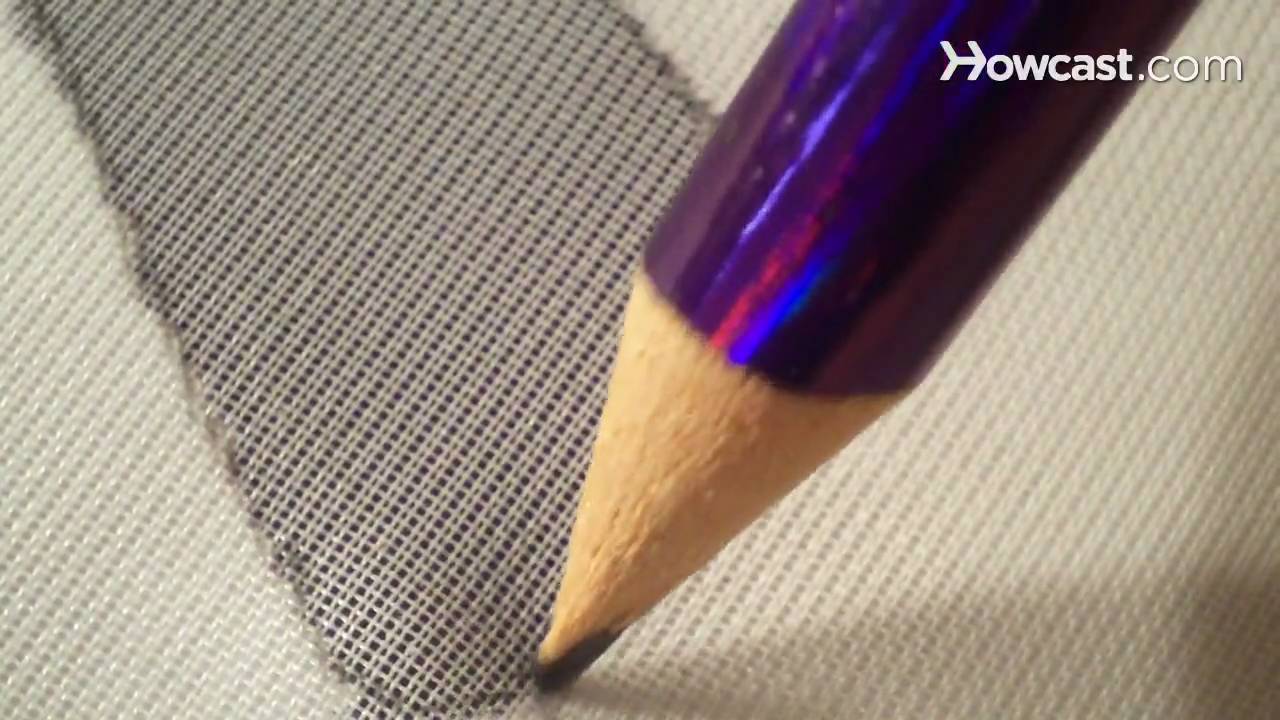
Place the screen on top of the printed picture so that the fabric is touching the paper. Then trace the image with a pencil.
Step 4: Paint with glue
Turn the screen fabric-side up, and paint the black or negative space with a layer of glue. Wait for the glue to dry.
Step 5: Add ink
Position the screen where you want the image to appear on the shirt, and then squeegee the ink onto the sheer material.
Step 6: Heat-seal ink
Pull off the screen and allow the ink to dry. Follow the heat-sealing directions on the ink bottle to preserve the screen-printed image.
Did You Know?
Early Polynesian Island natives cut designs into banana leaves and filled them with ink to screen print bark cloth.
Повторяем попытку...
Доступные форматы для скачивания:
Скачать видео
-
Информация по загрузке: