ASL3 en Dell Wyse 3040 and Debian 12 parte uno!!!1
Автор: eddy4011
Загружено: 2024-08-21
Просмотров: 338
Описание:
Instalando Debian para ASL3 Dell Wyse 3040!!!!!
Now setting up ASL3 on a Dell Wyse 3040 miniPC. The install process for ASL3 is somewhat simpler than it was with ASL2 because you start by installing Debian 12 and then just run a few commands on the command line to install ASL. This makes more sense than having a combined Debian+ASL ISO image. It does take awhile to install with the net install image as it downloads and configures everything which can take half an hour on a cheap miniPC. (Normally once I get a 3040 set up I use clonezilla to copy to other 3040's which takes about 5 minutes.)
The ASL2 image did not have the boot file where 3040's need it to be (/boot/efi/...), requiring an extra step to copy the boot file there. Deb 10 and 11 ISOs did not have that issue but the Deb 12 installer seems to now also not put the boot file there by default.
To install Debian 12 and ASL3 on a 3040:
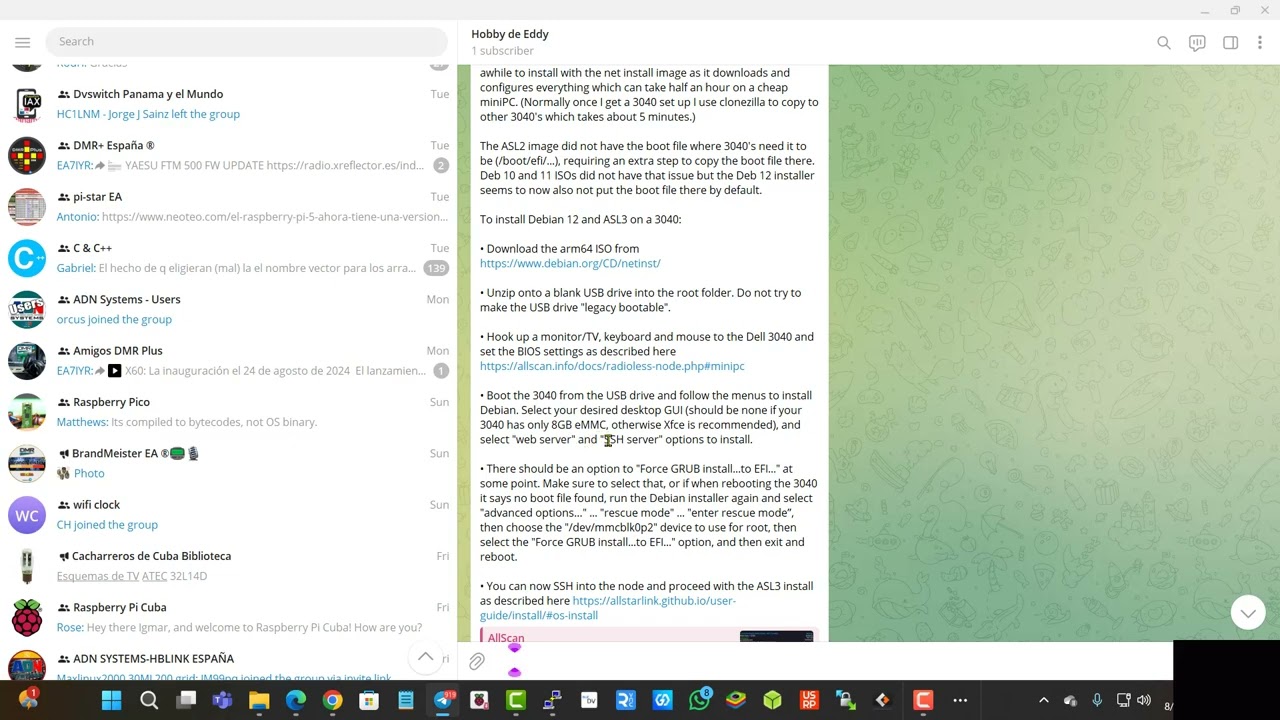
• Download the arm64 ISO from https://www.debian.org/CD/netinst/
• Unzip onto a blank USB drive into the root folder. Do not try to make the USB drive "legacy bootable".
• Hook up a monitor/TV, keyboard and mouse to the Dell 3040 and set the BIOS settings as described here https://allscan.info/docs/radioless-n... .
##########3
To initially set up a 3040 requires a USB keyboard and a monitor/TV with a DisplayPort cable. Plug in the keyboard and DisplayPort cable, and plug in the Debian 12 USB drive. Power up the 3040 and when you see the Dell logo hit F2 to enter BIOS setup. Some 3040's may have a BIOS password which defaults to "Fireport". This can be cleared in the Security section or if some other password was set can be cleared with a button on the PCB. Recommended BIOS settings:
System Configuration
→ UEFI Network Stack: Disabled
→ Integrated NIC: Enabled (NOT w/PXE)
→ USB Configuration: Enable all checkboxes
Secure Boot: Disabled
Power Management
→ AC Recovery: Last Power State
→ USB Wake Support: Disabled
→ Wake on LAN: Disabled
POST Behavior
→ Keyboard Errors: Disabled
→ Fastboot: Thorough
Virtualization Support: Disabled
Nothing should need to be changed on the boot order page or any other pages. Once you have confirmed the BIOS settings, save and exit, and then when you see the Dell logo hit F12 for the boot menu, then select the USB drive. The Debian installer menu will then appear.
The Debian net install image is intended to boot on a removable device and install Debian on an internal storage device (or on a separate removable USB drive / SD Card). This differs from the RPi "appliance" image which goes on an SD Card, into the RPi, and the install is done. The Debian install takes about 20 minutes to complete. The default options should be fine but if there is anything you are not sure about, do a web search from another computer and try to clarify any questions you have
• Boot the 3040 from the USB drive and follow the menus to install Debian. Select your desired desktop GUI (should be none if your 3040 has only 8GB eMMC, otherwise Xfce is recommended), and select "web server" and "SSH server" options to install.
• There should be an option to "Force GRUB install...to EFI..." at some point. Make sure to select that, or if when rebooting the 3040 it says no boot file found, run the Debian installer again and select "advanced options…" ... "rescue mode" ... "enter rescue mode”, then choose the "/dev/mmcblk0p2" device to use for root, then select the "Force GRUB install...to EFI..." option, and then exit and reboot.
• You can now SSH into the node and proceed with the ASL3 install as described here,
https://allstarlink.github.io/user-gu...
##############
Повторяем попытку...
Доступные форматы для скачивания:
Скачать видео
-
Информация по загрузке: