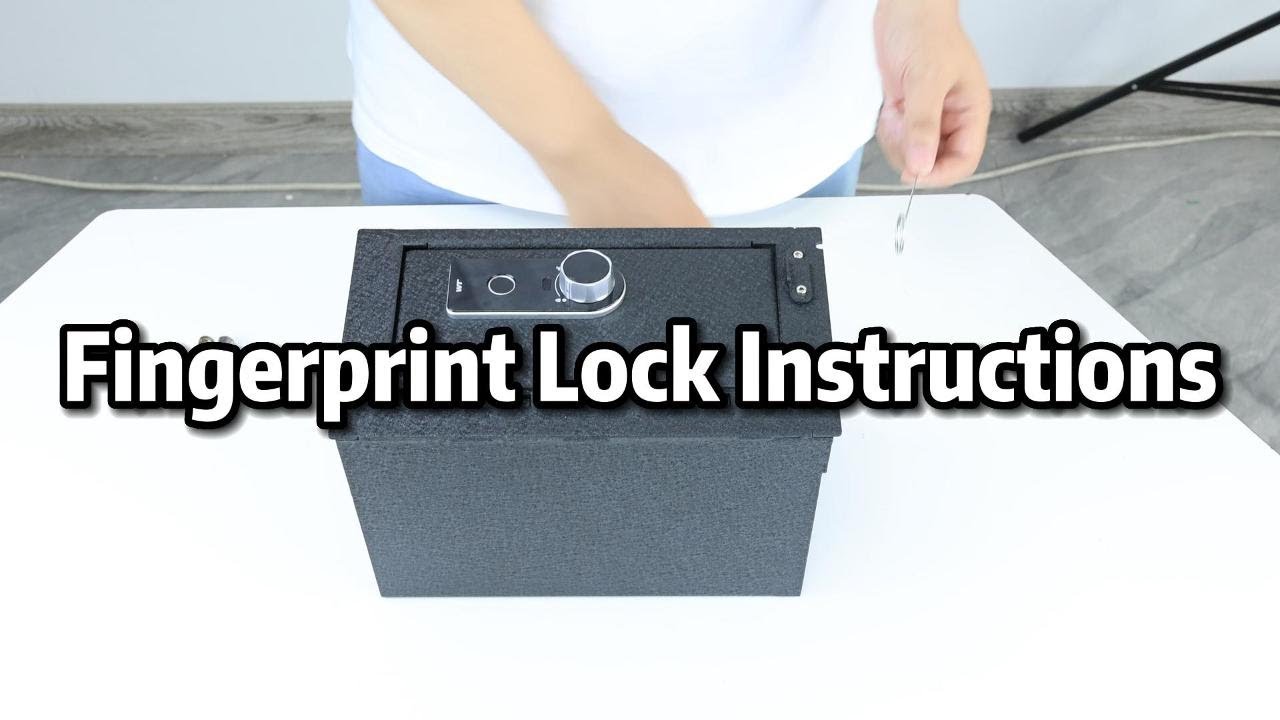
Fingerprint lock with backup key instruction
Автор: TuoJue
Загружено: 2023-07-24
Просмотров: 970
Описание:
How to set admin fingerprint
Step 1: Make sure the lock is closed, even if the lip part is opened, you can turn the lock to close.
Step 2: Press the reset hole with pin 1 time. Then you will hear 2 beeps, and the green indicator light on the panel will flash.
Step 3: Set the fingerprint 3 times as soon as possible, and the interval between each fingerprint placement should be controlled with 1s.
How to set guest fingerprint
Step 1: Make sure the lock is closed.
Step 2: Put the administrator's fingerprint on the scanner for 5 seconds, You will hear two types of beeps, the first only 1 beep is to unlock the lock, do not move your fingerprint, when you hear the second 2 long beeps, you can set the guest fingerprint.
Step 3: Put the guest's fingerprint on the scanner 3 times ASAP
How to reset all the fingerprint
With just a long press of the reset hole, all the fingerprints will be removed
Повторяем попытку...
Доступные форматы для скачивания:
Скачать видео
-
Информация по загрузке:
![[1465] Stealth “SwiftVault” Biometric Gun Safe Opened With Wire](https://imager.clipsaver.ru/w4SjajIO5qo/max.jpg)












![Best of Deep House [2026] | Melodic House & Progressive Flow](https://imager.clipsaver.ru/Il-ZpBuC8tA/max.jpg)