How To Reset Your WhatsApp QR Code (Updated)
Автор: Smart Fixer
Загружено: 2025-03-23
Просмотров: 322
Описание:
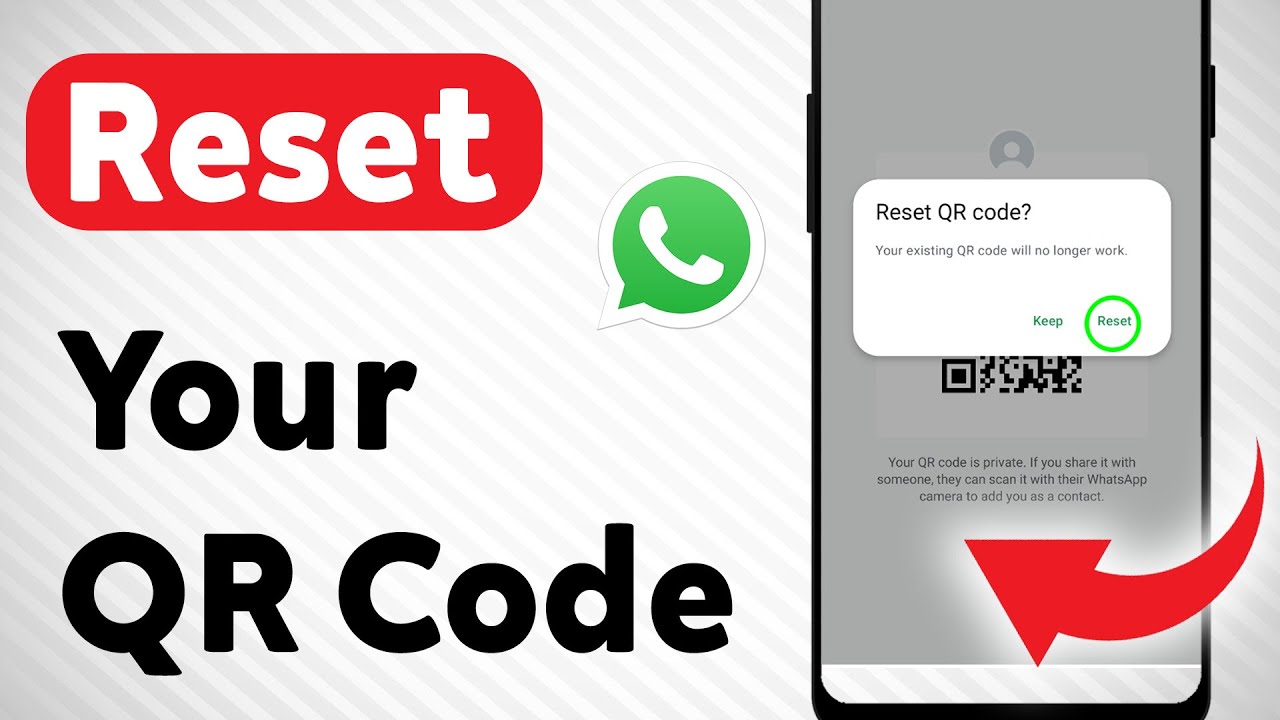
Learn how to reset your WhatsApp QR code with ease. This process is essential if you're having trouble scanning the code or want to start fresh with a new one. By following these simple steps, you can ensure your WhatsApp QR code is updated and secure.
1. Open WhatsApp app
2. Tap the three dots (menu) in the top right corner
3. Go to Settings
4. Select QR Code next to your profile picture and name at the top
5. Tap the three dots at top & select Reset QR code & confirm
Subscribe to our channel for more tech tutorials and tips! Visit our website for additional resources and follow us on social media for the latest updates.
#PWhatsAppQRCodeReset #WhatsAppTips #TechTutorial
===================
Chapters:
--------------
00:00 Intro
00:12 Soultion
01:05 Outro
===================
For advertiser contact us via email : [email protected]
Повторяем попытку...
Доступные форматы для скачивания:
Скачать видео
-
Информация по загрузке: