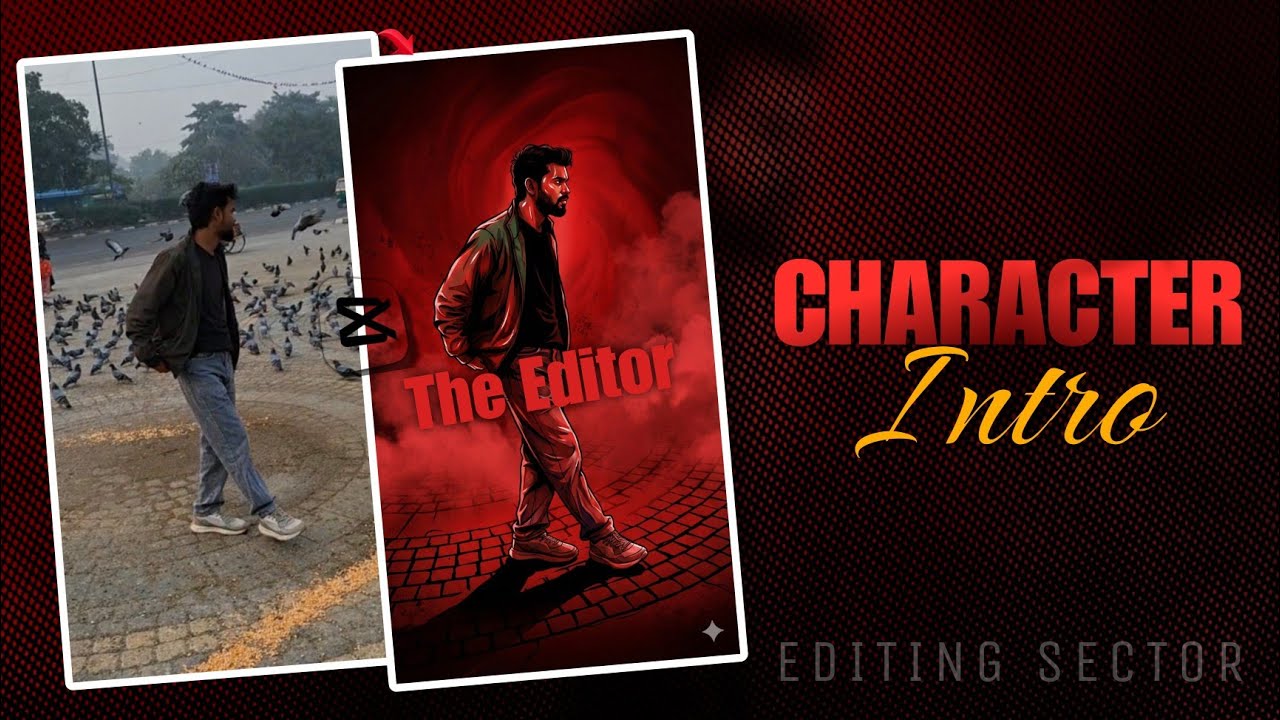
Viral Freeze Frame Intro Tutorial ⚡️ CapCut + Gemini AI Editing (2026)
Автор: Editing Sector
Загружено: 2026-01-28
Просмотров: 30
Описание:
Want to make your Instagram Reels and YouTube Shorts pop? 🚀 In this video, I’ll teach you how to make a trending Freeze Frame Intro using CapCut and Gemini AI. This specific editing style is viral right now and gives your videos a cinematic, professional look with zero cost!
I'll show you step-by-step how to:
1. Create a perfect freeze-frame.
2. Use Gemini AI to generate a cinematic illustration of yourself.
3. Add the Flash Blast transition & Shake text effects in CapCut.
📂 Download Assets (Music & Prompts):
Join my Telegram Channel here: [https://t.me/editingsector]
⚡️ Timestamps:
0:00 - Intro & Preview
0:19 - Adding Clips & Music
0:52 - Creating the Freeze Frame
1:08 - Generating AI Art with Gemini (Free Method)
1:45 - Importing AI Art to CapCut
1:58 - Adding "Flash Blast" Transition
2:11 - Adding "Shake" Text Effect
2:40 - Final Result & Export
2:53 - Outro
Apps Used:
CapCut (Video Editing)
Google Gemini (AI Image Generation)
Ignore Keywords:
CapCut editing tutorial 2026, how to make intro for youtube channel on phone, instagram reel editing capcut, freeze frame video effect, gemini ai image generator tutorial, photo to anime ai capcut, aesthetic intro tutorial, cinematic reel editing, editing sector aditya.
Повторяем попытку...
Доступные форматы для скачивания:
Скачать видео
-
Информация по загрузке: