HTC Wildfire S CDMA root - hotspot
Автор: mstechify
Загружено: 2012-01-24
Просмотров: 19664
Описание:
If you have applied the android update this may not work.
these links below here are for those who did not update.
http://androidforums.com/wildfire-s-a...
http://forums.androidcentral.com/htc-...
another
http://forum.xda-developers.com/showt...
Wireless tether for root users
https://market.android.com/details?id....
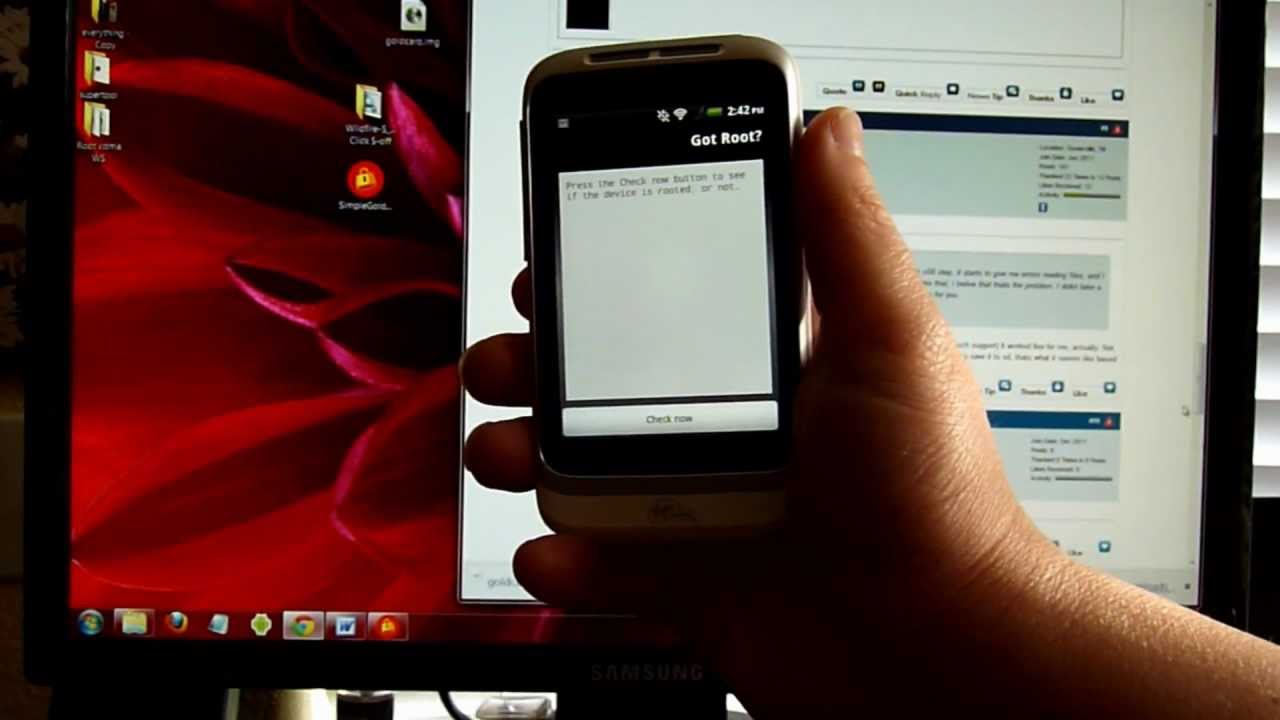
Root Checker Basic by joeykrim
https://market.android.com/details?id....
GSM - unlockbootloader and use HTC super Tool v3
summery of steps to root wildfire S CDMA
-Back up everything off Phone and sd card that you cannot afford to lose.
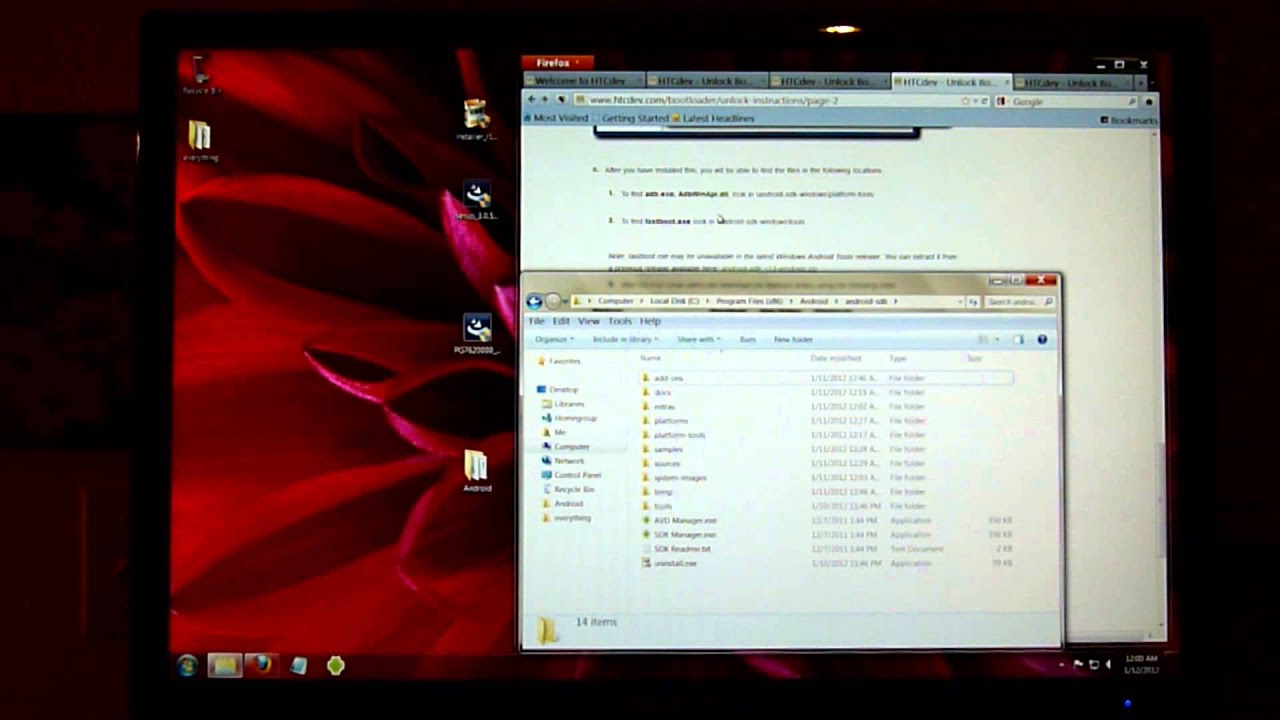
-Download Drivers, Goldcard, wildfire S one click
-Install Drivers. HTC sync software will install drivers. but you will not be using sync so exit it out after install.
-Unzip simple Goldcard to desktop or file and you will run it as administrator as shown in video. Follow additional steps shown to get image file.
-Unzip Wildfire S oneclick to a file. Run s-off.bat as administrator. Follow instructions shown in video.
**make sure that your antivirus is not deleting files that are need for the oneclick. You might need to temp shut off antivirus for this process as it may see exploit to root as a threat when unzipping file.
Повторяем попытку...
Доступные форматы для скачивания:
Скачать видео
-
Информация по загрузке: