How to Add Decorative Cages to Your Model in Blender | Easy 3D Modeling Tutorial
Автор: Jaggu Studio
Загружено: 2025-08-09
Просмотров: 1127
Описание:
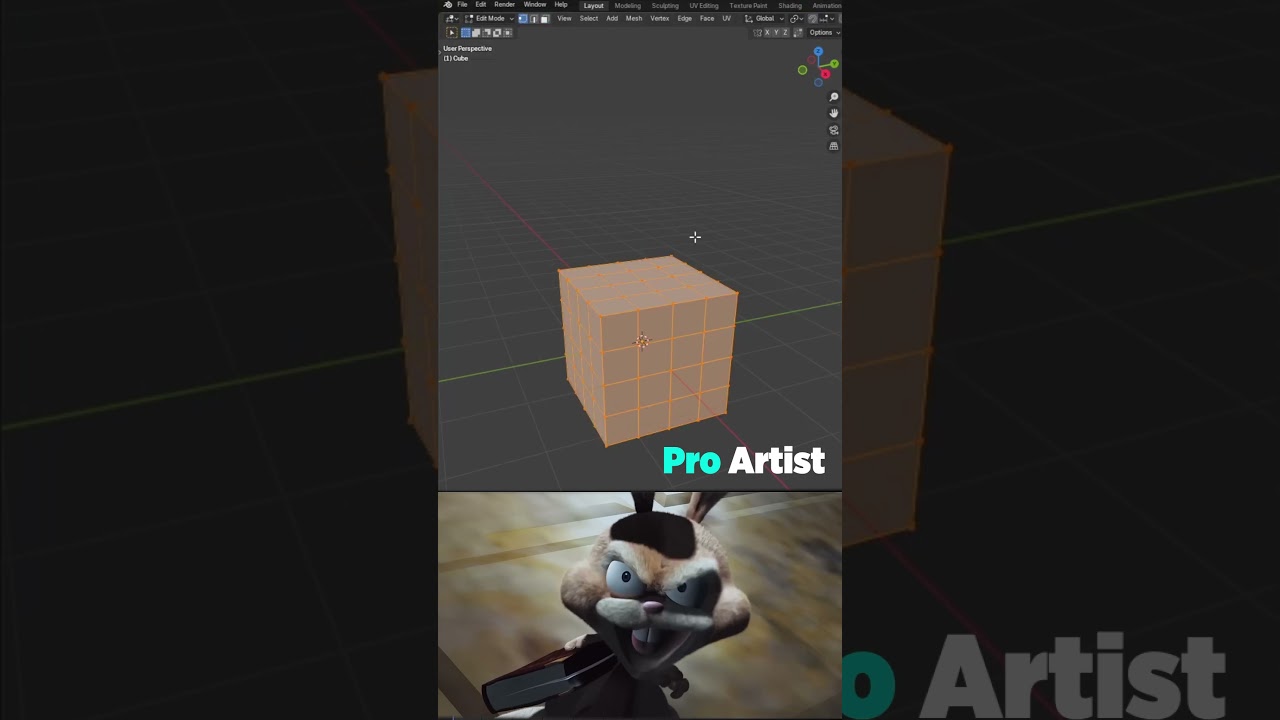
Want to make your 3D models stand out with stunning details? 🎨 In this Blender tutorial, I’ll show you step-by-step how to create and add decorative cages to any model — perfect for architecture, props, game assets, or product design. Whether you’re a beginner or an experienced 3D artist, this easy method will help you take your projects to the next level.
📌 Why watch?
Decorative cages can add a professional and stylish touch to furniture, lamps, fences, or any creative project. By the end of this video, you’ll be able to design your own ornamental cage patterns with ease.
💡 Tools Used:
Blender 4.x (Free & Open Source)
Built-in modifiers for non-destructive modeling
🔥 More Blender Tutorials:
• How to Create Cloth Reveal Animation in Bl...
• How to Create Peel Off Effect in Blender |...
• How to Create Exploded View Animation in B...
🔔 Subscribe for more 3D tips & tricks:
/ @jaggustudio123
📢 Let’s Connect:
Facebook: / jaggustudioofficial
Email: [email protected]
Phone: +923047314
Keywords:
blender tutorial, decorative cages blender, blender modeling tutorial, add details to blender model, blender architecture modeling, blender prop design, 3d modeling tips, blender beginners, blender modifiers, blender furniture modeling
Повторяем попытку...
Доступные форматы для скачивания:
Скачать видео
-
Информация по загрузке:


