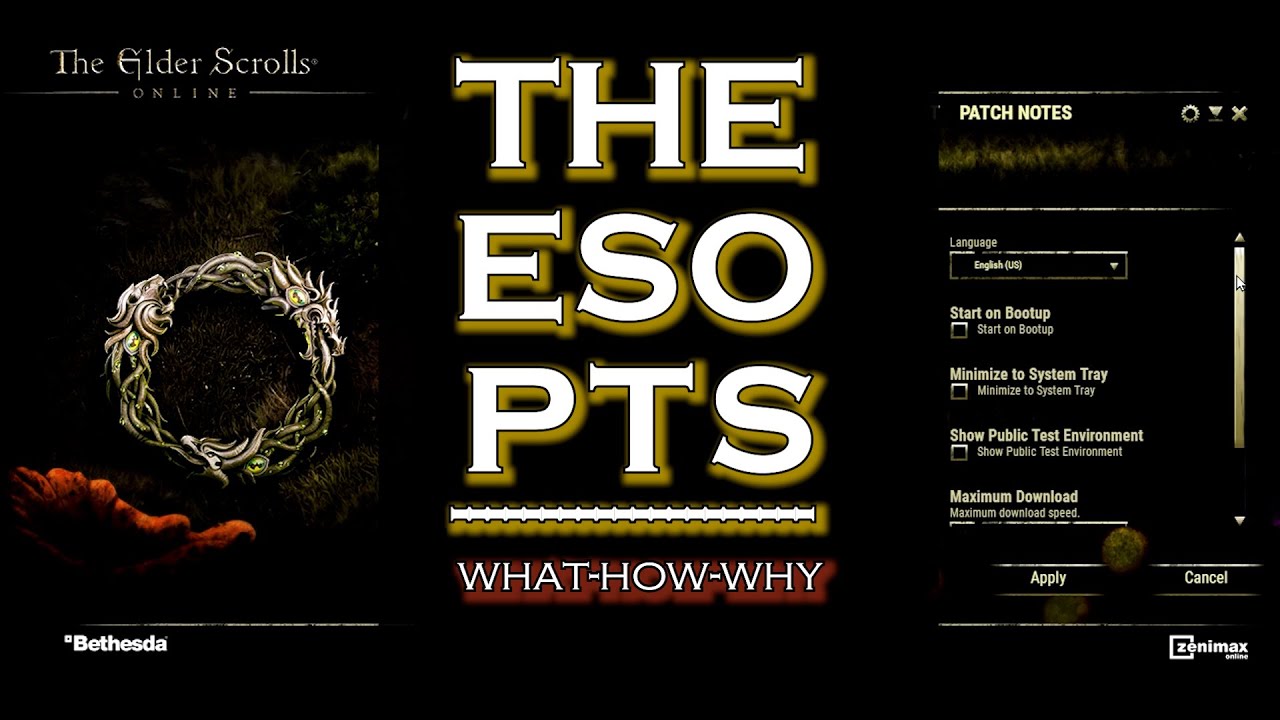
[ESO][Guide] How to enable PTS (Public Test Server) on PC
Автор: Dargus Maximus
Загружено: 2016-01-10
Просмотров: 6382
Описание:
Every time there is a big patch/update to ESO (which happens every 3 to 6 months and usually includes new DLC) a few weeks before the release, it is available for every player for a month on Public Test Server.
During that time, players can test any new feature and content for free and any changes to their characters made on PTS will remain on PTS so they are encouraged to experiment.
This short guide shows how to start download of PTS.
FAQ:
1. While you download PTS you are free to play on your normal server NA/EU in meantime
2. After you downloaded PTS you can switch back and forth between PTS and NA/EU. The installs are in separate folders and wont collide with each other
3. You can play both on PTS and NA/EU at the same time (as long as your computer can handle running two instances of game at the same time) by opening launcher, starting up PTS and then in graphic settings turning on windowed mode (or full-screen windowed), and then by pressing "windows" key on keyboard you can go back to your desktop and from launcher start up another ESO instance but this time picking NA/EU (having multiple screens helps)
4. PTS installs in completely separate folder so your NA/EU game is safe. This also means that all your Addons from live server wont appear on PTS. If you want to have them on PTS you need to move them from ...\Documents\Elder Scrolls Online\ live folder to PTS folder
5. The main goal of PTS is to test new content as well as already existing content for possible balance issues, bugs, exploits. Its also meant for players to provide feedback about new features or game changes. Everyone should take their time and submit as much as possible of in game /feedback regarding any issue they find worth commenting. You found a bug? /bug it! You dont like some change? /feedback it! Some changes could be adjusted better? /feedback it!
Feel free to ask questions under video if you want to know something more and of course if you found video helpful or enjoyable please like, share and subscribe! Thanks for watching!
~The Adventures of Dargus Maximus
Повторяем попытку...
![[ESO][Guide] How to enable PTS (Public Test Server) on PC](https://imager.clipsaver.ru/rCyxp1NDlDE/max.jpg)
Доступные форматы для скачивания:
Скачать видео
-
Информация по загрузке: