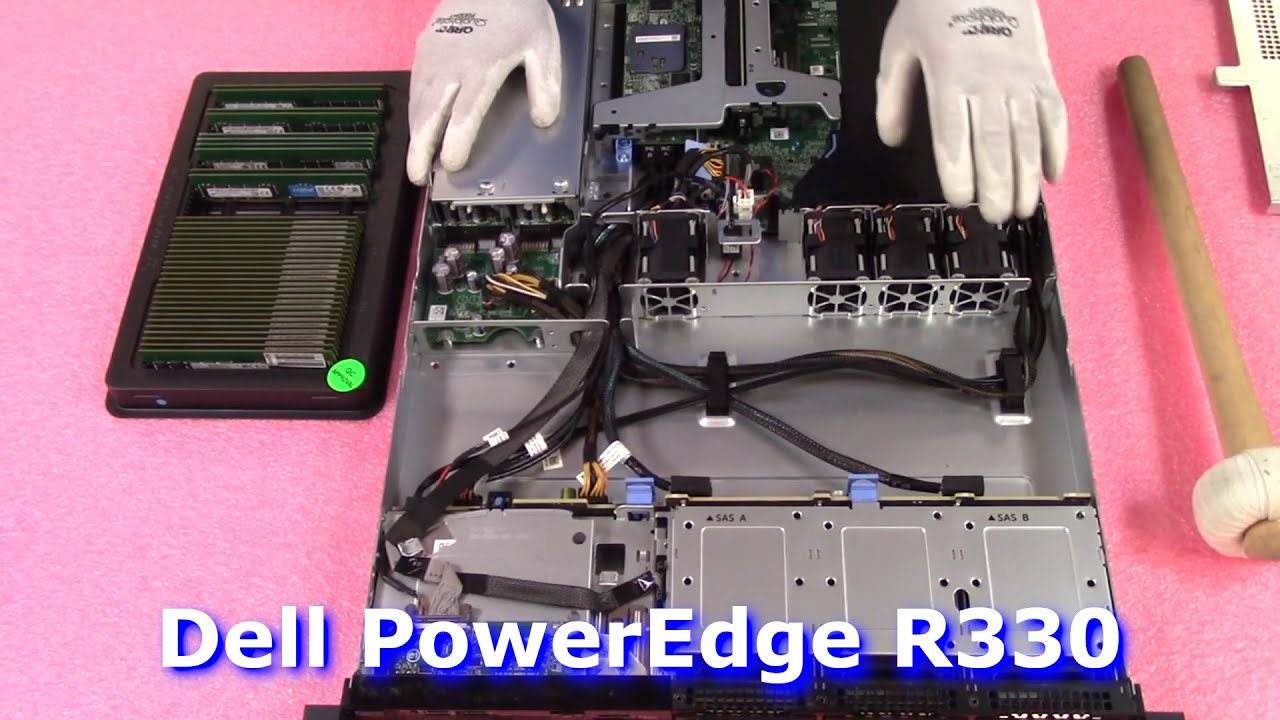
Dell PowerEdge R330 Server Review & Overview | Memory Install Tips | How to Configure System
Автор: Cloud Ninjas
Загружено: 2022-04-18
Просмотров: 4447
Описание:
Dell PowerEdge R330 | In this video, we will explore all the memory upgrade options for the Dell PowerEdge R330 server. We will also demonstrate how to properly install & upgrade your DIMMs. We provide a general overview of the Dell R330 server as a whole. Part of Dell’s 13th generation, the PowerEdge R330 is an incredibly popular DDR4 based, single socket 1U server supporting Intel Xeon E3-1200 V5 or V6 series processors. You can also install Intel Core i3 6100 Series, Intel Pentium G4500 or G4600 series as well as Intel Celeron G3900 series processors. What Cloud Ninjas recommends and what we see as the most common CPU, is the E3-1200v5 series. Specifically E3-1220v5, E3-1240v5 or E3-1270v5. This is an LGA1151 socket. This is the next generation to the PowerEdge R320 server.
The Dell PowerEdge R330 utilizes DDR4 memory and has four DIMM slots. There is only 1 type of memory you can install inside your R330 server, which is ECC Unbuffered (Server UDIMM). Unfortunately, ECC Registered (RDIMMs) and Load Reduced (LRDIMMs) are not compatible with Dell R330 servers. You can only utilize ECC Unbuffered memory, which is the only type of compatible module supported. You can use a number of different speeds and sizes for your PowerEdge R330. Speed options include 2133MHz, 2400MHz or 2666MHz. Please note 2666 will clock down to 2400, which is the true fastest speed. Size options include 2GB 4GB 8GB 16GB. Unfortunately 32GB DDR4 ECC Unbuffered modules are not supported by the Dell R330 server meaning the max configuration is 64GB via (4 x 16GB) DDR4 PC4-19200zt-R 2400MHz ECC Unbuffered Server Memory. There are 2 Memory Channels, which equates to the R330 having two DIMM slots per memory channel. Dell has labeled the memory channels and they are also color coded. The beginning of the memory channel is the white DIMM slot. Black is the second DIMM slot. This is an important detail for those who are only configuring there R330 with two modules. You would need to install the two DIMMs in the two white DIMM slots. This will help the overall performance of your Dell R330 server by providing an even load distribution. Otherwise one memory channel is overloaded and the other memory channel is not being used at all. In our video, we will review memory upgrade in more depth and show how to actually install your memory upgrade inside the Dell PowerEdge R330 server.
Interested in buying a refurbished Dell PowerEdge R330 Server? Please visit: https://cloudninjas.com/
Buy Dell PowerEdge R330 Server Memory Upgrades - https://cloudninjas.com/collections/p...
Buy Dell PowerEdge R330 Server Solid State Drive Upgrades - https://cloudninjas.com/collections/d...
Please smash that subscribe button and learn more about Cloud Ninja’s server upgrades.
Follow us on:
/ realcloudninjas
/ realcloudninjas
Повторяем попытку...
Доступные форматы для скачивания:
Скачать видео
-
Информация по загрузке:





![[2026] Feeling Good Mix - English Deep House, Vocal House, Nu Disco | Emotional / Intimate Mood](https://image.4k-video.ru/id-video/cxLdtvzf2sI)