This AI Can Reverse Engineer Almost Any App 🤯 | REA GitHub Tutorial
Автор: Tech with Kumaresan
Загружено: 2026-10-24
Просмотров: 4111
Описание:
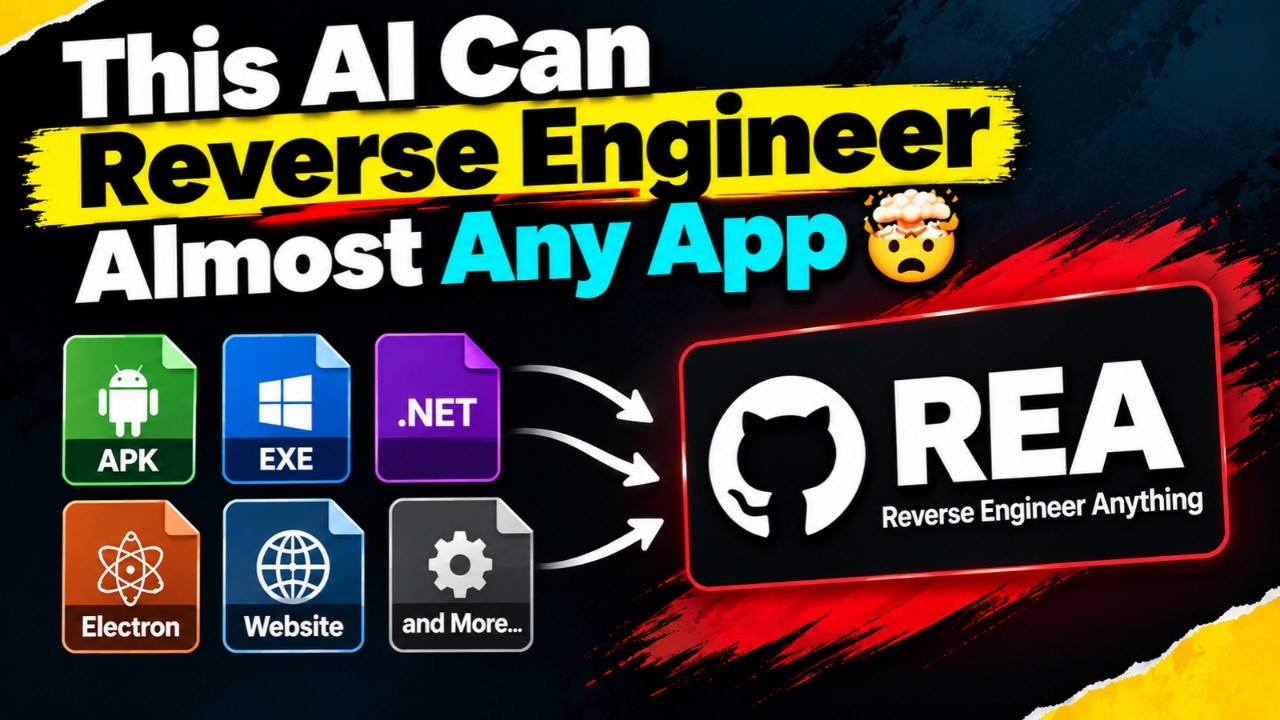
🤯 What if you could give an AI coding agent an APK, EXE, or another supported software artifact and ask it to investigate how the application works?
In this tutorial, we're exploring REA (Reverse Engineer Anything), an open-source GitHub project that connects AI coding agents to reverse-engineering tools. We'll install REA, analyze an application, investigate how a feature works, and use the findings to build a similar implementation in a separate project.
🔥 WHAT YOU'LL LEARN IN THIS VIDEO:
✅ What REA is and how AI-assisted reverse engineering works
✅ How to install and configure REA with a supported AI coding agent
✅ How to analyze an Android APK
✅ How to investigate application structure, classes, methods, and code references
✅ How to use evidence from the analysis to understand a feature
✅ How to ask an AI coding agent to build a similar feature
✅ How to test the generated implementation
✅ How REA supports other analysis workflows for desktop applications, EXE files, .NET assemblies, Electron apps, websites, and native binaries
🛠️ OFFICIAL RESOURCES
🔗 REA GitHub Repository: https://github.com/morluto/rea
📱 MyWalkMap app: https://github.com/kumaresankp/MapMyW...
if you find my work helpful support me by buying a coffee:
https://buymeacoffee.com/kumaresankp
🚀 WHAT MAKES REA INTERESTING?
Instead of relying only on AI-generated guesses, REA gives a coding agent access to tools that can investigate software and return findings with supporting evidence.
You can use those findings to understand an application's structure, investigate specific features, and guide the development of an independent implementation.
However, reverse engineering isn't magic. The depth of analysis depends on the file type, available tools, application complexity, and accessible evidence. Decompiled code is not necessarily the original source code, and a recreated feature still needs proper testing.
⚠️ IMPORTANT DISCLAIMER
Use reverse-engineering tools only on software you own or are authorized to analyze. Respect applicable licenses, intellectual property rights, privacy requirements, and third-party terms. Only reproduce functionality you have the right to use.
REA supports different workflows for different target types; not every APK, EXE, or application can be analyzed in the same way.
Connect with me
telegram https://t.me/programminga2z
x.com https://x.com/kumaresankp21
Linkedin / kumaresankp21
facebook group: https://www.facebook.com/profile.php?...
Threads: https://www.threads.com/@programmingw...
Whatsapp Channel: https://whatsapp.com/channel/0029Vakx...
Medium: / kumaresankp21
Github: https://github.com/kumaresankp
Courses From Me:
Build 10 AI Tools with Python: Complete Automation Course:
https://www.udemy.com/course/build-ai...
Python Course: https://www.udemy.com/course/python-p...
Numpy Course: https://www.udemy.com/course/python-n...
Git and Github Course: • Git & GitHub Complete Tutorial for Beginne...
🔥 If this video helped you, make sure to:
👍 Like the video
💬 Comment your doubts
🔔 Subscribe for more Python, AI & Web Dev tutorials
🔔 Subscribe to Programming with Kumaresan for more practical programming tutorials, AI tools, GitHub projects, and developer workflows.
#REA #ReverseEngineering #AITools #GitHub #OpenSource #Coding #SoftwareDevelopment #APKAnalysis #AICodingAgent #ProgrammingWithKumaresan
Повторяем попытку...
Доступные форматы для скачивания:
Скачать видео
-
Информация по загрузке: