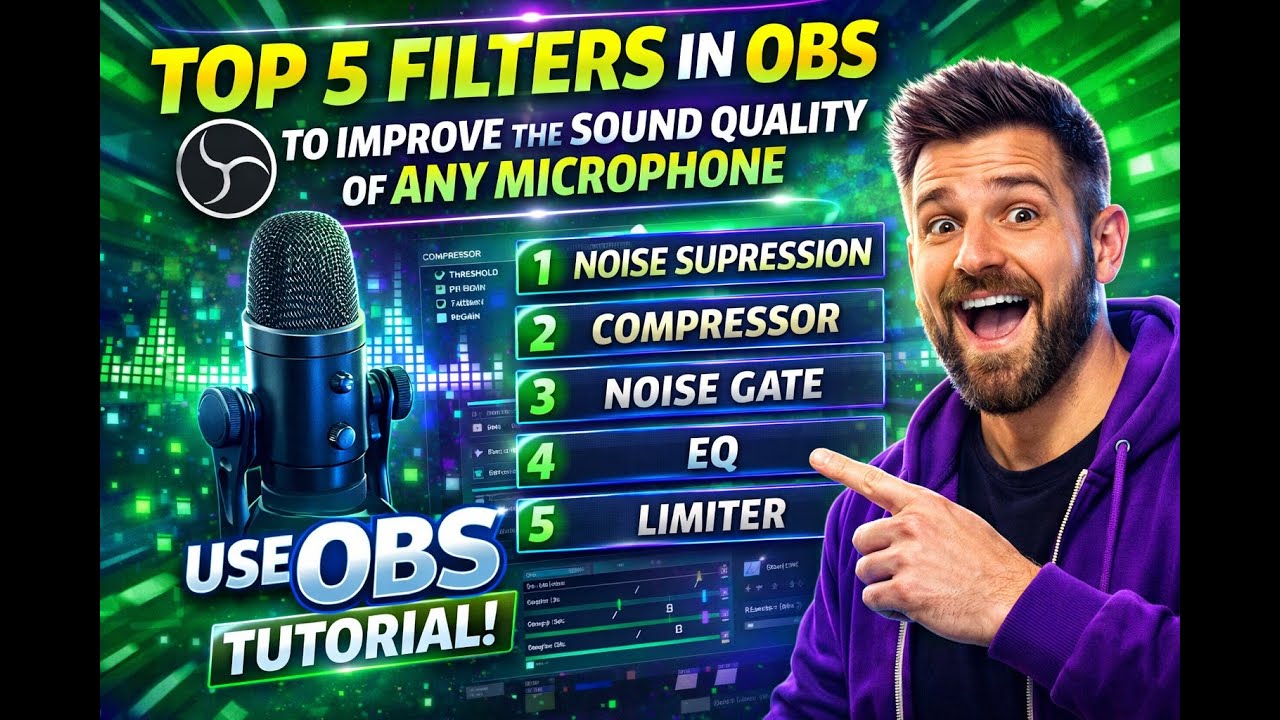
Top 5 Filters in OBS to Improve the Sound Quality of Any Microphone.
Автор: Avishkar Patil
Загружено: 2026-01-18
Просмотров: 1
Описание:
op Audio Filters in OBS Studio (and why they matter)
Noise Suppression – Removes consistent background noise (like fan hum, keyboard clicks, room hiss).
• Best option: RNNoise for higher-quality noise reduction (uses AI).
• Alternative: Speex if you need lower CPU usage.
This filter is essential for cleaner audio before other processing.
Noise Gate – Automatically mutes your mic when you’re not speaking.
Helps cut out low-level ambient noise when you’re silent.
Compressor – Balances your volume by reducing loud peaks and boosting quiet parts.
Makes your voice sound more consistent and professional.
Gain – Adjusts the overall input level of the mic.
Use it to raise soft voices or reduce overly loud input before other filters.
Limiter – Prevents audio clipping and distortion by capping the maximum volume.
Useful after compression to avoid harsh peaks.
Summary Recommendation (simple chain that improves quality):
Noise Suppression → Noise Gate → Compressor → Gain → Limiter.
Start with noise cleanup, then balance and control volume, and finish with limiting to avoid peaks.
Повторяем попытку...
Доступные форматы для скачивания:
Скачать видео
-
Информация по загрузке:


![[Tutorial] of Making Scene Changed Automatically Under Specific APP on FIFINE D6 Stream Controller](https://image.4k-video.ru/id-video/Zr5QPWFTa50)