Leica Captivate Stake Points Tutorial & Tips | Total Station (TS) Stakeout Settings & Workflow
Автор: MaineTechnical
Загружено: 2026-02-17
Просмотров: 88
Описание:
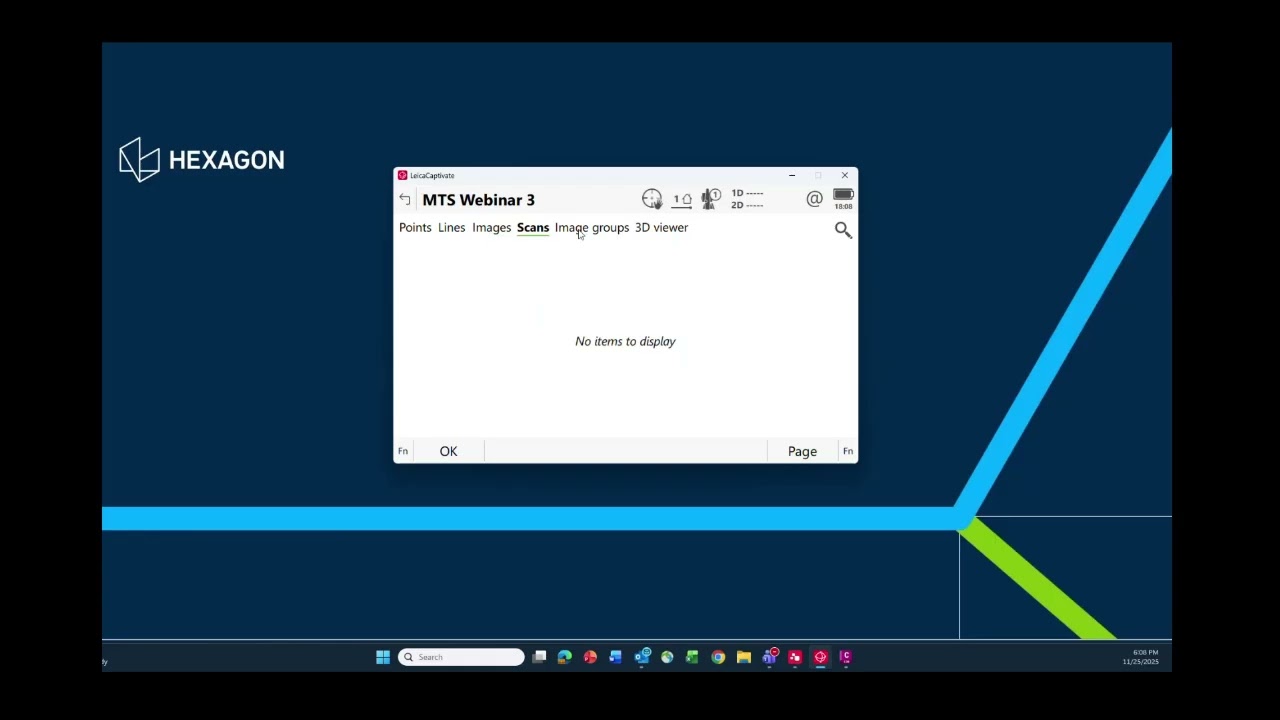
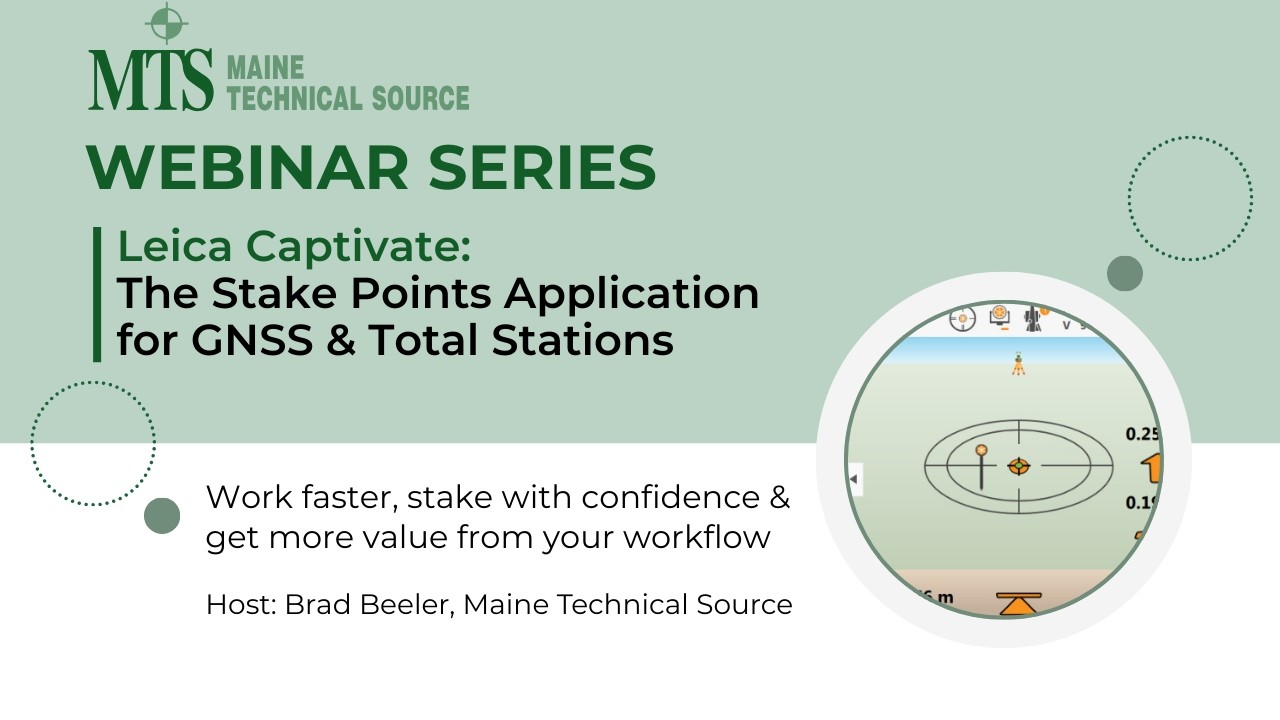
Master the Stake Points application in Leica Captivate with this in-depth training webinar presented by Maine Technical Source. Learn how to configure settings, manage design data, control tolerances, and efficiently stake points using Total Stations.
This session is ideal for surveyors, construction professionals, and field technicians looking to improve layout accuracy and workflow efficiency. Our guest presenter is Pierre Labbe of Leica.
What You’ll Learn
✔ Using design data for staking
✔ Configuring settings for accuracy & quality control
✔ Total Station stakeout workflows
✔ Editing points and staking elevation
✔ Exporting reports and cut sheets
Video Chapters
0:00 Introduction & Use Design Data Option
5:51 Function (Fn) & Settings Overview
13:04 General Settings
16:32 Video & Audio Settings
18:21 Quality Control & Tolerance Settings
19:32 Height Edits & Offsets
20:46 Info Display Options
21:51 Total Station (TS) Specific Options
23:28 Report Sheet
24:24 Map Display Options Overview
25:09 Map Display – General
25:37 Map Display – Points
26:06 Map Display – Lines & Alignments
26:14 Map Display – DTM
26:52 Map Display – Background Image
27:30 Stake Points Screen Icons
34:57 Turn to Point
37:29 Edit a Point
40:07 Stake Points Tools (Fn / F6)
40:23 Check Backsight
40:43 Turn TS to Point (2D / 3D)
40:48 Manual Enter HZ & Distance
41:07 Stake Elevation
41:39 Export Cut Sheet
44:15 Filter Options
46:35 Maine Technical Source Contact Information
🧰 Who This Training Is For
Land surveyors
Construction layout professionals
Civil engineering technicians
Leica Total Station users
Field crews using Leica Captivate
🔔 Stay Connected
Subscribe for more surveying, layout & other training videos.
🌐 https://www.mainetechnicalsource.com
📞 800-322-5003
Повторяем попытку...
Доступные форматы для скачивания:
Скачать видео
-
Информация по загрузке: