Characterizing a T-Posed Character - Mixamo/MotionBuilder for Unreal Virtual Production - Part 1
Автор: Pixel Prof
Загружено: 2021-05-21
Просмотров: 3331
Описание:
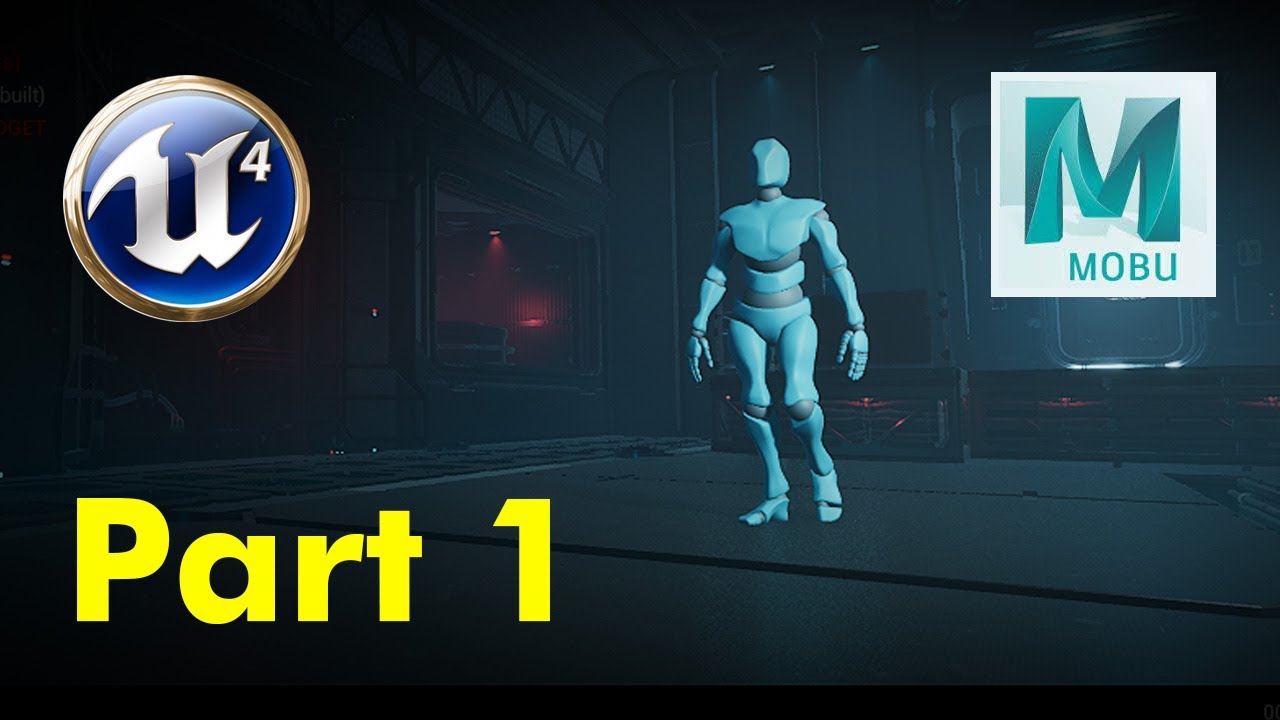
This video is the first in a series showing how to use Autodesk MotionBuilder to quickly blend and extend animation files from Mixamo for use in Unreal Engine animated Virtual Production projects.
To begin, this tutorial shows how to download a T-Posed character from Mixamo and prepare it for Story-Mode animation editing by "Characterizing" the model and its joint system in MotionBuilder.
Autodesk MotionBuilder is available for free to students and teachers through Autodesk's Education Portal: https://www.autodesk.com/education/ed...
The character and animations used in this series are available free from Adobe via the Mixamo.com website. (use an email to set up a free acount):
https://www.mixamo.com/
Topics covered later in this series include....
Part 2:
How to apply a series of multiple animation files to a matching character in MotionBuilder using Story Mode.: • Story Mode Editing Animations - Mixamo/Mot...
Part 3:
How to import the T-Posed Mixamo character into Unreal Engine and apply edited FBX animation files from MotionBuilder: • Character & Animation Unreal Import - Mixa...
Part 4:
How to mix-and-match different animations onto a single character's lower (hips and legs) and upper (torso, head and arms) body segments: • Mix-&-Match Animations - Mixamo/MotionBuil...
Part 5:
How to retarget animations from one character onto another: • Retargeting Animations - Mixamo/MotionBuil...
Part 6:
How to alter animations with the control rig and animation layer features of MotionBuilder: • Altering Animations - Mixamo/MotionBuilder...
Повторяем попытку...
Доступные форматы для скачивания:
Скачать видео
-
Информация по загрузке: