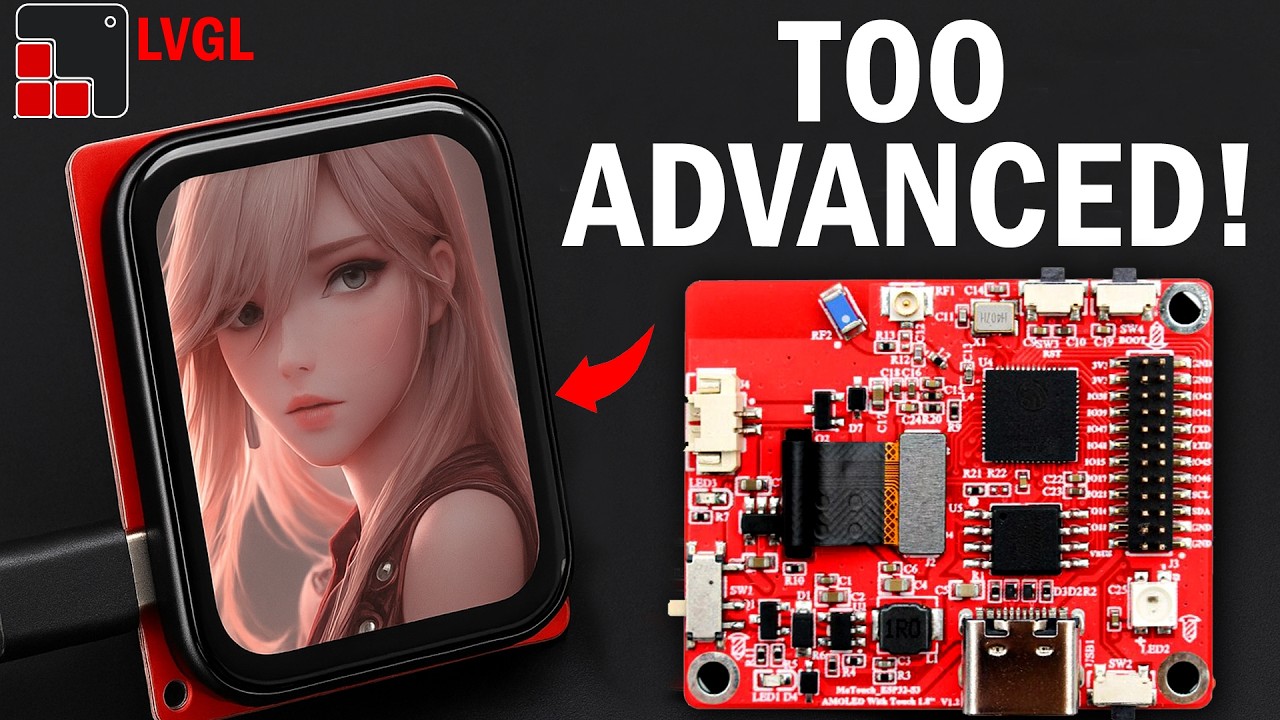
ESP32-S3 AMOLED Touch Display Unboxing & Setup with LVGL + SquareLine Studio
Автор: Electronic Clinic
Загружено: 2025-05-21
Просмотров: 11267
Описание:
ESP32-S3 AMOLED Touch Display Unboxing & Setup with LVGL + SquareLine Studio
Download the code, project template folder, and other resources: Early access available for patrons.
/ esp32-s3-amoled-129511460
Read the Article:
https://www.electroniclinic.com/esp32...
Related Videos:
Part2: Make a digital and an analog watch using the same display
• ESP32-S3 AMOLED Smartwatch UI | Digital + ...
Part3: ESP32-S3 Touchscreen GUI Project with SquareLine Studio | Control Loads & Monitor Temperature
• ESP32-S3 Touchscreen GUI Project with Squa...
Smart bracelet for couples
• ESP32c3 Smart Bracelet for Long Distance C...
Andonstar Digital Microscope:
• Andonstar AD407 Pro 3D HDMI Soldering Digi...
MaTouch ESP32-S3 AMOLED with Touch 1.8” FT3168 "Product Official Link"
https://www.makerfabs.com/matouch-esp...
Project Description:
*****
In this video, you will learn everything you need to unbox, set up, and program the ESP32-S3 AMOLED Display with Touch using LVGL and SquareLine Studio.
Whether you are building a custom user interface, a wearable device, or a smart IoT controller, this complete step-by-step tutorial will guide you through:
Unboxing and first impressions of the ESP32-S3 AMOLED Display
Hardware features overview, including touch controller, display resolution, and pinout
How to install and configure the Arduino IDE for ESP32-S3
LVGL library setup and configuration (v8.3.11)
Creating your first GUI project with SquareLine Studio
Exporting UI files and integrating them into Arduino
Uploading the code and testing your first interactive interface
By the end of this video, you will have a fully working ESP32-S3 AMOLED touchscreen interface, ready for real-world applications like:
Touchscreen dashboards
Portable IoT devices
Smart home controls
Custom HMI systems
Educational or commercial prototypes
If you are new to GUI development or working with the ESP32-S3 AMOLED Display, this video provides hands-on guidance, making it easy for beginners and efficient for experienced makers.
Don’t forget to like, subscribe, and explore more tutorials on IoT, embedded systems, and interface design with ESP32.
*****
Product Links:
*****************
MaTouch ESP32-S3 AMOLED with Touch 1.8” FT3168
https://amzn.to/45lyQMd
Andonstar AD407 Pro Digital Microscope
https://amzn.to/3Wypi9P
DISCLAIMER: This video and description contain affiliate links, which means that if you click on one of the product links, I will receive a small commission. This helps support the channel and allows me to continue to make videos like this. Thank you for your support!
****************
For more Projects and tutorials, visit my Websites
https://www.electroniclinic.com/
Follow me on Instagram:
/ electroniclinic
Follow my Facebook Page, Electronic Clinic:
https://web.facebook.com/profile.php?...
Follow my Facebook Group, Arduino Projects:
/ 190031841821771
Email:
[email protected]
#esp32s3 #MaTouch #touchdisplay
Повторяем попытку...
Доступные форматы для скачивания:
Скачать видео
-
Информация по загрузке: