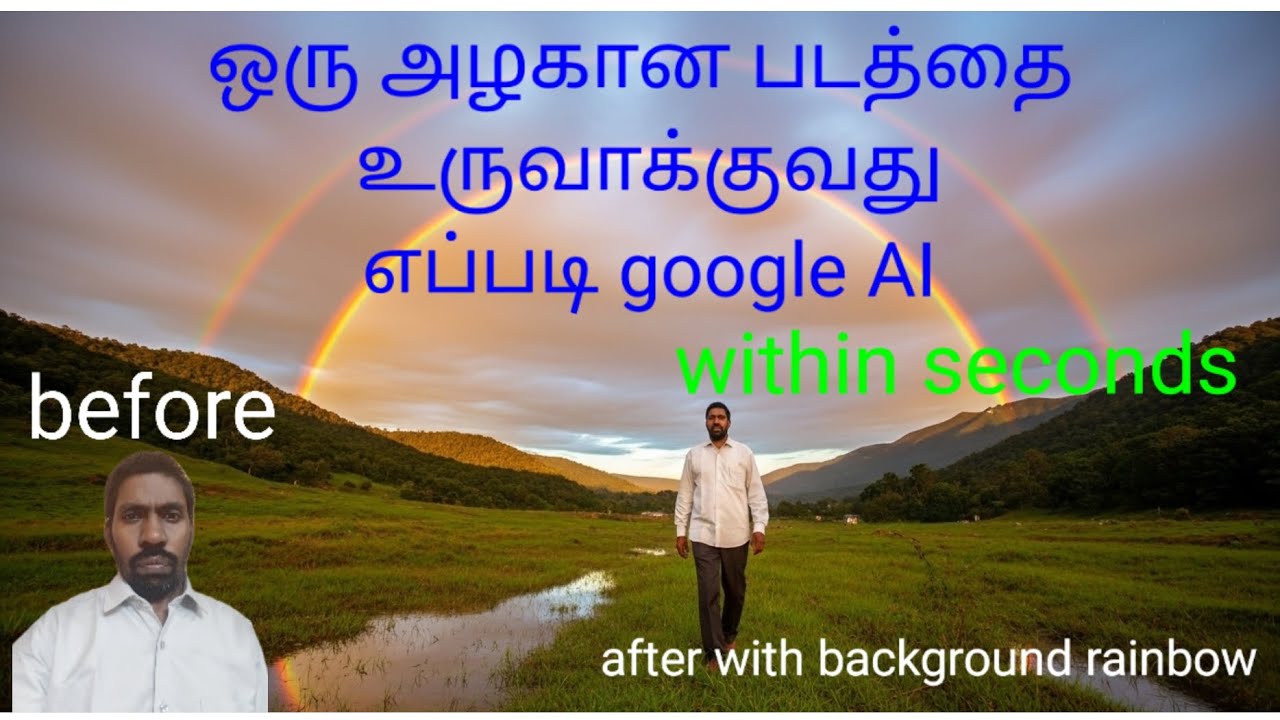
How to create a beautiful image without Photoshop tools. Google AI (whisk ai)
Автор: நான் 360
Загружено: 2025-10-22
Просмотров: 2
Описание:
How to create a beautiful image without Photoshop tools. Google AI (whisk ai)
How to create a beautiful image without Photoshop — using Whisk (by Google Labs)
Here’s a step-by-step guide to making a beautiful image using Whisk — plus some tips and caveats to get better results.
---
✅ What is Whisk?
Whisk is an experimental image-generation tool from Google Labs that allows you to drag & drop images (instead of only typing long prompts) as inputs for subject, scene and style.
Behind the scenes:
It uses Gemini to automatically write detailed captions of uploaded images.
Then feeds that into the newest image-generation model Imagen 3 (by DeepMind/Google) to generate the final image.
The idea: instead of carefully crafting long text prompts, you choose images for:
1. Subject (what’s the main focus)
2. Scene (environment/context)
3. Style (aesthetic / mood / technique)
Then the system remixes these to create something new.
---
🛠 Step-by-step: how to create
Here’s how you’d use Whisk in practice:
1. Choose or prepare your images
Pick an image for the “subject” — what you want to highlight (e.g., a person, an object, a creature).
Pick an image for the “scene” — where the subject will be (e.g., forest, cityscape, beach).
Pick an image for the “style” — the look/feel/mood (e.g., watercolor painting, neon cyberpunk, minimalist flat design).
If you don’t have images, some presets or automatically generated images may be available.
2. Upload / drag & drop into Whisk
Use the interface of Whisk to place your subject, scene and style images.
You might also be able to add a short text prompt to refine further.
3. Generate and iterate
The system uses the uploaded images to create a detailed prompt internally (via Gemini) and then runs the image generation (via Imagen 3).
Once you have a generated image, you can refine it: tweak the prompt, upload different style/scene, adjust light/mood.
Generate multiple variations, pick the best one, download it when you’re satisfied.
4. Download / use your image
When you have an image you like, save it. Then you can bring it into other tools if you want to do minor edits or add text.
---
🎨 Tips to make a beautiful final image
Here are some tips to improve the aesthetics and final look of your image using Whisk:
Think about clear subject, scene and style
The more distinct and strong your choice of images (subject/scene/style), the more interesting the remix.
E.g., for subject use a high-quality image of the object/person you want. For scene pick something with interesting lighting or mood. For style choose a strong aesthetic (e.g., cinematic, fantasy, pastel illustration).
Lighting & mood matter
Try choosing a scene image that has good lighting (golden hour, dramatic shadows) so that the generative model captures that mood.
You can also add text refinement like “soft warm light”, “rim lighting”, “dramatic shadow”.
Style coherence
If your style image is too abstract or drastically different from your subject/scene, the result might look off. Try styles that complement your subject.
Refine iteratively
Use the refine-mode or tweak the prompt after generation. You might want the same composition but a slightly different angle or color palette.
Mind composition & framing
Even though it’s AI-generated, think about whether you prefer portrait vs landscape, where the subject sits in the frame, etc.
Export with high resolution
If available, choose a higher resolution output so it remains crisp for printing or large display.
Post-edit as needed
Though you’re avoiding Photoshop for primary creation, you may still use a simple photo editor to adjust colours, crop, or add finishing touches.
---
⚠️ Things to keep in mind / limitations
Whisk is not designed for pixel-perfect edits like fine touch-ups. It’s more for rapid creative exploration.
Because it “captures the essence” of your reference images (subject/scene/style) rather than making exact replicas, results may differ from what you imagined.
It may have limitations in terms of availability (initially US only) or region & account requirements.
If you upload copyrighted or sensitive images as references, you should check usage rights and terms of service.
AI-generated images may sometimes have odd artifacts (hands, fingers, text in image may appear weird).
As with all generative tools, check whether you are allowed to use the generated images for commercial purposes (this will depend on tool’s terms).
---
If you like, I can walk you through a live example of making an image in Whisk (with subject/scene/style selection) and show what kinds of prompts/refinements work best. Would you like to do that?
Повторяем попытку...
Доступные форматы для скачивания:
Скачать видео
-
Информация по загрузке:


