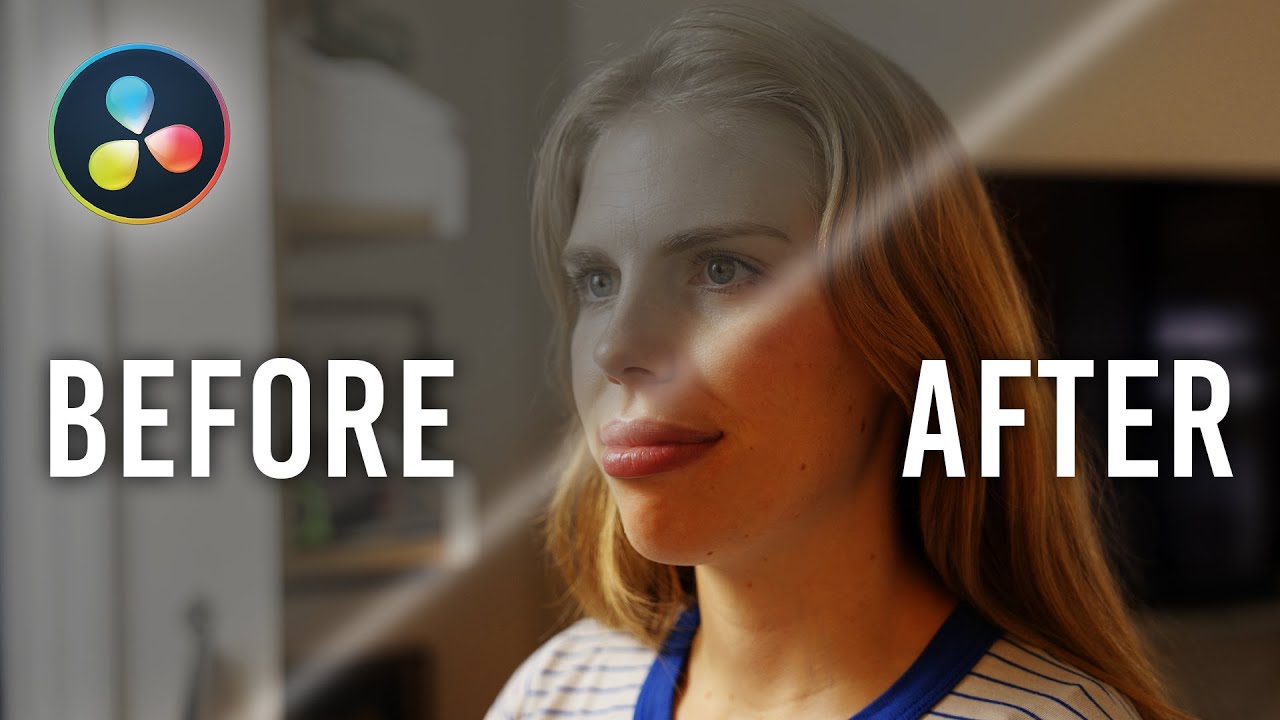
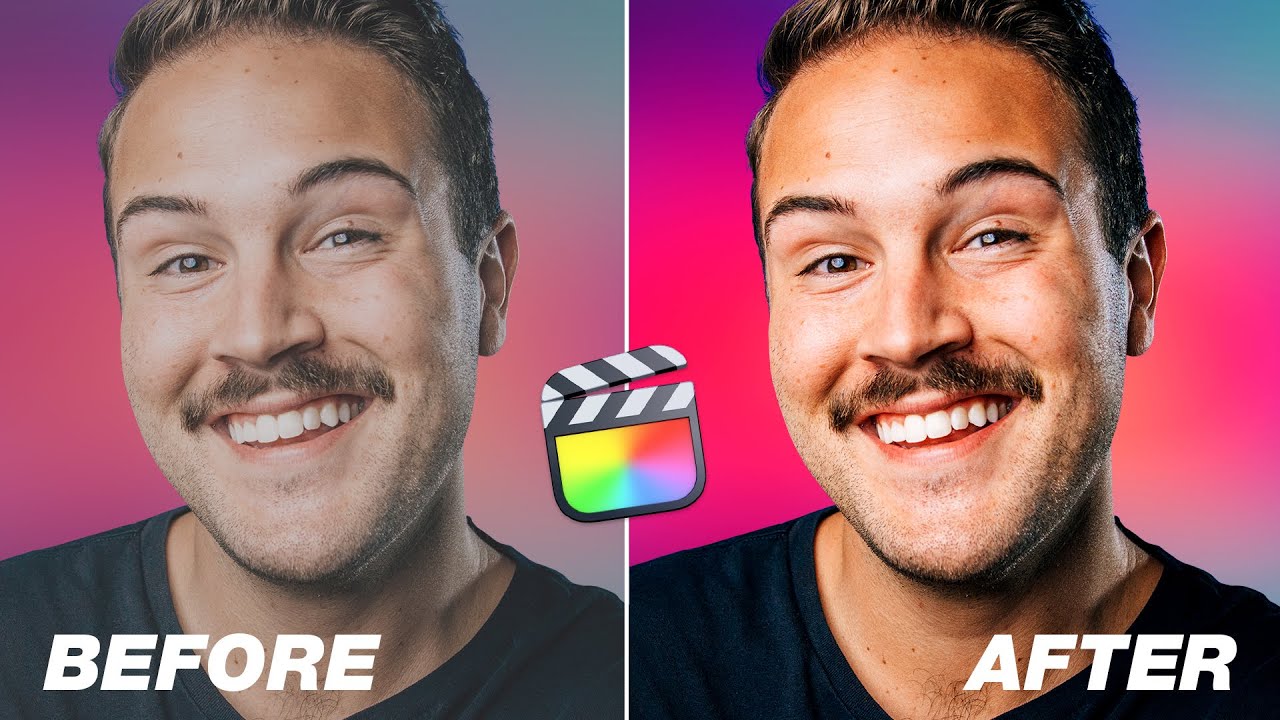
DaVinci Resolve Color Grading Features in Final Cut Pro?
Автор: Dylan John
Загружено: 2023-04-26
Просмотров: 21786
Описание:
Get the PRO LOOK you're looking for
🎨 https://geni.us/AmazingFCPColorGrading 🎨
(Students get 50% OFF Color Finale 2 Pro)
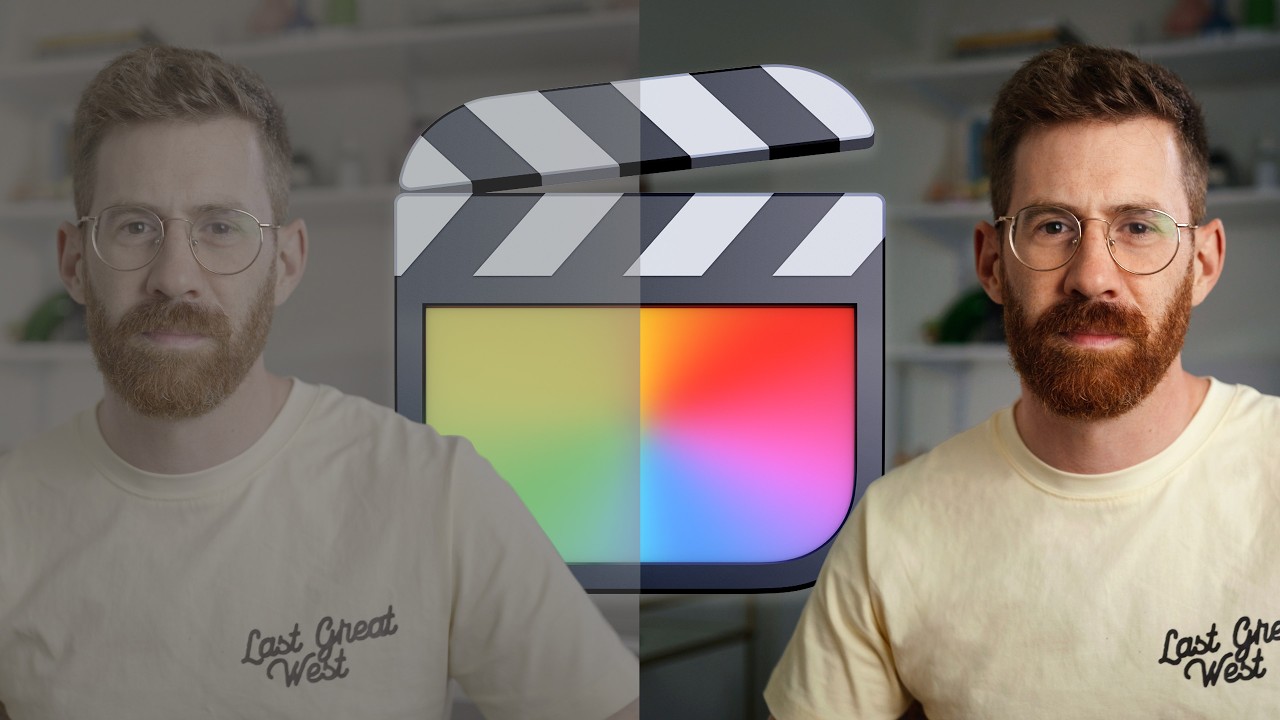
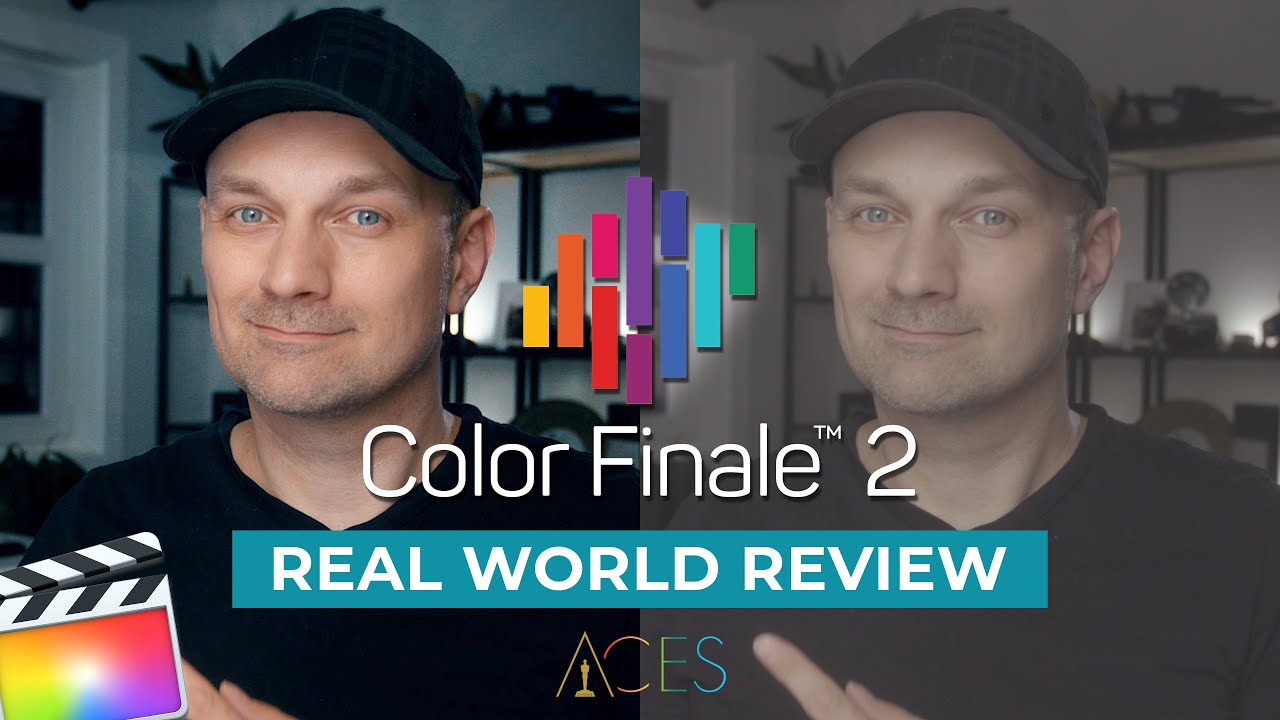
Thinking you need to switch to DaVinci Resolve for serious color grading in your videos? Think again! For most Final Cut Pro users, the powerful Color Finale 2 Pro plugin brings high-end color tools right into your familiar editing environment. You might not need to leave FCP after all! In this video, I dive deep into why Color Finale 2 Pro is a game-changer for FCP color grading, offering features that directly rival Resolve's capabilities:
✅ Log Wheels vs. Standard Wheels: Get granular control over your highlights, midtones, and shadows with log wheels, allowing for subtle, professional adjustments without breaking your image.
✅ Blur/Smoothing for HSL Masks: Unlike FCP's native tools, Color Finale 2 Pro adds crucial blurring to your HSL masks, ensuring natural-looking color transitions and preventing harsh edges.
✅ ACES Workflow Support: Learn how to implement the Academy Color Encoding System (ACES) for consistent, standardized color across all your devices and a more realistic color transformation, especially with log footage.
✅ Organized Color Corrections: Finally, rename and group your color corrections just like in Resolve, making complex grading projects manageable and efficient.
✅ Advanced Tracking Masks: Explore a suite of powerful, trackable masking tools, including Edge, B-Spline, Bezier, and Image Masks to precisely isolate and adjust specific areas of your shot, complete with blend modes!
While DaVinci Resolve is the industry standard for color, Color Finale 2 Pro closes the gap significantly for Final Cut Pro editors. It's a robust solution for achieving stunning cinematic looks without the need to roundtrip your footage or learn a new software. Streamline your workflow and elevate your color grade, all within FCP!
🧰 MORE CREATOR TOOLS
🖍️ LUTs → https://geni.us/greatvideoLUTs
🔥 Filmic Burns Pack → https://www.dylanjohndickerson.com/fi...
📋 Free FCP Cheat Sheet → https://www.dylanjohndickerson.com/fr...
Learn, grow, and connect with other creators in my FREE Discord community
🌱 / discord
---------------------------------------------------------
✏️ AWESOME FCP PLUGINS
Smooth Zooms with Zero Keyframes | https://geni.us/ProZooms
Really Useful Animation Plugin | https://geni.us/ProAnimate
Best Picture in Picture Effect | https://geni.us/FCBPictureinPicture
Awesome for Content Creators | https://geni.us/ProVertical
Professional Color Grading Plugin | https://geni.us/ColorFinale
▪️ 50% OFF if you join my color grading masterclass (https://geni.us/AmazingFCPColorGrading)
Remove Video Noise Easily | https://geni.us/neatvideo
Best Film Emulation Plugin | https://geni.us/EMUL8
Great Echo/Room Noise Remover | https://geni.us/Deroom
One Plugin Tool to Rule Them All | https://mvfx.co/DesignStudio/DylanJohn
📲 WEBSITES/APPS I LOVE
Best Creative Asset Library | https://geni.us/Artlist2freemonths
▪️ Get 2 months free w/this link!
My Go-To Voice Audio Enhancer | https://geni.us/AuphonicAI
AI App That Speeds Up Editing | https://geni.us/editquickly
Free FCP Plugin Installer | https://geni.us/freeplugininstaller
Greatest Way To Organize Ideas | https://geni.us/TryMilanote
Free Sound Effects Library App | https://getsoundly.com
▪️ For paid plan, use DYLANJOHN for 3 free months!
MY WEBSITE (Free Products/Courses/Gear List)
👉 https://www.dylanjohndickerson.com
PS: Some of the links in this description are affiliate links and I get a small kick back for them at no extra cost to you. Thanks for your support!
CHAPTER MARKERS
00:00 - Advanced color grading with Color Finale 2 Pro
00:25 - Don’t pick up the pitchforks just yet!
00:52 - Primaries wheels AND Log wheels in the plugin
01:11 - The issue with Primary color wheels
01:31 - The benefit of Log wheels
01:59 - Blurring option with HSL mask selection
02:19 - Why is this important?
02:47 - The power of a smoother selection
03:05 - Color Finale 2 Pro supports an ACES workflow
03:38 - An example of ACES in CF2 Pro in action
04:25 - Naming and grouping of layers
04:59 - Other masking features
05:40 - Can use blend modes on individual layers
05:55 - Not Resolve and not perfect
06:27 - Thanks so much for watching!
Повторяем попытку...

Доступные форматы для скачивания:
Скачать видео
-
Информация по загрузке: