How to connect Levoit Core 200S with the phone
Автор: HomeTech Explorers
Загружено: 2025-01-15
Просмотров: 4295
Описание:
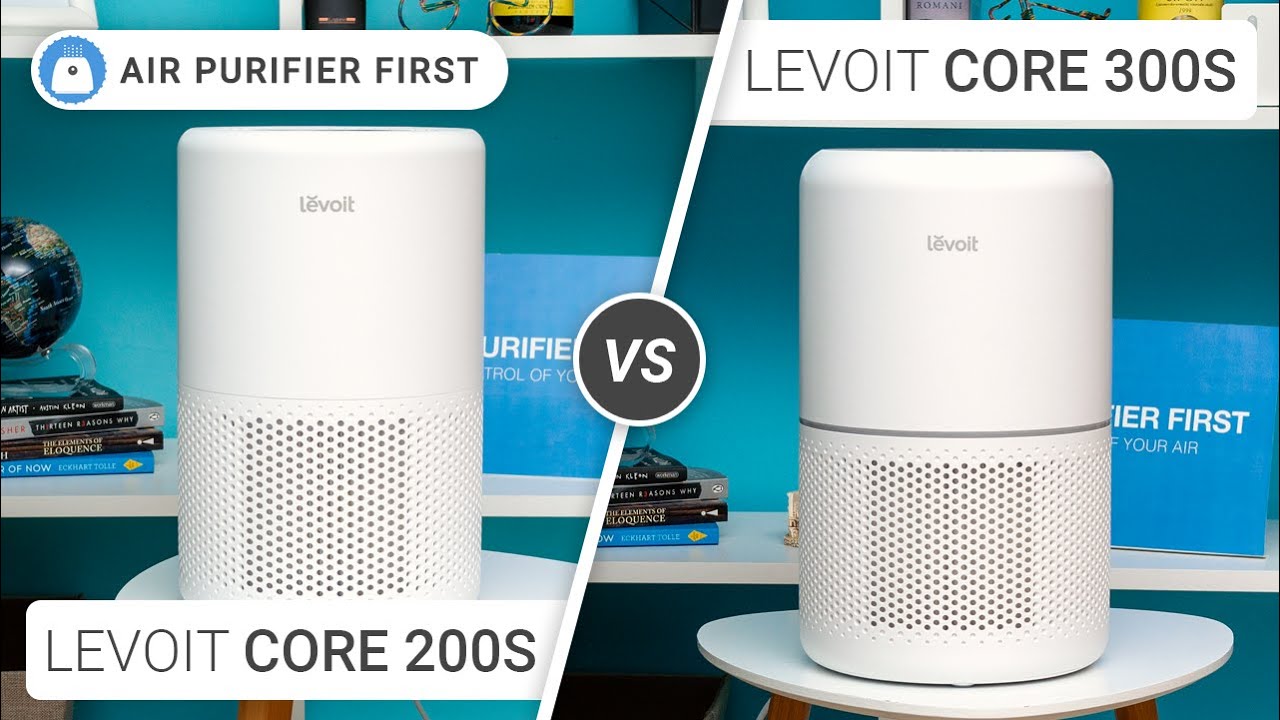
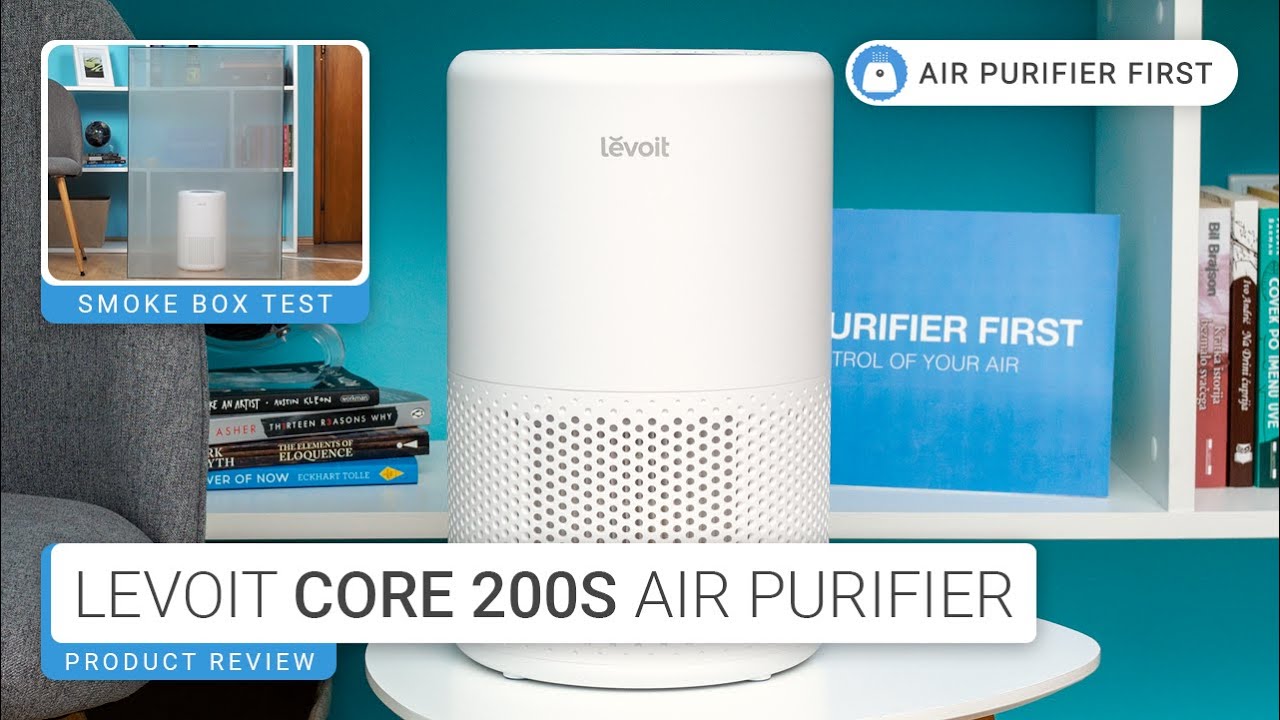
Hello. In this video I will show you how to connect your phone to the Levoit Core 200S air purifier.
For this we will need the VeSync application.
You can find the product here : https://amzn.to/40mGIKJ
You have to create an account like with any other application.
If you don't have any Levoit devices, you will now have to add the Levoit Core 200 S purifier.
First, I will connect to the wifi in my house, because I have to be on the same 2.4 GHz network as our purifier Levoit Core 200 S.
In the application we have a lot of things to choose from, so I will choose: air quality.
I'm going to look for Levoit Core 200 series. And it asks me to turn on bluetooth.
I'm going to hold down the power button for 5 seconds.
Now, the wifi LED has turned on and shows me on my phone that it's trying to connect.
I'm going to choose the wifi network that the phone is connected to.
It already tells me that there is a firmware update for it, I'll do it now because I can't go any further than this step.
I was very, very curious about one thing, if he knows that I used the device for 2 weeks without installing the application. And hey, he knows, filter life is at 97 percent. So we couldn't fool him.
From this application we can make a few settings, not very many, because the purifier doesn't have a dust sensor, we won't know the pm 2.5 level or the allergen level. We won't be able to leave it on auto mode and have it turn on when the air is polluted, also because it doesn't have that sensor.
We can set a program for it to turn on or off.
And a timer for it to turn off.
That's about all you can do.
What do you think of the application? Useful or not? Can you do without it?
Write your opinions in the comments, and don't forget to subscribe.
Until next time, all the best.
If you like my channel, you can subscribe here:
/ @hometechexplorers18
▬ Contents of this video ▬▬▬▬▬▬▬▬▬▬
0:00 - Instal the application VeSync
1:26 - Connecting the phone
2:50 - Presenting the menu of aplication
#levoit #levoitcore #levoitcore200s
Повторяем попытку...

Доступные форматы для скачивания:
Скачать видео
-
Информация по загрузке:







![[4K FULL HD] Relaxing Water Background | 1 HOUR | Calm Water Wallpaper (No Sound)](https://imager.clipsaver.ru/y9PTNTSpGJs/max.jpg)